
IP Rating: How much water can your phone withstand? Here’s how to check the IP rating—get all the details in 2 minutes..
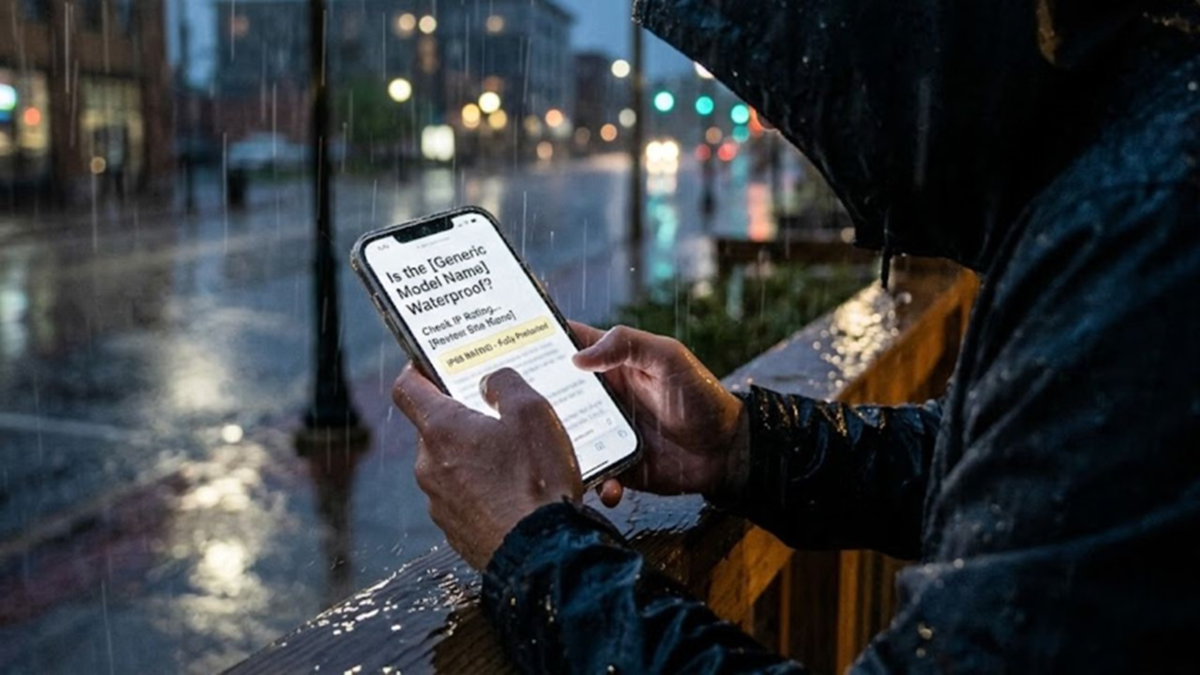
Sudden, heavy monsoon downpours often leave you with no time to react. Intense raindrops can soak the smartphone in your pocket within seconds. If the phone isn't waterproof, there is a risk of water damage. Therefore, before buying a new phone, it is crucial to understand the level of protection it offers against water and dust.
This information is provided by the phone's IP rating. However, it is important to note that most phones are not completely impervious to water. An IP rating simply indicates the device's level of protection against water and dust under specific conditions. Let’s look at how you can check your phone's water resistance capabilities.
**First, identify the phone model**
To check the IP rating, you first need to know your phone's exact model number. Open your phone's settings and navigate to the "About Phone" or "About Device" section. Here, you will find details regarding the phone model. Once you have the model number, finding its IP rating becomes easy.
**How to search for the rating on Google**
After obtaining the model number, you can search for it on Google by typing the phone's name followed by "IP Rating." For instance, to find details about the Google Pixel 8, search for "Google Pixel 8 IP Rating." Similarly, for an iPhone, you can search for the specific model followed by "Water Resistance" to get the relevant information. The IP rating may also be listed on the phone's packaging or in the user manual.
**The manufacturer's website is the most reliable source**
If you find conflicting information across various websites, check the official website of the phone's manufacturer. Companies like Samsung, Apple, and Google provide details regarding water and dust protection in their phones' technical specifications.
**How to keep your phone safe during the rain?**
Even if you know the IP rating, it is not wise to intentionally expose your phone to water. Use a waterproof cover during the rain. If water enters the charging port, do not charge the phone immediately; allow the port and the phone to dry thoroughly first.
Don't take risks with your phone.
It is worth noting that smartphones with IP67, IP68, and IP69 ratings offer the best protection against water and dust. However, this does not mean you should test the phone by submerging or soaking it in water. Over time, the water-resistant seals can weaken, and the phone's protection can also be compromised if it is dropped or damaged. Therefore, while knowing your phone's IP rating is important, exercising caution is even more crucial.
Disclaimer: This content has been sourced and edited from Amar Ujala. While we have made modifications for clarity and presentation, the original content belongs to its respective authors and website. We do not claim ownership of the content.
