
iOS 27 Public Beta update released for iPhone users; here is the step-by-step guide to installing it..
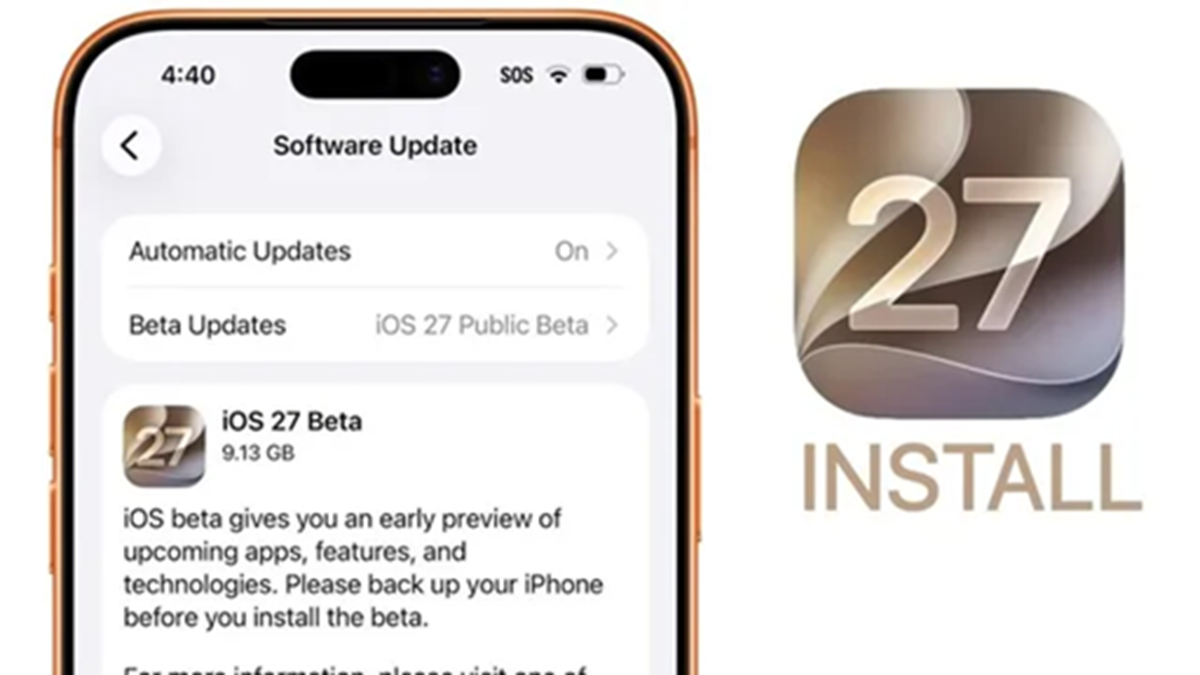
Apple announced its new operating system, iOS 27, at WWDC 2026, and the public beta update has now been released. This means iPhone users can try out Apple's new features before the official launch. This time, the company is focusing heavily on Artificial Intelligence (AI).
Siri has received its biggest upgrade ever in iOS 27. Additionally, new AI features have been added to Photos, Safari, Passwords, Shortcuts, and several other apps. Let’s first look at how to install the iOS 27 public beta update.
How to install the iOS 27 public beta update?
You do not need a developer account to download the iOS 27 public beta on your iPhone.
First, visit the Apple Beta website.
Sign in with your Apple Account.
Join the Beta Software Program.
Then, go to Settings > General > Software Update on your iPhone.
Download the iOS 27 public beta from there.
Keep in mind that this is a beta version, so you may encounter bugs, battery drain, and compatibility issues with certain apps. Therefore, be sure to back up your iPhone before installing it. Apple has released public beta updates not only for iOS 27 but also for iPadOS 27, macOS 27 Golden Gate, and watchOS 27.
Which iPhones will receive the update?
The iOS 27 public beta update will be available for all iPhone models that support iOS 26. This list includes all models from the iPhone 11 onwards, as well as the iPhone SE (2nd Gen) and later models. However, the new Siri AI feature will only be available on the iPhone 15 Pro, iPhone 15 Pro Max, and newer models that support Apple Intelligence.
Disclaimer: This content has been sourced and edited from Dainik Jagran. While we have made modifications for clarity and presentation, the original content belongs to its respective authors and website. We do not claim ownership of the content.
