
Internet: Why does your phone's internet slow to a crawl during heavy rain? Find out why the speed suddenly drops..
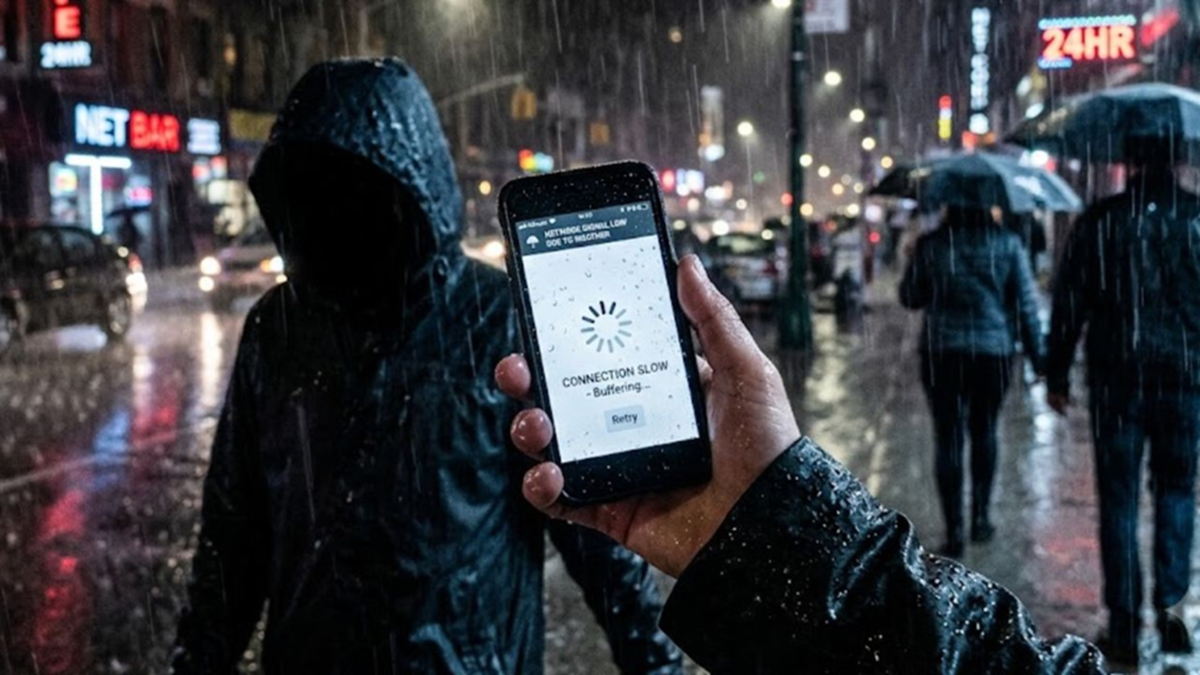
It is pouring rain outside the window, and the weather is absolutely delightful. You have a cup of tea in one hand and a plate of piping-hot *pakoras* (fritters) in the other. You decide to lie back on the sofa and watch the latest episode of your favorite web series. But the moment you press the 'play' button on the TV screen... that dreaded spinning buffering wheel appears. The crisp 4K resolution screen suddenly dissolves into blurry, low-quality 144p pixels.
This is the story for millions of smartphone and broadband users across the country during every monsoon or spell of unseasonal rain. Even if there isn't a traffic jam on the roads, your phone's network certainly gets clogged. But have you ever wondered what the rain falling from the sky has to do with internet speed? Let’s find out why rain chokes the life out of high-speed internet.
1. Raindrops become the enemy of radio waves
We tend to think that the internet floats through the air to reach our phones, but in reality, it relies on electromagnetic or radio waves. When the skies are clear, these waves travel from the cell tower to your phone without any obstruction. However, during rain, millions of water droplets stand in the path of these waves. Scientifically speaking, water absorbs these radio waves or scatters them upon impact. In the technical world, this phenomenon is known as 'rain attenuation' or 'rain fade.' The heavier the rain, the more waves the droplets absorb, and consequently, the weaker the signal reaching your phone becomes.
2. People confined indoors and 'digital traffic jams'
It isn't just technology; human behavior during the rain is also a major reason for slow internet speeds. When it is pouring outside, people prefer to stay indoors. In such situations, most people pass the time by scrolling through social media, streaming movies, or playing online games. This results in a sudden, heavy traffic load on the local tower in your area. It is akin to thousands of vehicles suddenly flooding a four-lane highway. The load on the server increases, and as bandwidth is shared, every user's speed drops to half or even less.
3. Water in cables slows down speeds too
If you believe your home connection—whether fiber optic or broadband—is immune to the effects of rain, you are mistaken. While water does not directly affect fiber cables, signal leakage or short circuits can occur when water seeps into junction boxes mounted on utility poles or into underground cabling. Additionally, if storm winds cause mobile tower antennas to shift even slightly from their position, coverage across the entire area deteriorates.
4. High frequency means more issues
Telecom experts note that as we transition to newer technologies (such as moving from 4G to 5G), we are utilizing higher frequencies. While high-frequency signals (like 5G) transmit data rapidly, their shorter wavelengths make it difficult for them to penetrate obstacles such as rain, trees, and walls. Consequently, 5G networks are the most prone to faltering during rain.
So, what is the solution?
Switch bands: If your home Wi-Fi slows down during rain, adjust your router settings to connect to the 2.4GHz band instead of the 5GHz band. Similarly, switch your mobile internet settings from 5G to 4G. This helps maintain internet speed and prevents sudden network drops. Download beforehand: If the weather department issues a heavy rain alert, download your favorite movies or series episodes in advance.
Router placement: Do not place your broadband router near windows, damp walls, or right on the floor.
Disclaimer: This content has been sourced and edited from Amar Ujala. While we have made modifications for clarity and presentation, the original content belongs to its respective authors and website. We do not claim ownership of the content.
