
Instagram: Give Your Thumb a Rest! Reels Will Switch Automatically on Instagram—Just Turn On This Feature..
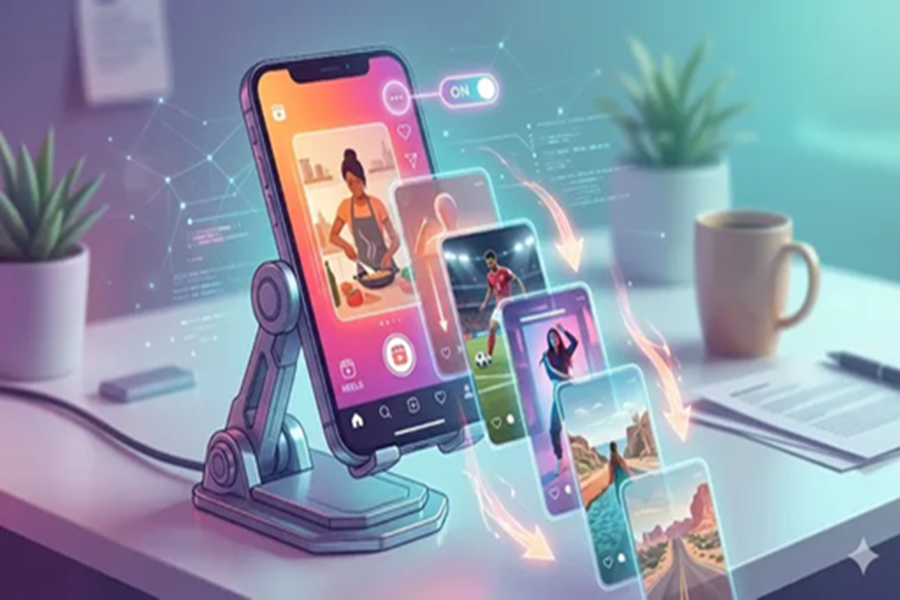
Instagram released an auto-scroll feature for Reels last year. This allows users to watch videos for extended periods without tiring their thumbs. With this built-in auto-scroll tool for Instagram Reels, the next clip plays automatically. This eliminates the need to swipe repeatedly, ensuring the feed continues to play seamlessly. Let's find out how to use it.
It is worth noting that this feature operates directly within the standard Reels player and does not require any additional apps. It is integrated right into Instagram's official interface. Consequently, it is safer than third-party tools that often request login credentials or additional permissions. Once configured, it continues to scroll until the user chooses to stop it. Enabling this feature is quite simple.
How to Enable Auto-Scroll for Instagram Reels?
Step 1: Open the Instagram app on your Android or iOS device and navigate to the Reels feed. Tap on the Reels icon located on the bottom navigation bar. This will automatically start playing a random Reel. Once a Reel begins to play, look toward the right side of the screen. You will see a three-dot button displayed alongside the other action icons.
Step 2: Tap on this three-dot menu to access additional options for that specific Reel. In the list that appears, look for "Auto Scroll." Use the toggle switch located next to it to turn this feature on. Once enabled, return to the Reel. With the feature active, the current Reel will automatically transition to the next one. This process will continue automatically thereafter.
Auto-scroll is ideal for hands-free viewing—for instance, when your phone is placed on a stand or while you are engaged in activities such as cooking. It is also perfect for users who wish to watch trending clips, entertainment videos, or sports highlights without having to touch the screen.
Users can disable the Instagram Reels auto-scroll feature at any time by simply returning to the same menu. However, unless you turn it off again, Reels will continue to scroll automatically the next time you open the app. This feature does not alter what the algorithm shows you; rather, it merely changes the way the clips advance.
Disclaimer: This content has been sourced and edited from Dainik Jagran. While we have made modifications for clarity and presentation, the original content belongs to its respective authors and website. We do not claim ownership of the content.
