
Instagram Close Friends for Posts and Reels: How to Share Content with a Private Circle
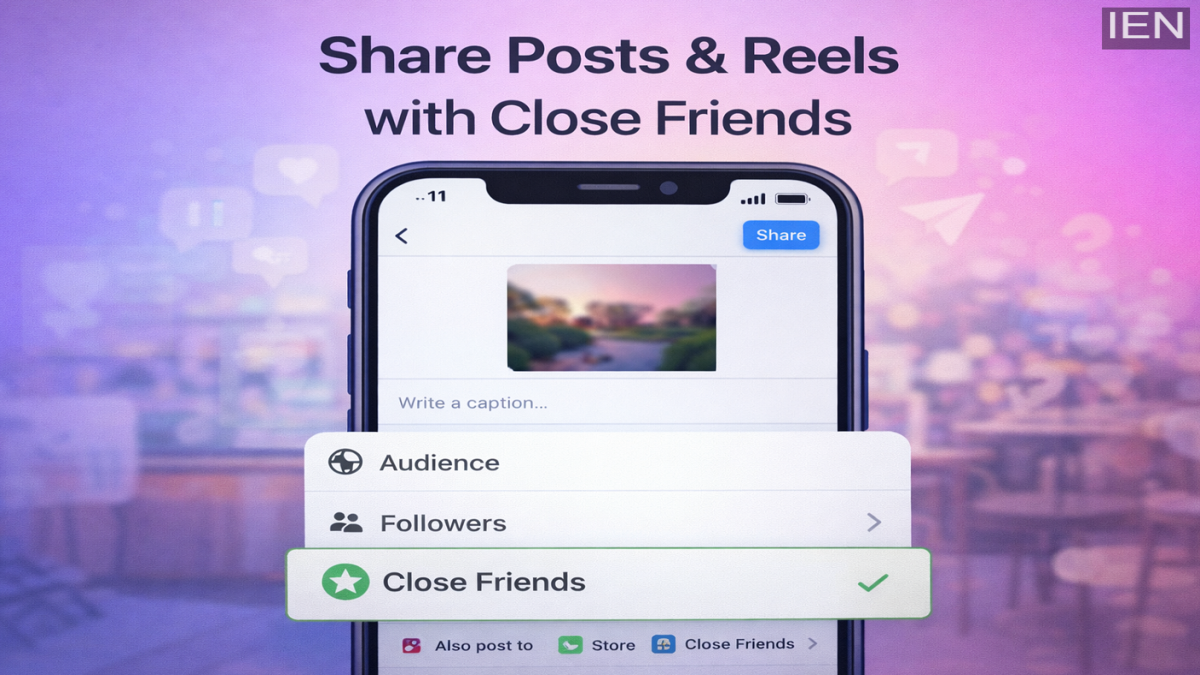
Instagram users now have greater control over who sees their content, thanks to an expanded Close Friends feature. Earlier limited to Stories and Notes, the option to share with Close Friends has now been extended to regular posts and Reels as well. This update allows users to restrict their audience and share selected content with a trusted group instead of their entire follower list.
If you want to post something personal, exclusive, or limited to a smaller audience, this feature can help you maintain privacy while staying active on the platform. Here’s a complete step-by-step guide on how to use Instagram’s Close Friends feature for posts and Reels.
What Is the Close Friends Feature on Instagram?
The Close Friends feature lets you create a curated list of followers who can see specific content. Previously, it was mainly used for Stories. However, with recent updates from Instagram, users can now apply the same privacy setting to feed posts and Reels.
This enhancement is especially useful for users who want to share personal moments, behind-the-scenes content, or exclusive updates without making them visible to everyone.
Step 1: Make Sure Your Instagram App Is Updated
Before using the Close Friends feature for posts and Reels, ensure that your app is running the latest version. Updates often introduce new features and improvements.
-
Go to the Google Play Store (Android) or Apple App Store (iPhone).
-
Search for Instagram.
-
Tap “Update” if an update is available.
Using the latest version ensures that all new features are accessible on your account.
Step 2: Create or Edit Your Close Friends List
To use this feature, you must first set up your Close Friends list.
-
Open the Instagram app.
-
Go to your profile.
-
Tap the three horizontal lines (menu) in the top-right corner.
-
Select “Close Friends.”
Instagram may suggest people based on your interaction history. You can:
-
Add suggested accounts.
-
Manually search for and select users.
-
Remove people anytime if needed.
Once you’ve finalized your list, tap “Done” to save it.
Important Note: The Close Friends list is universal. This means the same list applies to Stories, Notes, Reels, and feed posts. Currently, Instagram does not offer separate Close Friends lists for different content types.
Step 3: Create a Post or Reel
After setting up your Close Friends list, you can start sharing exclusive content.
-
Tap the “+” icon to create a new post or Reel.
-
Select your photo or video.
-
Edit it as desired using filters, captions, and tags.
Proceed to the final sharing screen.
Step 4: Select the Audience Option
During the final stage before posting:
-
Look for the “Audience” setting.
-
Tap on it to choose who can view your content.
If your account supports the feature, you will see an option labeled “Close Friends.”
Step 5: Share with Your Close Friends
Select “Close Friends” and then tap “Share.”
Your post or Reel will now be visible only to the users included in your Close Friends list. Other followers will not see this content on their feed.
This feature is particularly helpful for:
-
Sharing personal updates.
-
Posting content meant for a smaller group.
-
Testing content before sharing publicly.
-
Maintaining a balance between privacy and engagement.
Why Use Close Friends for Posts and Reels?
With increasing concerns about digital privacy, many users prefer selective sharing. Instead of creating a separate private account, Close Friends offers a simple solution within your main profile.
Some benefits include:
-
Better audience control.
-
Enhanced privacy.
-
Stronger engagement with trusted followers.
-
Freedom to share exclusive content.
As social media continues to evolve, features like these provide users with more flexibility and personalization options.
Final Thoughts
Instagram’s expansion of the Close Friends feature to posts and Reels marks a significant step toward improved privacy controls. Whether you are an everyday user, content creator, or influencer, this tool helps you tailor your audience and share content more intentionally.
By following the steps above, you can easily manage who sees your posts and maintain a more controlled social media experience.
