
Instagram Bio Links: How to add five links to your Instagram bio at once? Learn the easiest way..
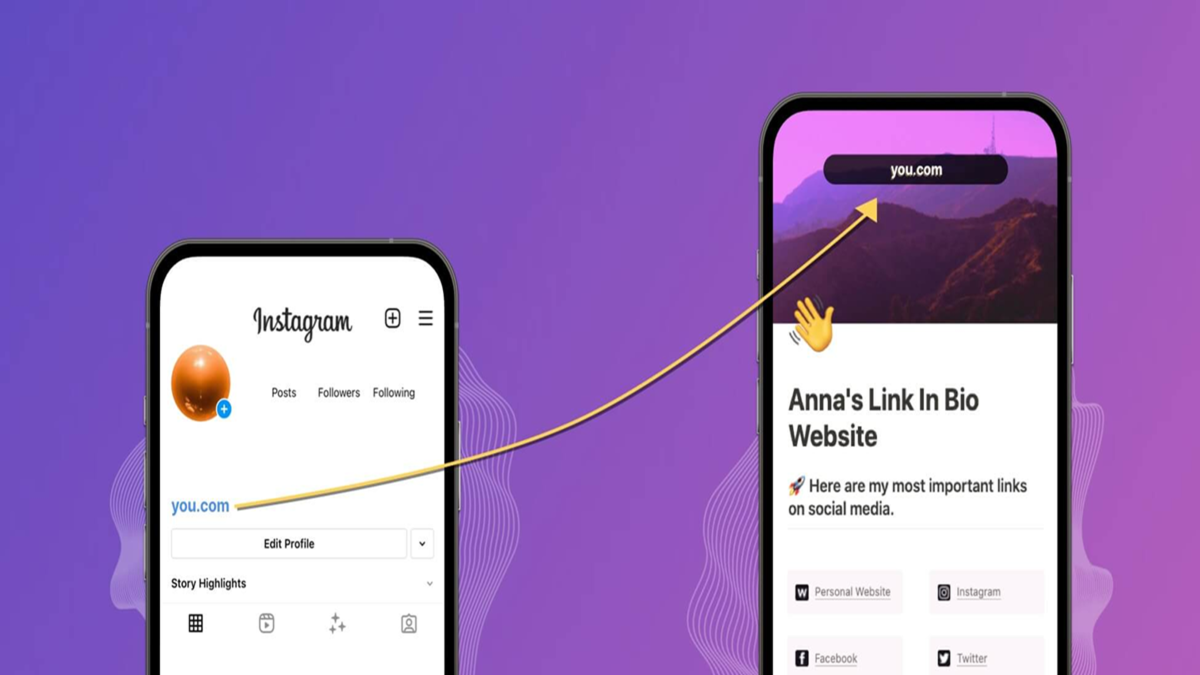
Instagram Multiple Links: Today, Instagram is used not just for entertainment or sharing photos and videos, but also for business, by creators, and to showcase professional portfolios. Consequently, many people want to add links to their websites, YouTube channels, online stores, and other social media accounts in their Instagram bios.
The good news is that Instagram now allows users to add up to five external links to their profiles, rather than just one. No third-party app is required for this.
How to add multiple links to your Instagram bio?
Users can add a maximum of five external links to their Instagram profile. Follow these simple steps:
Open the Instagram app and tap on your profile picture at the bottom right.
Go to your profile page and select the 'Edit Profile' option.
Tap on the 'Links' section and select 'Add External Link'.
Paste the URL of the website or platform you wish to link.
You can also add a title for the link to make it easily identifiable on your profile.
Tap 'Done' or the checkmark to save the link.
Repeat the process if you wish to add more links; a maximum of five links can be added to an Instagram profile.
How do the links appear on the profile?
Only the first link is directly visible on the Instagram profile. The remaining links appear as "and X others." When a user taps on that option, all the links are fully displayed.
How to change the order of links?
If you want your website or most important link to appear at the top, you can change the order.
How to change link positions:
Go to your profile and tap 'Edit Profile'.
Select the 'Links' option.
Tap the three-dot menu at the top right.
Select 'Reorder Links'.
Press and hold the handle next to the link you want to move up or down.
Drag the link to your desired position and save it.
Which link should be placed at the very top?
The link at the top of the list is the first one visible on your Instagram profile. Therefore, try to place the link to your website, online store, YouTube channel, or portfolio at the very top.
Disclaimer: This content has been sourced and edited from Amar Ujala. While we have made modifications for clarity and presentation, the original content belongs to its respective authors and website. We do not claim ownership of the content.
