
Instagram Appointment Booking Feature: Step-by-Step Guide to Schedule Meetings Directly in the App
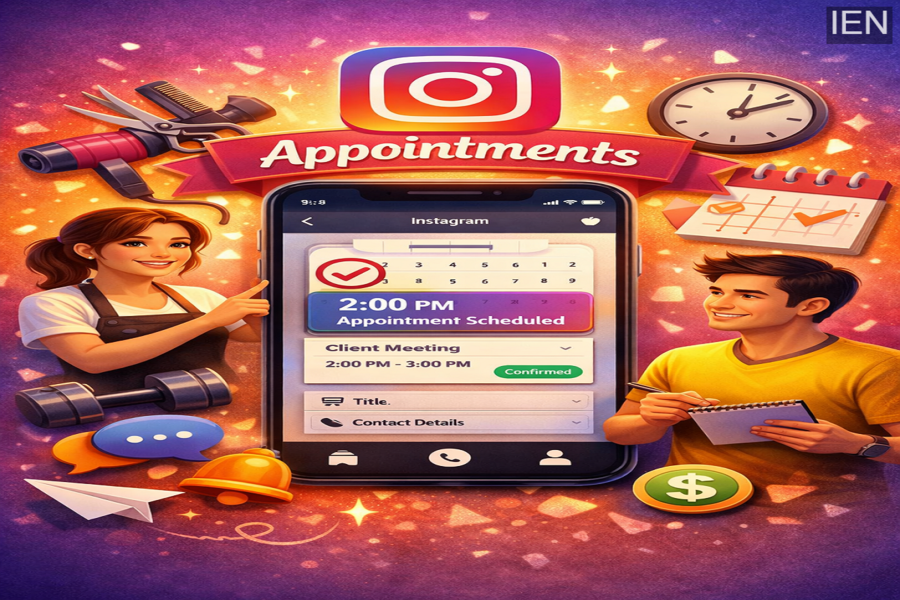
Social media platforms are no longer just tools for sharing photos and videos. They are rapidly transforming into powerful business platforms that help professionals connect with customers, manage services, and generate revenue. One such useful feature introduced by Instagram is the appointment scheduling tool, which allows businesses to book and manage customer meetings directly within the app.
This feature is especially helpful for service-based professionals such as salon owners, fitness coaches, consultants, tutors, and freelancers who rely on scheduled sessions with their clients. Instead of using external booking platforms, Instagram enables businesses to arrange appointments right from their direct messages, making the process quicker and more convenient.
In this guide, we will explain how to set up appointments on Instagram, along with the advantages this feature offers to businesses.
What Is the Instagram Appointment Feature?
The appointment tool available on Instagram allows businesses to schedule and confirm meetings directly within their message inbox. The feature is designed to simplify booking management and improve customer interaction.
When businesses communicate with clients through Instagram messages, they can instantly propose a meeting time and send appointment details in the same chat. Customers can then view the scheduled session without needing to switch to another app or website.
This integration makes it easier for businesses to maintain organised communication and ensures that appointments are handled efficiently.
Requirements to Use Instagram Appointment Booking
Before you can start scheduling appointments on Instagram, your account must be configured as a business account. Personal accounts do not have access to this feature.
To switch to a business account:
-
Open Instagram settings
-
Go to Account Type and Tools
-
Select Switch to Professional Account
-
Choose Business
Once the account is set up as a business profile, you can begin scheduling appointments with customers.
Step-by-Step Guide to Set Up Appointments on Instagram
Follow these simple steps to book appointments directly through the Instagram app.
1. Open Your Instagram Inbox
Launch the Instagram app and go to your Direct Messages (DMs). Choose the conversation with the customer for whom you want to schedule a meeting.
2. Tap the Plus Icon
Inside the chat window, locate the “+” icon at the bottom-right corner of the screen. This icon opens several additional options available for businesses.
3. Select the Appointment Option
From the list of options that appear, choose “Appointments.” This will open the appointment scheduling interface.
4. Set the Date and Time
Next, choose a suitable date and time for the meeting. You can also add details such as:
-
Appointment title
-
Time and date
-
Customer contact information (optional)
Once the details are filled in, tap “Schedule Appointment.”
The appointment will then appear directly in the conversation thread, allowing both the business and the customer to see the confirmed booking.
Advantages of Scheduling Appointments on Instagram
The Instagram appointment feature offers several benefits for businesses and service providers.
1. All-in-One Communication Platform
Businesses can handle conversations, bookings, and follow-ups in one place without relying on third-party scheduling apps.
2. Improved Customer Engagement
Direct communication through Instagram messages helps build stronger relationships with clients. Customers can quickly respond or ask questions about their appointments.
3. Reduced No-Shows
Since the appointment is scheduled within the same conversation, customers are more likely to remember the booking, reducing the chances of missed meetings.
4. Convenient Booking Experience
Customers do not need to visit external websites or download additional apps. Everything happens within Instagram, making the process smooth and user-friendly.
5. Free Feature for Business Accounts
Another major advantage is that this tool is completely free for Instagram business users.
Final Thoughts
Instagram continues to expand its business tools to support entrepreneurs and professionals. The appointment scheduling feature is a practical addition that simplifies booking management and improves customer interaction.
By using this feature effectively, businesses can stay organised, respond to customers quickly, and provide a seamless booking experience. For professionals who rely on scheduled services, Instagram appointments can become a valuable tool for managing client relationships directly from their social media platform.
