
How to Turn Off Instagram Instants? Get the Complete Guide and Best Tricks for This New Feature..
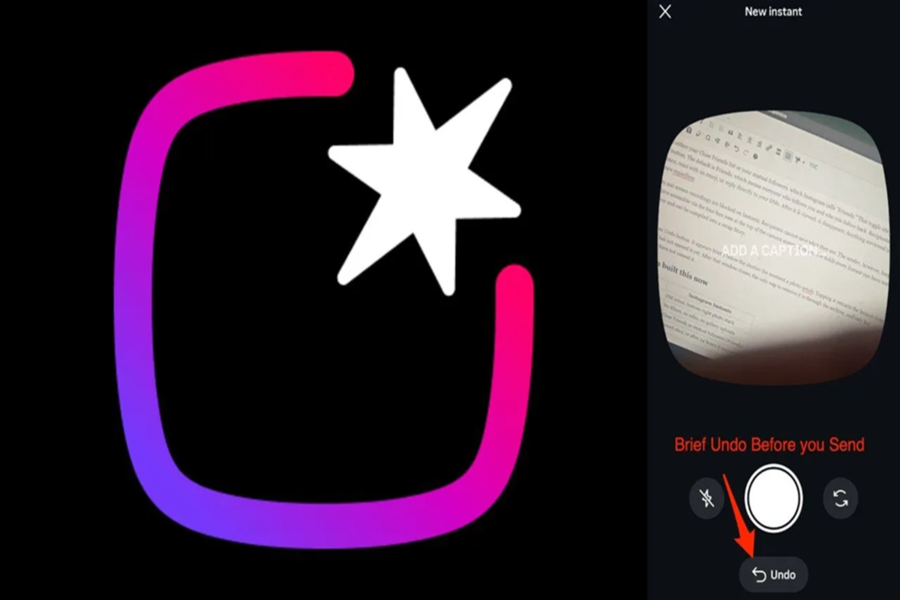
Instagram Insta Stories is a feature where shared photos automatically disappear after 24 hours. This feature is quite similar to Snapchat, where people can quickly share small moments from their lives without extensive editing.
This feature can be accessed directly within the Instagram app. Additionally, a separate app named 'Instants' is also available. The company aims to encourage users to share more natural and authentic content here, rather than just perfect, filtered photos.
What is the biggest problem?
The real issue lies in how the feature operates. When a user opens Instants for the first time, they are presented with a camera screen. At the bottom of this screen, there are options labeled 'Friends' and 'Close Friends.' However, by default, the setting is configured to 'Friends.'
This is where the greatest confusion arises. As soon as a user snaps a photo, it is automatically sent to everyone who follows them back. Many users fail to realize that the photo hasn't merely been saved—it has actually been sent out.
Many users have reported that they intended to send a photo to just one or two friends, but it ended up being sent to their entire friend list. Consequently, complaints regarding this feature have begun to mount across social media platforms.
How to disable the Instants feature?
If you prefer not to have this feature appear in your Instagram interface, you can disable it. To do so, first navigate to your profile. Then, tap on the three-line menu icon located in the top-right corner and open 'Settings.'
Next, scroll down and select the 'Content Preferences' option. Here, you will find an option labeled 'Hide Instants in Inbox.' As soon as you toggle this option on, the Instants feature will vanish from your inbox. Additionally, you will no longer see Instants sent by other users.
Can you pause it without disabling it completely?
If you do not wish to disable the feature entirely, Instagram offers an alternative option. You can press and hold the Instant stack that appears in your inbox, and then swipe it to the right. This will temporarily stop you from receiving Instant notifications.
How do you delete a photo sent by mistake?
If you have accidentally sent a photo to all your friends, there is an option available to delete it. Instant features its own dedicated gallery section, where you can go to remove the photos you have sent.
However, it is important to note that as soon as you delete a photo, it will be removed from everyone's feed simultaneously. In other words, there is currently no option to delete a photo for a specific individual only.
Disclaimer: This content has been sourced and edited from NDTV India. While we have made modifications for clarity and presentation, the original content belongs to its respective authors and website. We do not claim ownership of the content.
