
How to Identify a Fake PAN Card Using QR Code: A Simple Verification Guide
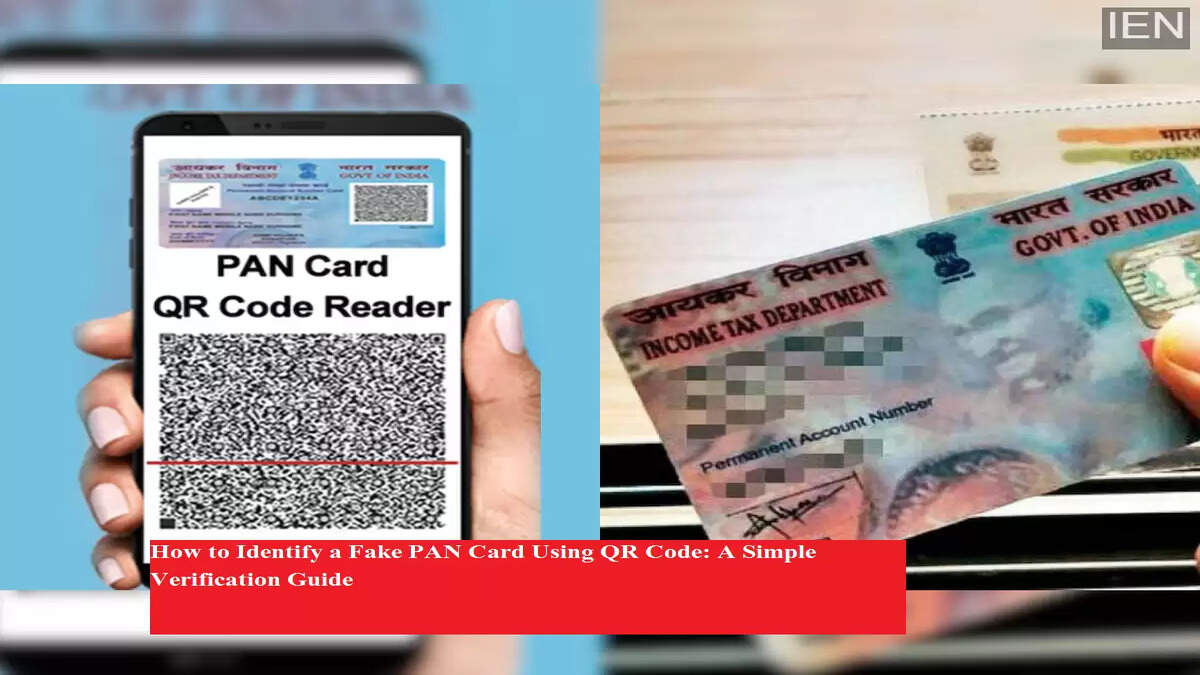
With the growing importance of PAN (Permanent Account Number) in financial transactions, tax filings, and identity verification, the misuse of fake or duplicate PAN cards has also increased. A fake PAN card can be used for tax evasion, financial fraud, and identity theft, making it crucial for individuals and institutions to verify its authenticity.
To address this issue, the Income Tax Department introduced an Enhanced QR Code on PAN cards. This security feature helps verify PAN details instantly and ensures that the card is genuine.
What Is the Enhanced QR Code on PAN Card?
From July 2018 onwards, all newly issued PAN cards come with a unique Enhanced Quick Response (QR) Code printed on them. This QR code stores encrypted information related to the PAN holder, making duplication extremely difficult.
The QR code includes details such as:
-
Photograph of the PAN holder
-
Signature of the applicant
-
PAN number
-
Name of the individual
-
Father’s or mother’s name
-
Date of birth
Since the information is embedded securely, it can only be read using an authorized scanner application.
How Does the PAN QR Code Help in Detecting Fake Cards?
If a PAN card is fake or tampered with, the information retrieved from the QR code will not match the details printed on the card. This makes the Enhanced QR Code a reliable and fast method to verify PAN authenticity in real time.
To scan and verify the QR code, users need a dedicated mobile application developed by an authorized government body.
How to Verify PAN Card Authenticity Using Smartphone
You can easily verify whether a PAN card is genuine or fake by following these steps:
Step 1: Open the Google Play Store on your smartphone.
Step 2: Search for Enhanced PAN QR Code Reader.
Step 3: Make sure to download the app developed by NSDL e-Governance Infrastructure Limited.
Step 4: Install and open the application, then tap Next.
Step 5: A camera screen will open with a green dot in the center.
Step 6: Hold the phone steady and align the green dot with the QR code on the PAN card.
Step 7: Once scanned, the app will instantly display all details linked to that PAN.
Step 8: Compare the on-screen information with the printed details on the card.
If the details match, the PAN card is genuine. If not, the card may be fake or altered.
Important Tips for Accurate QR Code Scanning
To ensure successful scanning, keep these points in mind:
-
Use a smartphone with at least a 12MP camera and autofocus
-
Maintain a distance of around 10 cm from the PAN card
-
Avoid direct flash or strong light reflection on the QR code
-
Keep your hands steady while scanning
-
Ensure the PAN card is clean and undamaged
-
Scan in a well-lit environment
-
Hold the phone horizontally for better focus
