
How to generate a life certificate online using the Jeevan Pramaan app – check the step-by-step process..
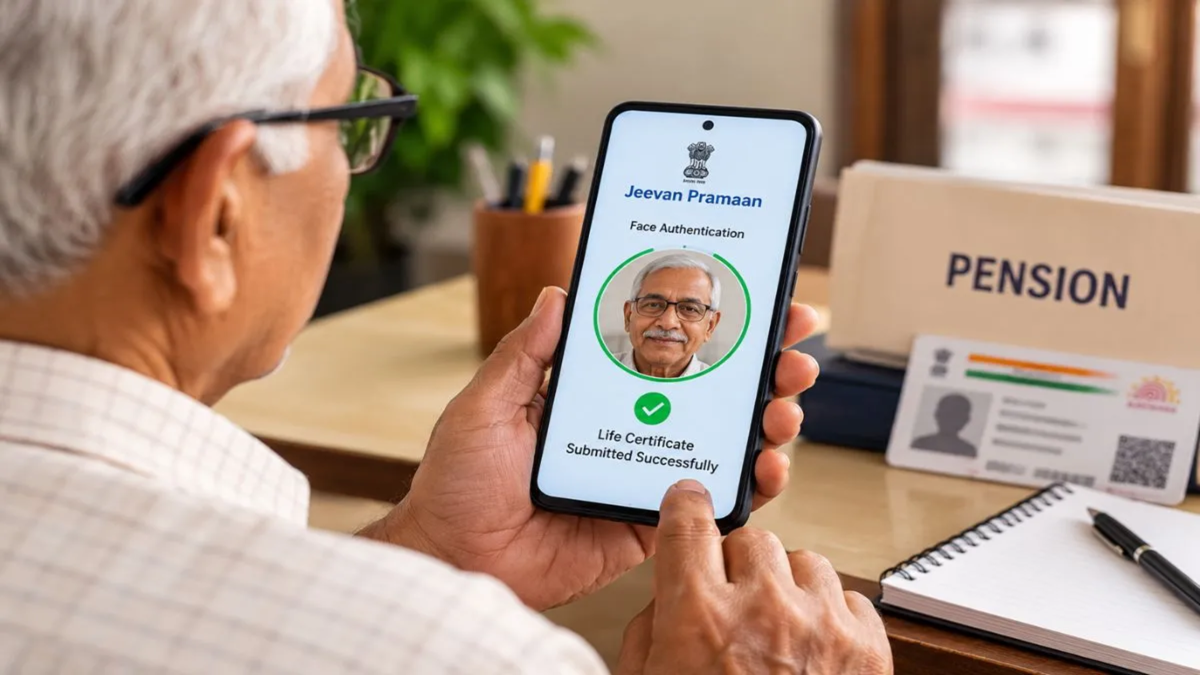
In India, pensioners are required to submit a 'Life Certificate' every year to ensure the continued disbursement of their pension. Previously, pensioners had to visit a bank or a post office for this purpose, which could be challenging for elderly pensioners. The government has now introduced a digital option; users can submit their Digital Life Certificate (DLC) online using Aadhaar-based biometric authentication. Below, we explain how you can submit your Life Certificate online.
What are the Life Certificate and the 'Jeevan Pramaan' App?
A Life Certificate is a document that pensioners must submit to their pension distribution authority (such as a bank or post office). This document confirms that the pensioner is alive and remains eligible to receive the pension. It must be submitted annually in the month of November.
To facilitate the process for pensioners, the Government of India has digitized it under the 'Jeevan Pramaan' scheme. Users can generate a digital certificate online through Aadhaar-based biometric authentication. Once generated, it is stored digitally, allowing both the pensioners and the pension distribution authorities to access it.
Documents required for a Digital Life Certificate
Before generating your Life Certificate online, ensure you have the following documents/items ready:
Aadhaar card
Mobile number registered with Aadhaar
Aadhaar details registered with the pension distribution authority
A biometric authentication app
How to generate and submit a Digital Life Certificate using 'Jeevan Pramaan'
Step 1 - First, download the 'Jeevan Pramaan' app.
Step 2 - Open the client application and complete the device registration or operator authentication process. This is a one-time registration for a specific biometric device. You will need your Aadhaar number and the mobile number registered with it; an OTP will be sent to this registered mobile number. Step 3 - Once the OTP is verified, you must submit the operator's name and email address. After submitting the required details, select the 'Scan Finger' option. Upon successful authentication, a message confirming the device registration will appear. Click the 'OK' button to proceed with the pensioner's authentication.
Step 4 - On the pensioner authentication screen, enter the pensioner's Aadhaar number and mobile number. An OTP will then be sent to the registered mobile number. Once the OTP is verified, tap the 'OK' button. Following this, you will need to enter the necessary details of the pensioner.
Step 5 - Next, check the small grey box and click the 'Scan Finger' button. You will then need to scan the pensioner's fingerprint or iris. This process is for biometric authentication.
Step 6 - Once the biometric authentication is complete, the digital life certificate will be displayed. Additionally, the pensioner will receive an SMS on their mobile phone containing the details. This message will include the 'Jeevan Pramaan Certificate ID' and 'Praman ID'. This latest certificate will be saved in the Life Certificate Repository, which can be accessed by the pensioner and the pension distribution agency whenever needed.
Step 7 - Pensioners can also save a PDF copy of their life certificate. Users can access it at any time via the Jeevan Pramaan website by using their Jeevan Pramaan ID or Aadhaar number.
Disclaimer: This content has been sourced and edited from Dainik Jagran. While we have made modifications for clarity and presentation, the original content belongs to its respective authors and website. We do not claim ownership of the content.
