
How to Change the Mobile Number Linked to a Prepaid Electricity Meter? No Need to Visit the Office..
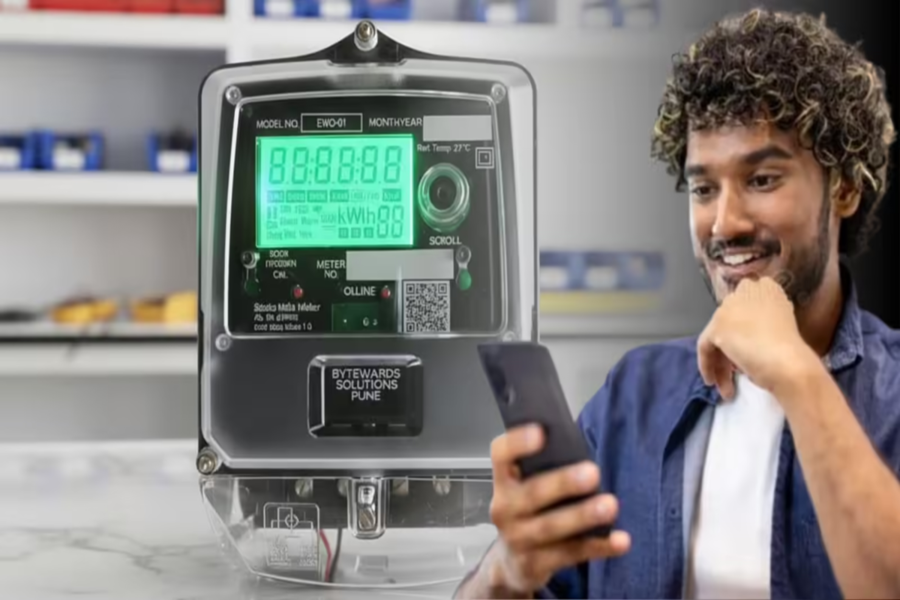
Currently, smart prepaid electricity meters are being installed across the country under the Central Government's RDSS scheme. Along with this, consumers are also being offered several new features. You can now easily update the mobile number linked to your electricity meter right from the comfort of your home. Yes—previously, one had to visit the electricity office to get this done. However, you can now complete this task using just your phone, without leaving your home.
Many people change their mobile numbers, or their old numbers may become inactive. In such situations, it becomes essential to update the number linked to the meter so that you continue to receive timely alerts regarding electricity-related details, recharge updates, and other important information. So, let's explore the easiest way to change your mobile number for a prepaid electricity meter today.
**How to Update the Mobile Number Linked to a Prepaid Electricity Meter Using an App?**
If an app for smart prepaid meters is available in your area, you can update your number directly through it...
First, download the relevant electricity utility app from the Google Play Store or the App Store.
Next, log in using your Customer ID or registered details.
From there, navigate to the 'Profile Settings' or 'Manage Account' section.
Then, click on the 'Mobile Number' option.
Now, enter your new mobile number.
After that, complete the verification process using the OTP.
Once verified, your new number will be updated.
However, please note that the specific steps may vary slightly depending on the state and the specific app being used.
**How to Update the Mobile Number Linked to a Prepaid Electricity Meter via the Website?**
If you prefer not to use an app, you can also complete this task through the electricity utility company's website...
First, visit the official website of your state's electricity utility company.
Next, complete the login process using your Customer ID.
From there, navigate to the 'Profile' or 'Personal Details' section.
Then, select the option to 'Update Mobile Number'.
Enter your new mobile number and verify it using the OTP.
Disclaimer: This content has been sourced and edited from Dainik Jagran. While we have made modifications for clarity and presentation, the original content belongs to its respective authors and website. We do not claim ownership of the content.
