
How can you prevent your name from being displayed? Learn these simple tips.
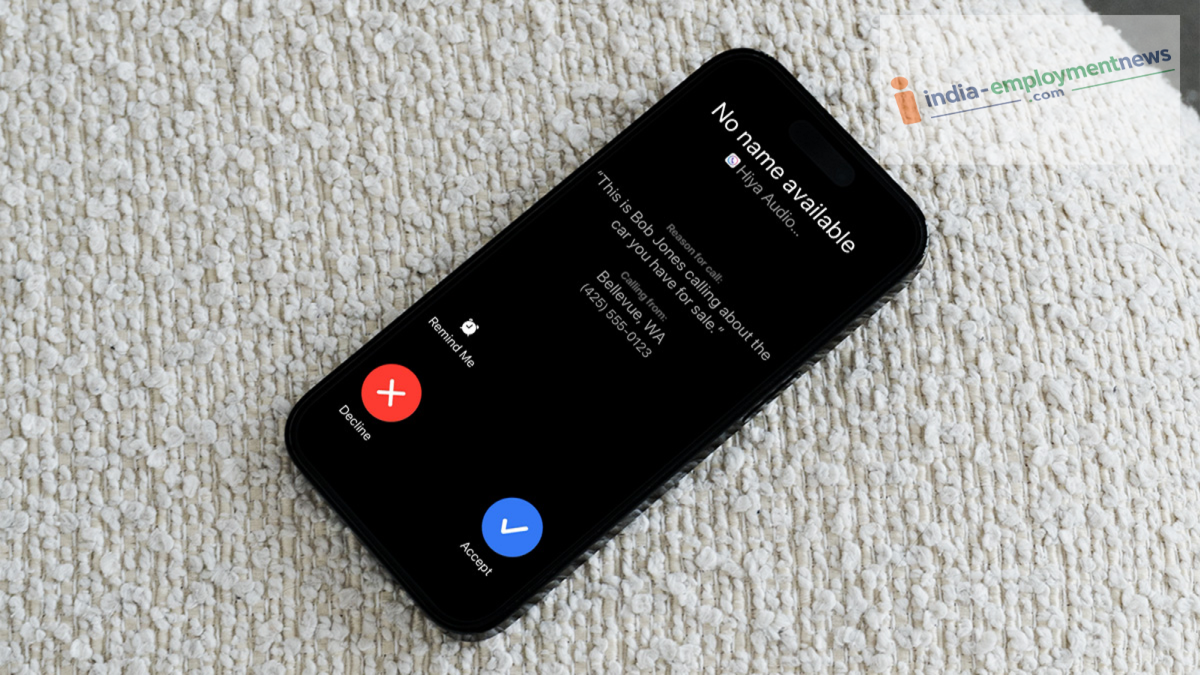
Starting November 1st, your real name will appear on the recipient's screen whenever you make a call. If you wish to protect your privacy and prefer not to reveal your identity to everyone, here is how you can hide your name.
In many instances, individuals conceal their identities to commit fraud or engage in blackmail over the phone. Previously, people relied on apps like Truecaller to identify callers—platforms where users could easily change their displayed names to anything they chose. However, a significant new regulation is set to take effect in the telecom sector on November 1st. The government and telecom companies are introducing a feature called 'Calling Name Presentation' (CNAP). Once implemented, whenever you place a call...
...your actual name—the one recorded in your KYC documents at the time of obtaining your SIM card—will appear on the recipient's screen. While this measure is highly effective in curbing spam and fraudulent calls, it has also raised privacy concerns among many individuals and business entities. Several professionals and companies prefer that the SIM holder's name not be visible to everyone during a call. Find out how you can hide your name and what the process entails.
Who is exempt from displaying their name?
In formulating the CNAP regulation, the government and the TRAI (Telecom Regulatory Authority of India) have taken all aspects into account, granting exemptions to certain individuals and entities. This includes companies, startups, and business houses that procure bulk SIM connections for their employees. Often, such SIM cards are issued in the name of a specific executive or business owner, even though they are used by various individual employees.
In such cases, displaying the SIM owner's name for every call would be inappropriate. Consequently, companies and organizations utilizing corporate or business connections will be exempt from having the name registered in their KYC documents displayed on the recipient's screen. Additionally, within the category of general users, this exemption will be available to specific individuals who have access to the CLIR (Calling Line Identification Restriction) facility. This includes officials from security agencies, intelligence department personnel, judges, VIPs, and those who have received government authorization to keep their identities concealed for safety reasons.
How can companies set their preferred name?
If you run a business or if your company has provided corporate SIM cards to employees for official communication, you can easily prevent the personal name registered under KYC from appearing on the recipient's screen. According to the regulations, entities using bulk connections are given the option to choose a "Preferred Name." To do this, the company must contact the enterprise customer care department of its telecom service provider (such as Jio, Airtel, or Vi).
You will need to submit the necessary registration documents for your company, such as a GST certificate, the company’s PAN card, or a trademark certificate. Once the telecom company verifies your documents, they will remove the SIM holder's personal name from the system and replace it with your company or brand name. Consequently, whenever a call is made from that number, only the company name—rather than any personal name—will appear on the recipient's screen.
How can you obtain the CLIR service?
If you are an individual user and wish to ensure that your name does not appear on the recipient's screen when you make a call, you must have the CLIR service activated by your operator. To do this, you will need to visit a store of your telecom service provider and submit an application.
In the application, you must explain why it is necessary to conceal your name and identity for the sake of your safety and privacy. Once approval is granted and CLIR is activated on your number, the network will automatically stop sending your name to the recipient's screen.
