
Holi AI Prompts: Create viral Holi photos with these prompts, colors and gulal will fly in one click, learn how..
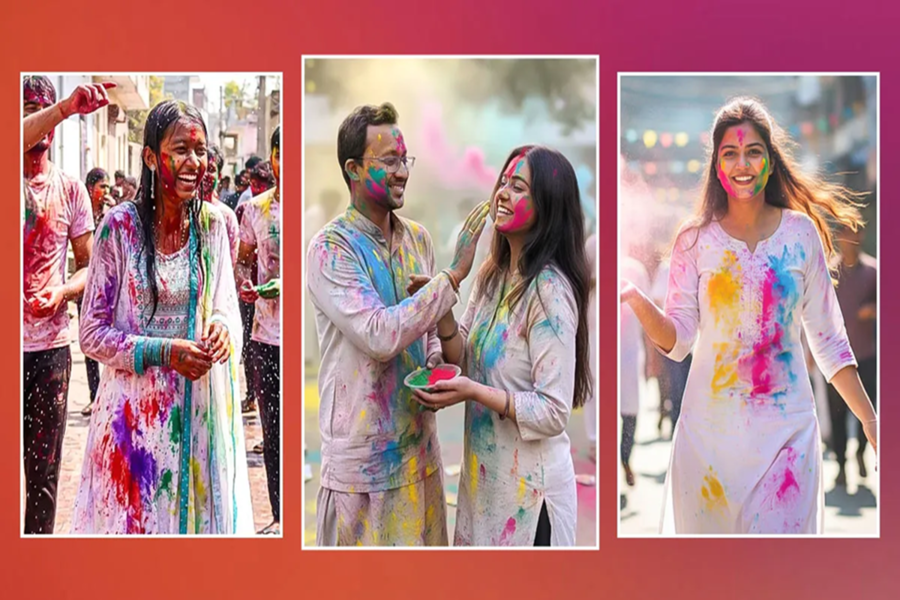
Holi is celebrated with great enthusiasm every year in India. This year, Holika Dahan will be celebrated on March 3rd, and the festival of colors will be celebrated on March 4th. Now, preparations for the festival aren't limited to just clothes and colors; people also want to give their social media profiles a festive look. Photo editing previously required professional software and a computer, but now, with the help of AI platforms like ChatGPT, Gemini, and Grok, this task is possible on a mobile phone.
How does photo editing with AI work?
AI tools use text-to-image or image-enhancement technology. You simply enter a clear and detailed prompt, such as the background, color, lighting, and mood and expression. The AI then edits the photo based on these instructions.
Here are the AI prompts:
Cinematic Color Splash:
Create a vibrant Holi atmosphere with clouds of pink and blue gulal floating in the air. Create the authentic feel of the Indian festival with cinematic lighting and sharp focus.
Pastel Elegant Look:
Create a soft pastel Holi look with light lavender, mint green, and sky blue colors. Keep skin tones smooth and add a soft glow to the photo.
Pure Desi Vibes:
Transform the photo into a traditional Indian Holi look. Showcase a cultural scene with gulal on the face, marigold flowers in the background, and bright sunshine, along with traditional attire.
Action and Slow-Motion Scenes:
Create a vibrant Holi scene with slow-motion effects and dramatic lighting, with colors flying in the air. The excitement of the festival should be clearly visible.
Magical Night Holi:
Create a modern and magical Holi photo at night with glowing neon colors, soft fairy lights, and a bokeh background.
How to use?
Open any AI image generator or photo editor app (like Gemini or ChatGPT Plus) on your phone.
Upload your photo or ask to create a new avatar.
Paste the prompt of your choice from the prompts above.
Your social media-ready photo will be ready in just a few seconds.
Not just looks, engagement will also increase
Social media algorithms promote visually appealing content. High-quality, bright, and creative photos generated by AI can get more likes, increase shares, and improve profile visibility.
Things to keep in mind
Avoid excessive over-editing.
Keep skin tones natural.
The quality of the original photo should be good.
Be more specific in the prompt.
Disclaimer: This content has been sourced and edited from Amar Ujala. While we have made modifications for clarity and presentation, the original content belongs to its respective authors and website. We do not claim ownership of the content.
