
Here is how to close your LPG gas connection from the comfort of your home—learn the step-by-step process here..
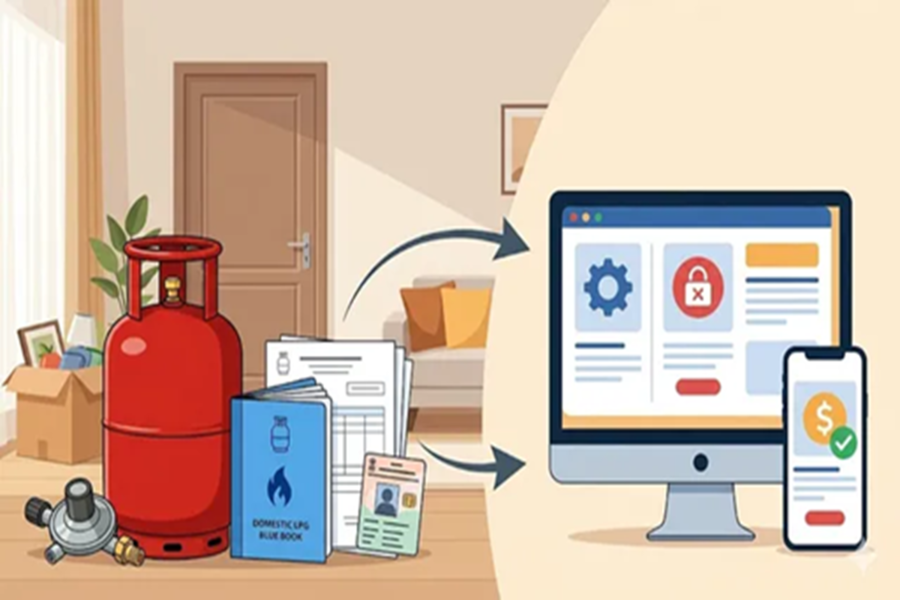
If you are planning to move to a new home or switch to a modern cooking method—specifically PNG (Piped Natural Gas)—you might find yourself stuck with an old gas cylinder. Many people simply abandon their gas connections because they perceive the return process to be a daunting task. However, surrendering your LPG connection is a highly responsible step; it ensures safety and helps you recover your initial security deposit. Whether you are moving to a new city or simply upgrading your kitchen to a piped gas system, the process is quite straightforward. We are here to guide you through the entire procedure so that you can close your account without any hassle or confusion.
**Essentials for Surrendering Your LPG Connection**
Before visiting the gas agency, there are a few things you must verify. Keep the following points in mind:
You must ensure that you have paid for your last gas refill.
You must ensure that the gas cylinder and pressure regulator provided by the company are in good working condition.
Locate the original documents or papers issued to you at the time you obtained the connection.
**Required Documents**
To verify your identity, you will need to carry certain documents with you to the distributor's office. You will need the following items:
Your "Blue Book" or Passbook, which contains the records of your gas refills.
Carry your Subscription Voucher (SV) with you, as it serves as proof of your security deposit.
Proof of Identity, such as an Aadhaar Card, Voter ID, or Passport.
Proof of Address, such as your latest electricity bill or rental agreement.
Banking details, such as a cancelled cheque or bank passbook, are required to ensure that the refund amount is credited directly to your bank account.
**How to Surrender Your Existing Domestic LPG Connection?**
If you wish to terminate your domestic LPG connection, follow the steps outlined below:
Open a web browser and visit your LPG provider's official website. Log in using your credentials (username and password).
Locate the section labeled 'Customer Console' or 'Services'.
Select the option to close or surrender your gas connection.
Fill out the form and specify the reason for terminating the connection.
Upload copies of your Subscription Voucher (SV) and ID proof.
Submit the form to generate a request number.
Either schedule a pickup for the cylinder and regulator, or visit the gas agency in person with your request number.
Hand over the cylinder and regulator to the delivery personnel or the office staff.
Once this process is complete, download the Termination Voucher (TV) from the website.
Check your bank account to receive the refund of your security deposit.
Alternatively, you can visit mypngd.in > Enter your registered mobile number or 17-digit LPG ID > Verify your identity using the OTP > Select 'Surrender Connection' > Confirm your details and submit the formal request to surrender the connection.
Disclaimer: This content has been sourced and edited from Dainik Jagran. While we have made modifications for clarity and presentation, the original content belongs to its respective authors and website. We do not claim ownership of the content.
