
Here is how the 'Say Help' App works—it saved the life of an unconscious woman at home..
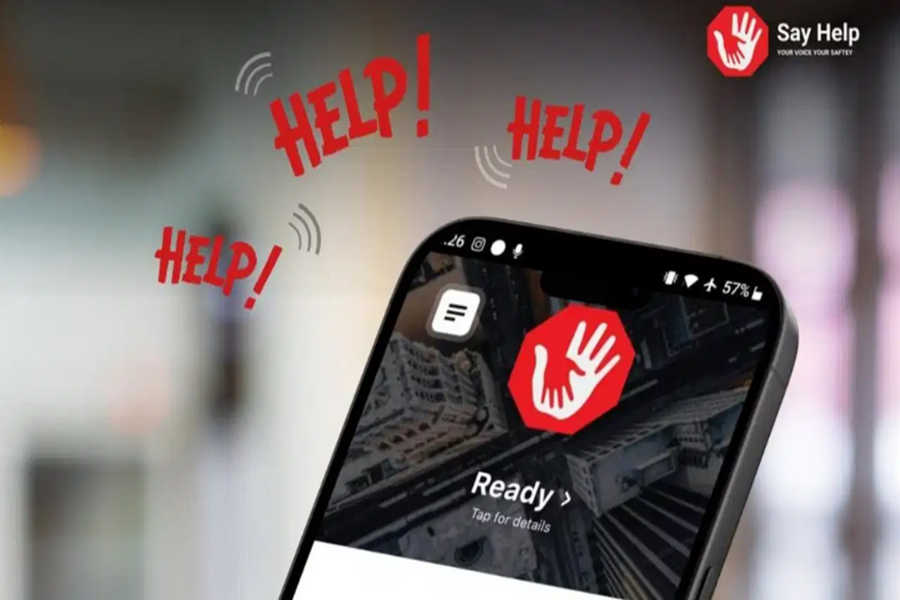
Say Help App: Whether it concerns women's safety or any other emergency situation, the Say Help app proves invaluable in every crisis. Recently, this app proved to be a guardian angel for a female lawyer at the Supreme Court, as it was instrumental in saving her life. The Say Help app is a voice-activated emergency application that instantly transmits real-time video, audio, and GPS details—via SMS and WhatsApp—to alert your designated contacts and the police. The lawyer triggered this voice-activated emergency app; the alert was subsequently received by the app's creator, who immediately notified the police, prompting them to take immediate action. Before losing consciousness, the woman sought assistance through the app by uttering the phrase, "I Need Help."
How Does Say Help Work?
This app is available on the Google Play Store for Android users and on the App Store for Apple users. Once you have downloaded and opened the app, you will be presented with three options to sign in: the first method allows you to sign in using WhatsApp; the second method allows you to sign in using Telegram; and the third method allows you to sign in using your phone number.
In the next step, you will be prompted to set your preferred App Language and Voice Recognition Language. Here, you will see instructions indicating the specific phrase that triggers the app during an emergency. According to the app's developers, the app is triggered (and sends an alert) as soon as a person says "HELP, HELP, HELP" three times; you also have the option to customize this trigger phrase within the app settings. Upon receiving the alert, the app directly transmits all your relevant details to the police.
After setting your App Language and Voice Recognition Language, the next step presents the "Terms of Use" page; you must acknowledge these terms and then tap the "Accept" button located at the bottom of the screen. In the subsequent step, you will be asked to grant access to your microphone. Once you have granted microphone access, you will proceed to the next step to grant access to your camera. Finally, after granting both microphone and camera access, you will be required to grant access to your GPS location data. In the next step, you will be asked to provide some essential information, such as your name, date of birth, gender, email address, scars or tattoos (for identification purposes), address (city, state, PIN code, country), and vehicle details (make, model, color, and license plate number). Once you have provided all this information, you must press the "Save" button located in the top right corner of the screen. Please note that you will not be able to save your details on this page without providing your name, date of birth, gender, and address.
After submitting your personal information, the next page will require you to provide details for an emergency contact—someone you wish to be contacted in the event of an emergency. You will need to provide their name and phone number, and under the "Send Alert" option, you must select how the alert should be delivered (via text message or WhatsApp); finally, you will need to specify your relationship with that person.
Friends, family members, and the police can track these alerts in real-time. A particularly noteworthy feature is that they will be able to track your location even if the emergency contact does not use the app themselves.
Disclaimer: This content has been sourced and edited from TV9. While we have made modifications for clarity and presentation, the original content belongs to its respective authors and website. We do not claim ownership of the content.
