
Here’s how to download your Aadhaar card via WhatsApp in just a few minutes; learn the step-by-step process for emergencies..
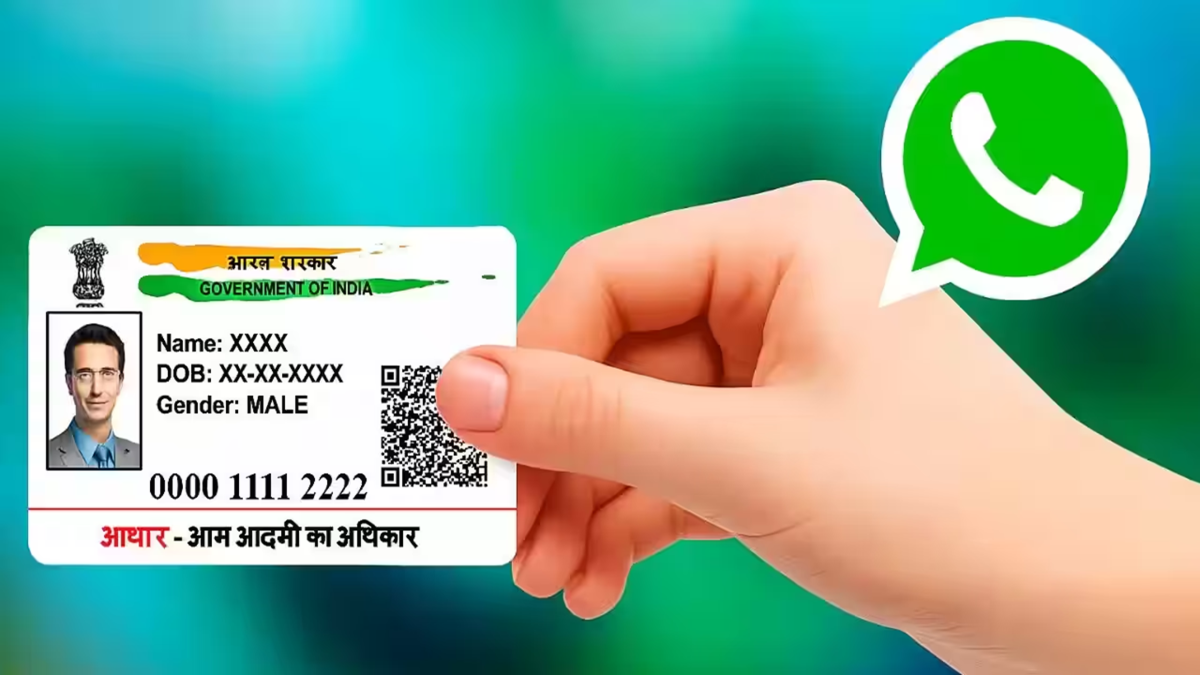
In today's times, the Aadhaar Card has become one of the most important government documents. Whether you need to open a bank account, avail benefits from various government schemes, or book a hotel room, Aadhaar is required everywhere.
It often happens that we leave our Aadhaar card at home and suddenly find ourselves in need of it. At such times, searching for a cyber café or going through the lengthy process on the UIDAI website can feel like a hassle. But did you know that you can now easily download your Aadhaar card using WhatsApp on your smartphone?
How to download Aadhaar via WhatsApp?
Step 1: First, save the Government of India's MyGov Helpdesk number (+919013151515) to your phone's contact list.
Step 2: After saving the number, open WhatsApp. Open the chat with this saved contact and send a message saying "Namaste" or "Hi".
Step 3: As soon as you send the message, you will receive an auto-reply from MyGov. This message will present two options: CoWIN Services and DigiLocker Services. Since you want to download your Aadhaar card, click on the 'DigiLocker Services' button.
Step 4: Next, confirm your DigiLocker account; if you don't have one, create it first.
Step 5: After this, you will need to enter your 12-digit Aadhaar number.
Step 6: Subsequently, an OTP will be sent to the mobile number registered with your Aadhaar. Send that OTP back in the chat.
Step 7: Once the OTP is verified, a list of all documents linked to your DigiLocker account will appear on the screen. Select 'Aadhaar Card' from this list.
That’s it; your Aadhaar card will be downloaded via WhatsApp within a few seconds.
Things to keep in mind
This entire service is free and secure. To download Aadhaar via WhatsApp, it is essential that your current mobile number is linked (registered) with your Aadhaar card so that you can receive the OTP.
Disclaimer: This content has been sourced and edited from Dainik Jagran. While we have made modifications for clarity and presentation, the original content belongs to its respective authors and website. We do not claim ownership of the content.
