
Has your Wi-Fi speed slowed down? Change these 5 settings today, and your internet will run superfast..
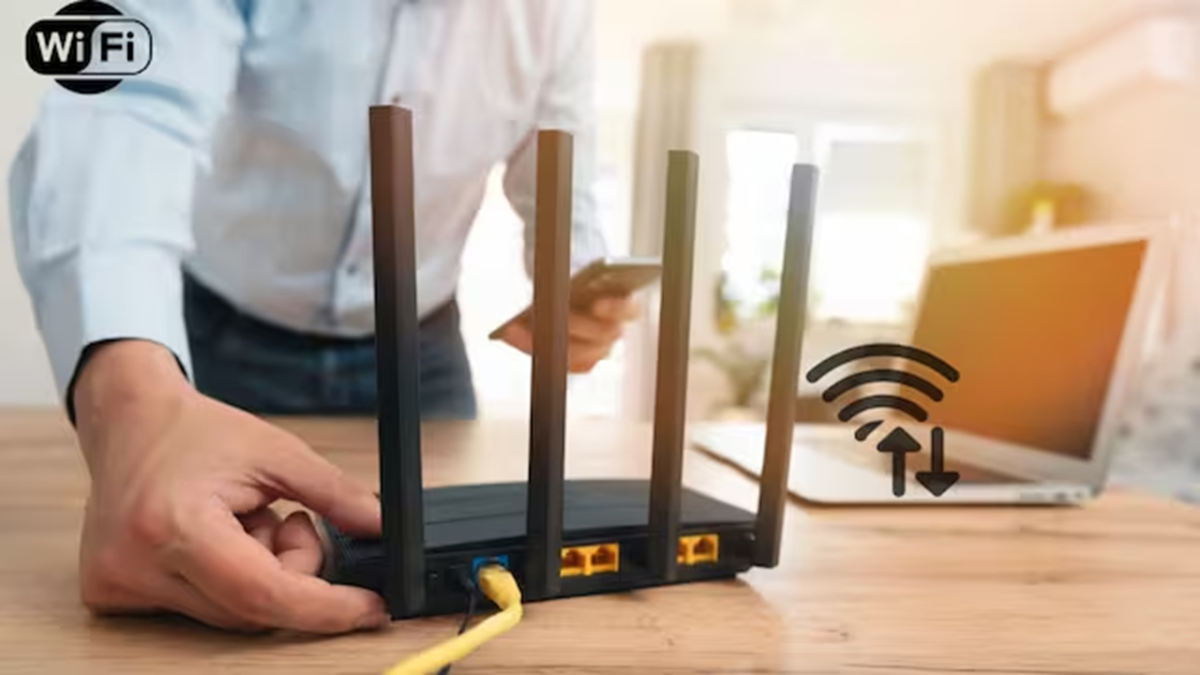
The number of internet-connected devices in homes is constantly rising. Smartphones, laptops, smart TVs, speakers, and other smart devices all operate on the same Wi-Fi network. Consequently, internet speeds often slow down, causing issues during video streaming, downloading, or gaming.
The good news is that you don't always need to call a technician to fix this; you can improve your home Wi-Fi speed by making a few simple adjustments.
Relocate your Wi-Fi router.
The router's placement directly affects the Wi-Fi signal. Try to place the router in an open area in the center of your home so the signal can easily reach different rooms. Avoid placing the router inside walls, cupboards, or enclosed spaces.
Additionally, do not place the router right next to electronic appliances like microwaves, as this can interfere with the wireless signal.
Use the right Wi-Fi band
If your router supports dual-band technology, you likely have access to both 2.4GHz and 5GHz networks. The 5GHz band offers faster speeds and is better suited for tasks like video calls, 4K streaming, and gaming.
On the other hand, the 2.4GHz network has a longer range, making it ideal for devices located further away from the router.
Restart the router
Often, simply restarting the router can resolve Wi-Fi issues. Continuous operation can cause the router to overheat or affect its performance; therefore, turning it off and then back on after a few minutes can be beneficial.
Remove unnecessary devices
It can be difficult to keep track of exactly how many devices are connected to your Wi-Fi. Check the list of connected devices via the router's app or settings and disconnect any devices that are not in use. This helps reduce unnecessary load on the network.
Upgrade if your router is very old.
If your router is several years old, simply changing the settings won't fully resolve the issue. Older routers struggle to handle newer Wi-Fi standards and multiple devices efficiently. In such cases, purchasing a new, faster router might be the better option.
If the Wi-Fi speed remains poor even after trying these steps, contact your internet service provider. There could be a network or signal-related issue in your area.
