
Has your Android phone slowed down? Just change this one setting, and it will feel faster instantly.
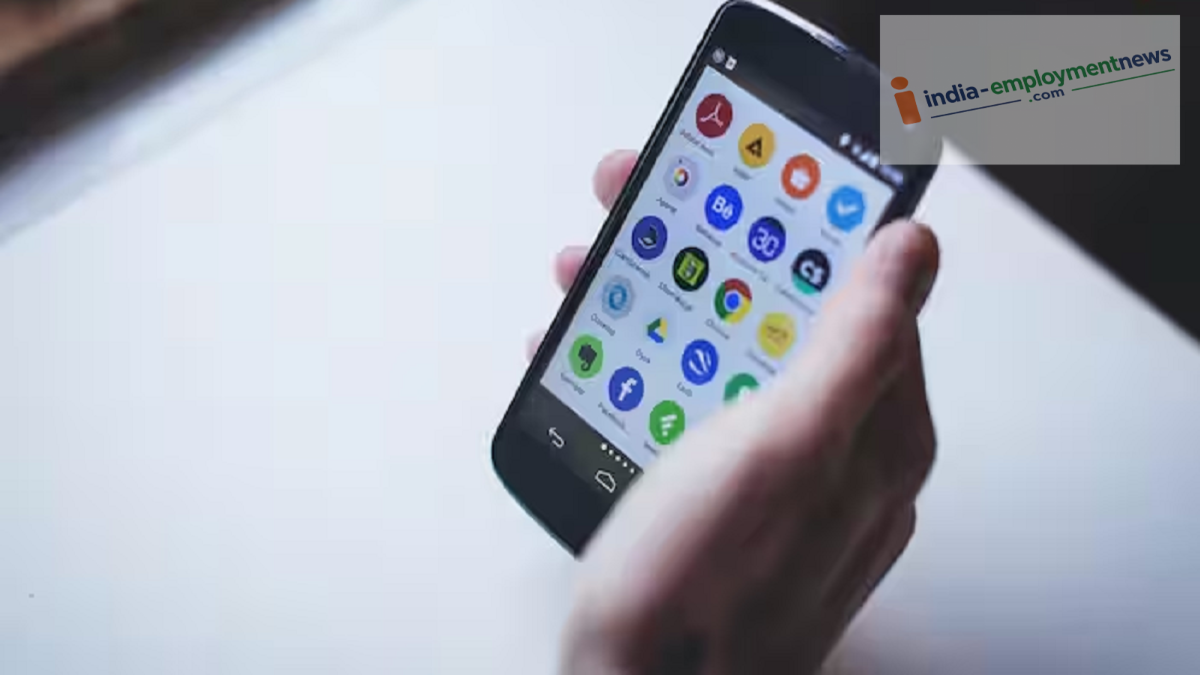
Has your Android phone’s speed dropped? You can make the phone feel faster and smoother by tweaking a simple setting. Here’s which setting to change and how to do it.
If your Android phone feels sluggish or slow during use—even if it is relatively new—you don’t necessarily need to buy a new one or perform a factory reset. By adjusting a hidden setting in Android, you can make the phone’s interface feel much faster. This method doesn’t actually increase the processor’s raw speed; instead, it speeds up system animations, making the overall experience feel snappier.
Android phones feature a menu called “Developer Options,” which is hidden by default. To activate it, go to Settings > About Phone and look for the Build Number. On some smartphones, you might find this option inside a sub-menu like “Software Version.”
Now, tap the Build Number seven times in quick succession. You will see a message on the screen confirming that Developer Mode has been activated. Next, go back to Settings. On some phones, Developer Options will appear directly, while on others, you may need to navigate to Settings > System > Developer Options.
Developer Options contains a multitude of settings, so it is not advisable to change anything without knowing what it does. Here, look for the animation-related options within the Drawing section. Set all three of these to 0.5x: Window animation scale — 0.5x, Transition animation scale — 0.5x, and Animator duration scale — 0.5x. Changing these settings to 0.5x makes most system animations run about twice as fast as the default speed.
It is important to understand one key point here: this trick does not actually speed up your phone’s processor, RAM, or storage. Instead, it reduces the time taken for on-screen transitions and animations to complete, creating the perception that the phone is faster. Opening apps, returning to the home screen, and switching between apps may feel snappier. This difference is particularly noticeable on phones where system animations are set to be somewhat longer by default.
The impact of this change depends on the phone model and its Android interface. On some budget phones, if apps or menus take a long time to load, speeding up the animations might actually make the experience feel less smooth. Conversely, some interfaces already feature fast animations, so the difference made by switching to 0.5x might not be very apparent.
If you do not like the new experience, you can revert all three options to 1x. Additionally, disabling Developer Options can reset the animation scales to their default settings.
