
Has Instagram Banned Your Account? It Can Be Recovered in Minutes—Discover the Secret Method
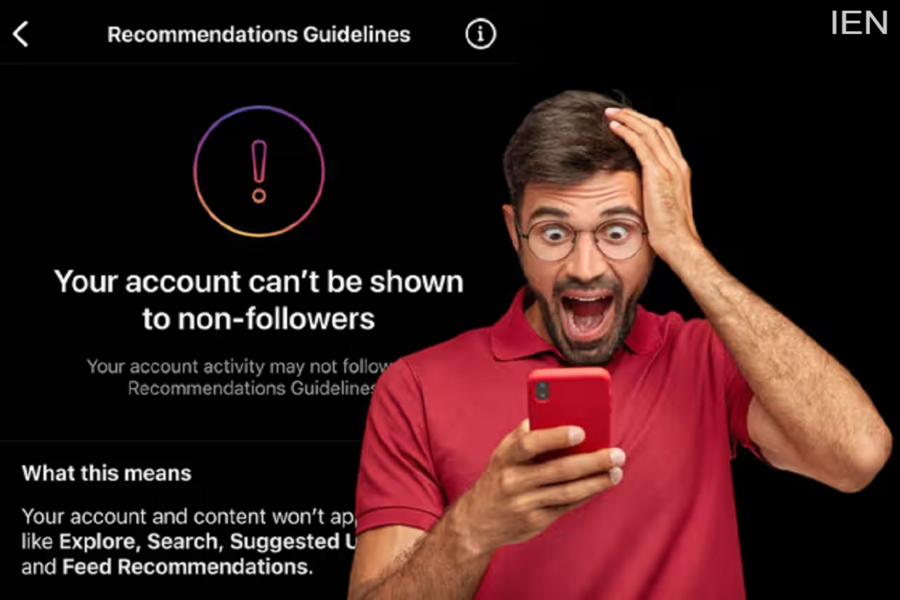
Instagram Account Banned: Having your Instagram account banned or suspended is a major hassle. In such situations, relying solely on the app's built-in 'Appeal' option isn't your only recourse. There are also some lesser-known recovery methods that offer a chance of getting your account back. Let's take a look.
Instagram Account Banned: May 2026 has brought a significant issue for Instagram users. In several countries—including India—users' accounts are suddenly being banned, suspended, or logged out without warning. Most surprisingly, many users report that their profiles were disabled without any prior notification. The impact of this problem isn't limited to ordinary users; content creators, students, small business owners, and influencers are all grappling with this issue.
Typically, people rely solely on the 'Appeal' button to regain access to their accounts; however, very few are aware that Meta Platforms offers another hidden option. This is known as the 'Account Recovery Support' system. Let us tell you more about it.
Why Do Instagram Accounts Get Disabled?
An Instagram account can be disabled suddenly for a variety of reasons. If the platform detects that a user is engaging in spam, artificially boosting engagement, repeatedly violating community guidelines, attempting suspicious logins, or utilizing third-party apps and bots, the account may be disabled.
However, there are also instances where Instagram's automated systems mistakenly flag legitimate users. In such cases, Instagram (Meta) states that if you believe your account was banned in error, you can submit an appeal for a review.
How to Recover Your Instagram Account
There is a specific method that remains unknown to many users. If you are unable to access your Meta account, you do not need to rely exclusively on the 'Appeal' option provided within the app itself.
In fact, Meta maintains its own official 'Account Recovery Support' system. Through this portal, you can directly access assistance for account recovery. In other words, if standard methods aren't working, you can attempt to recover your account using the company's recovery tools.
Follow these steps:
- First, open Instagram and try to log in as you normally would.
- If you see a message indicating that your account has been disabled, tap on the ‘Learn More’ or ‘Appeal’ option.
- If prompted by Instagram, submit a selfie for verification or provide a form of ID proof.
- In the event that your account has been hacked or disabled, you can also utilize Meta's official recovery portal.
- Be sure to check both your email inbox and your spam folder, as information regarding the recovery process may be sent there.
- Avoid making repeated login attempts from different devices or via a VPN, as this could further complicate the situation.
- If any third-party apps—such as follower-boosting tools or automation services—are linked to your account, remove them.
- Once you have successfully regained access to your account, enable two-factor authentication for added security.
