
Hackers Can Crack These Common Passwords in Seconds — Learn How to Secure Your Devices and Personal Data Better
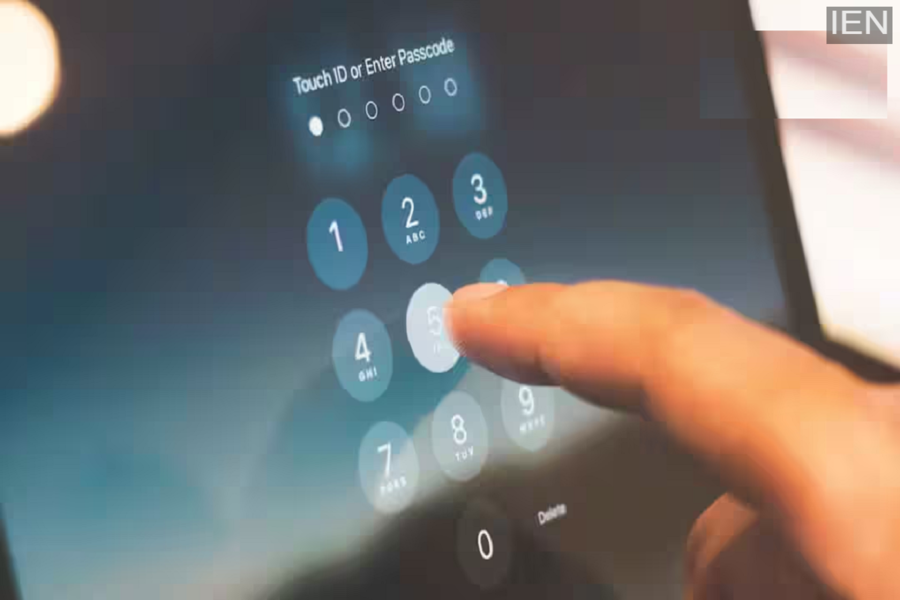
Password Security Tips: In this context, the password has emerged as our most critical security feature; however, many people still use simple passwords such as "123456," "password," "abc123," or their date of birth.
Password Security Tips: In today's digital age, almost every aspect of our lives has moved online. From banking and social media to email, shopping, and even office work—everything is now conducted via the internet. Consequently, the password has become our primary line of defense. Yet, many individuals continue to rely on easy-to-guess passwords like "123456," "password," "abc123," or their date of birth. This seemingly minor oversight often turns into a golden opportunity for hackers.
Cyber experts warn that weak passwords can be cracked in a matter of seconds. Once a hacker gains access to just one of your accounts, they can potentially access your bank accounts, email, social media profiles, and even your personal data. Furthermore, many people reuse the same password across multiple accounts—a practice that significantly heightens the risk. Therefore, it is imperative that you create strong, robust passwords and take your digital security seriously. So, let’s explore which types of passwords are easiest for hackers to crack and discover how you can fortify the security of your devices and data.
Which Passwords Are Easiest for Hackers to Crack?
1. Hackers typically target the passwords that are most widely used by the general public—such as "123456," "password," "abc123," "qwerty," or "000000." Such passwords can be cracked within seconds. Additionally, many people use their own names, mobile numbers, dates of birth, or even their children's names as passwords. Hackers can easily guess these combinations by gleaning information available on social media platforms.
2. A large number of people use the exact same password for various services—including Gmail, Facebook, Instagram, and banking applications. This habit can prove to be extremely dangerous. If data from a specific website is leaked and your password falls into the hands of a hacker, they will attempt to access your other accounts using that very same password; this practice is known as Credential Stuffing. Therefore, it is absolutely essential to maintain a unique password for every single account.
3. Passwords consisting of fewer characters are easier to hack. According to cybersecurity experts, a password should ideally be between 12 and 16 characters in length. Instead of relying solely on short words, incorporate a variety of elements, such as uppercase letters (A, B, C), lowercase letters (a, b, c), numbers (1, 2, 3), and special characters (@, #, $, &).
4. Many people choose straightforward words—such as "finance," "welcome," or "india"—as their passwords. Hackers possess extensive lists containing millions of such words, which they systematically test using automated tools. This method is referred to as a Dictionary Attack. Consequently, one should strictly avoid using simple, common words.
How to Strengthen Your Device and Data Security?
1. Relying solely on a password is no longer considered a secure practice. Therefore, enable Two-Factor Authentication (2FA) wherever possible. With 2FA enabled, an OTP (One-Time Password) or verification code is sent to your mobile device immediately after you enter your password. Even if a hacker were to obtain your password, they would still be unable to log in to your account without this OTP. This security feature is currently available on platforms such as Gmail, Facebook, Instagram, WhatsApp, and various banking applications.
2. Remembering unique passwords for multiple different accounts can be challenging. In such instances, a Password Manager proves to be an invaluable tool. It securely stores all your passwords and can even automatically generate strong, complex passwords for you.
3. If you suspect that your account has been compromised or that data from a specific website has been leaked, change your password immediately. Furthermore, it is considered best practice to periodically update and replace your old or weak passwords.
4. Aim to create passwords that are at least 12 to 16 characters long, and ensure that you create a distinct password for each individual account.
5. Additionally, avoid using personal details—such as your name, date of birth, or mobile number—as your password.
