
Green Dot On Phone meaning: What is the green dot that appears on your phone screen? Find out its true meaning...
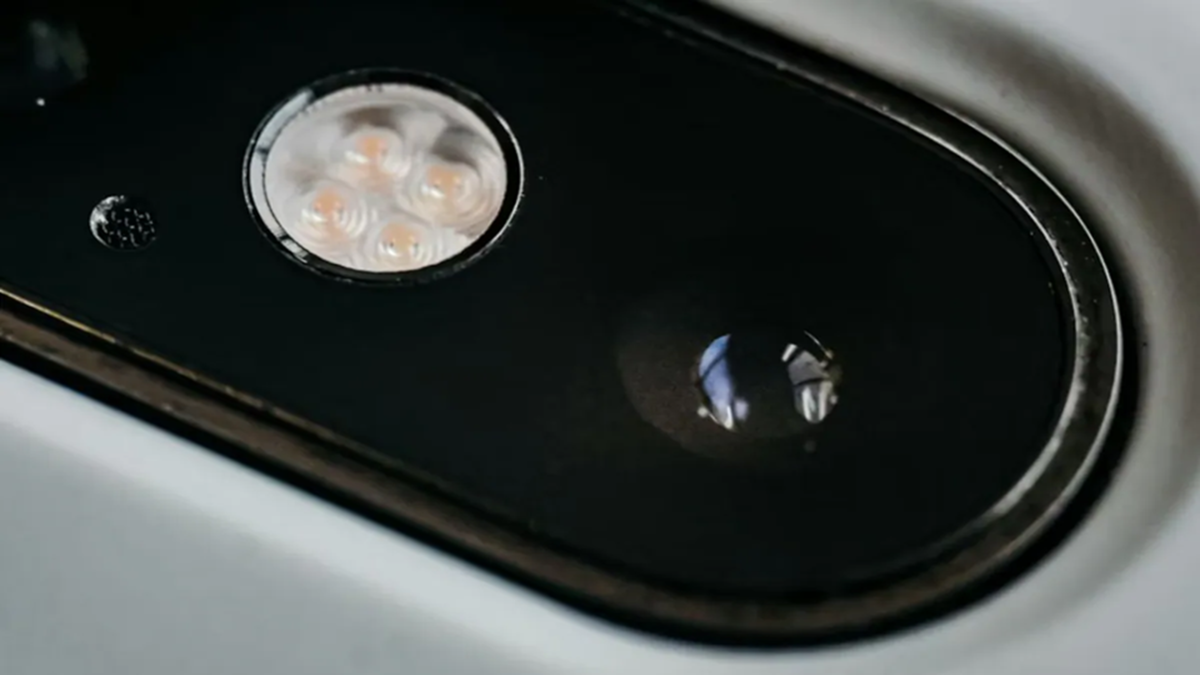
Have you ever noticed why a green light frequently blinks at the top center of your mobile phone? If not, you definitely should read about this, because whenever a small green dot appears at the top of your phone's screen, it directly indicates that your phone's camera is currently in use. This is a privacy feature designed to safeguard users on both Android and iPhone devices.
Why is this feature important?
This green dot serves to alert you whenever an app is accessing your camera. It provides immediate notification that the camera is active, ensuring that no app can capture photos or videos of you without your knowledge.
Does this apply to the microphone as well?
Yes, on many phones, a green or orange dot also indicates when the microphone is being used. If only the microphone is active, an orange dot typically appears (especially on iPhones), whereas a green dot signals that the camera—or both the camera and microphone—are currently active.
When should you be cautious?
If you are not actively using the camera, yet the green dot remains visible, you should be on alert. This could mean that an app is accessing the camera in the background. In such a scenario, you should immediately review that app's permissions.
How can you protect your privacy?
You can manage your Camera and Microphone permissions by navigating to your phone's Settings. Revoke permissions for any apps you do not trust. This will help safeguard your privacy and ensure that no app can utilize your camera or microphone without your explicit knowledge.
Disclaimer: This content has been sourced and edited from NDTV India. While we have made modifications for clarity and presentation, the original content belongs to its respective authors and website. We do not claim ownership of the content.
