
Google’s New Update: YouTube Audio Controls in Cars Just Got Easier
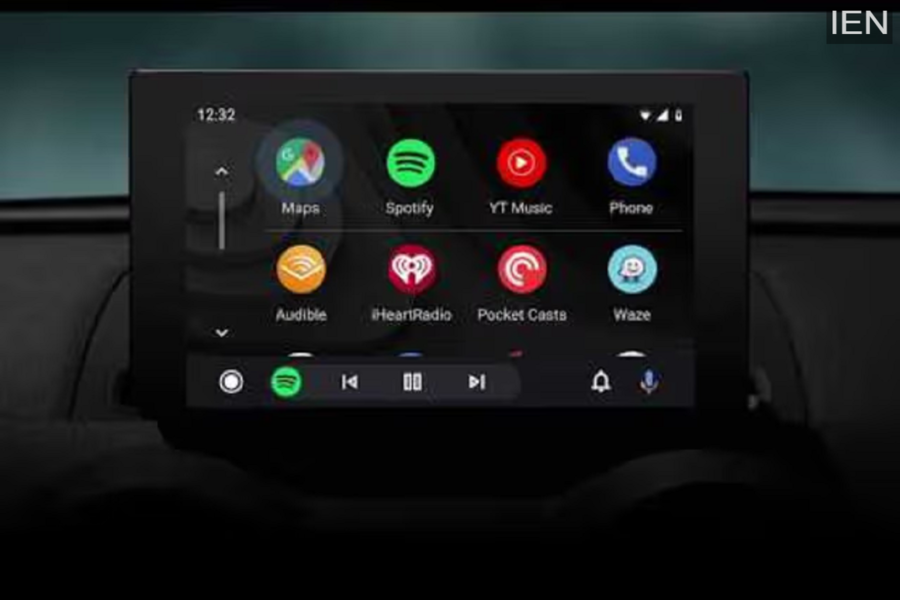
On Android Auto, YouTube will now function primarily as an audio-only platform while driving. Users will be able to control playback—including playing, pausing, and skipping tracks—directly from their car, though they will not be able to watch the actual video content. Read on for full details regarding this update.
Google has begun rolling out background playback controls for YouTube on Android Auto. With this update, users can now manage the audio from their videos directly via their car’s dashboard interface. However, this still does not provide the full-fledged YouTube app experience.
What’s New in This Update?
Under this new feature, YouTube content currently playing on a connected smartphone will now appear within the Android Auto media widget. Users can control playback—such as playing, pausing, or skipping to the next video—using either the car’s touchscreen display or the steering wheel controls.
It is important to note that this is not a standalone YouTube app. It does not offer options to browse or search for videos. Furthermore, users cannot scrub forward or backward within a specific video; instead, they can only skip directly to the next video in the queue. All playback sessions must still be initiated from the smartphone itself.
This change aligns with Android Auto’s safety policies, which prohibit video playback while a vehicle is in motion.
Exclusively for Premium Users
This feature is available only to YouTube Premium subscribers, as background playback is a paid feature. Free users will not be able to utilize this functionality. However, this capability is also included in the YouTube Premium Lite subscription plan.
Who Benefits from This Update?
This update is particularly beneficial for users who utilize YouTube to listen to podcasts, interviews, or long-form discussions. Controlling this content while driving will now be significantly easier and more convenient.
Expect More Features in the Future
While the current implementation of this feature is somewhat limited, it clearly signals that Android Auto users can look forward to enhanced app support and additional features in the future. However, no specific timeline for these upcoming developments has been announced yet.
