
Google Warning: Be careful if you use VPN apps! Browsing websites could make you bankrupt, learn about Google's warning..
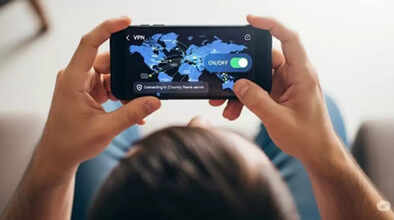
Many people worldwide use VPN websites and apps to browse the internet securely or privately. In many countries, some websites are restricted, and people use VPNs to access them. Now, Google has issued a strong warning regarding the use of VPN apps.
What are the risks of VPN apps?
Recently, Google revealed that several hacker groups are spreading a network of fake VPN apps on the internet. According to Google, hackers often impersonate trusted enterprise or consumer VPN brands or resort to social engineering tactics, such as misleading advertisements. Their goal is to target vulnerable users who are looking for secure internet access.
Once installed, these apps become a medium for spreading dangerous malware, including info-stealers, remote access Trojans, and banking Trojans. This malware steals sensitive information such as browsing history, private chats, financial information, and cryptocurrency wallet data.
Play Protect will block dangerous apps.
Google advises never to turn off Play Protect on Android devices. This feature identifies risky apps with the help of machine learning. Google Play Protect's advanced fraud protection mechanism scans and blocks apps installed from web browsers, messaging apps, or file managers. Google has advised all Android users to keep the Google Play Store app updated so that the app's protection mechanism remains current.
Google explains how to use VPNs safely.
Google has warned users to pay attention to certain things before installing VPN apps:
Only download VPNs from the Google Play Store or Apple App Store.
Download only VPNs with a verified badge; VPNs without a badge can be dangerous.
Avoid downloading VPN apps lured by free offers.
VPNs that request access to Contacts, Messages, or Files can be dangerous.
Avoid free VPN apps, especially those from unknown developers or Chinese companies.
Only download VPN apps from trusted sources. Always keep the Google Play Store and system software updated.
Disclaimer: This content has been sourced and edited from Amar Ujala. While we have made modifications for clarity and presentation, the original content belongs to its respective authors and website. We do not claim ownership of the content.
