
Google: No more hassle of a full phone memory! Google may soon introduce an amazing 'Automatic Backup' feature...
Most of us have experienced running out of storage on our smartphones. You snap a few photos, record some videos, install a few apps, and suddenly your phone starts warning you that its storage is nearly full. Unless you own a phone with a massive storage capacity, this issue is bound to recur. Now, it appears that Google is working on a new feature that could solve this problem.
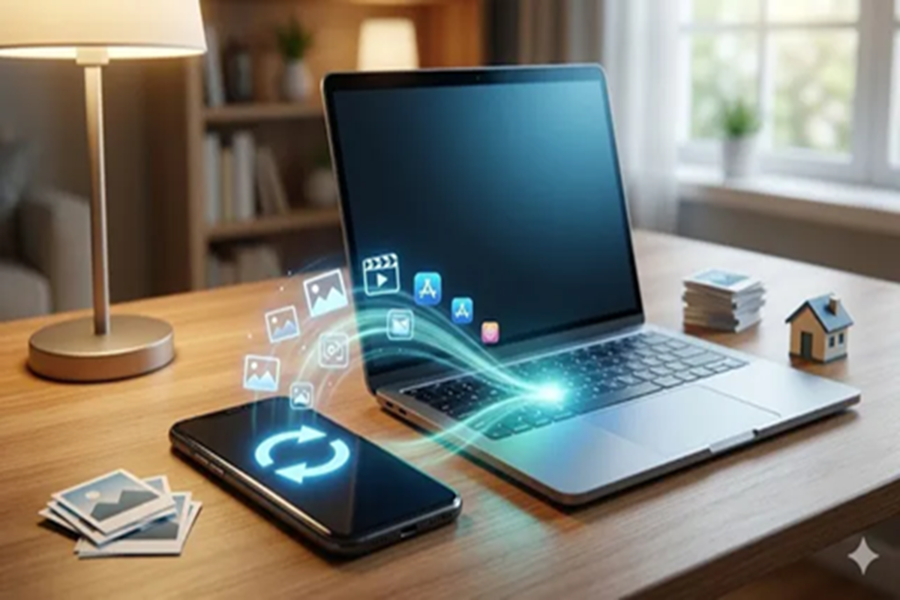
While examining Google Play Services (v26.15.31 beta), *Android Authority* discovered a new feature named 'Automatic Backup.' This feature could allow users to automatically back up files directly from their phones to their PCs, without the need to utilize cloud storage. According to the report, this feature appears within the Quick Share settings, accompanied by a brief description: 'Backup your photos with devices in your household.'
How might Google's Automatic Backup feature work?
The Automatic Backup feature could automatically copy selected files from a smartphone to a computer. Instead of uploading your photos and videos to the cloud, the files would be transferred and stored directly on your PC. Users will also be able to specify exactly which files they wish to back up. The settings are expected to include options such as: photos taken with the camera, videos recorded with the camera, and audio files.
There may also be a toggle switch allowing users to enable or disable this feature as needed. If you prefer not to wait for the automatic synchronization to occur, you may also be able to manually initiate the process using a 'Back up now' button.
According to the report, deleting files from your phone will not result in their removal from the PC backup. This means you will be able to safely free up storage space on your phone without worrying about losing your saved files.
Since this feature is part of Quick Share, it will likely utilize the same device-to-device transfer system. This means that an internet connection will not be required to transfer files. Additionally, you will need to be signed in to the same Google account on both devices.
It is important to note that this information was obtained through an APK teardown, which implies that this feature is still in the development stage. While this gives us an idea of what Google is working on, there is also a possibility that it may undergo changes or never become available to general users.
Disclaimer: This content has been sourced and edited from Dainik Jagran. While we have made modifications for clarity and presentation, the original content belongs to its respective authors and website. We do not claim ownership of the content.
