
Give your photos an AI look—this Google Gemini feature is super useful! Here’s how to use it..
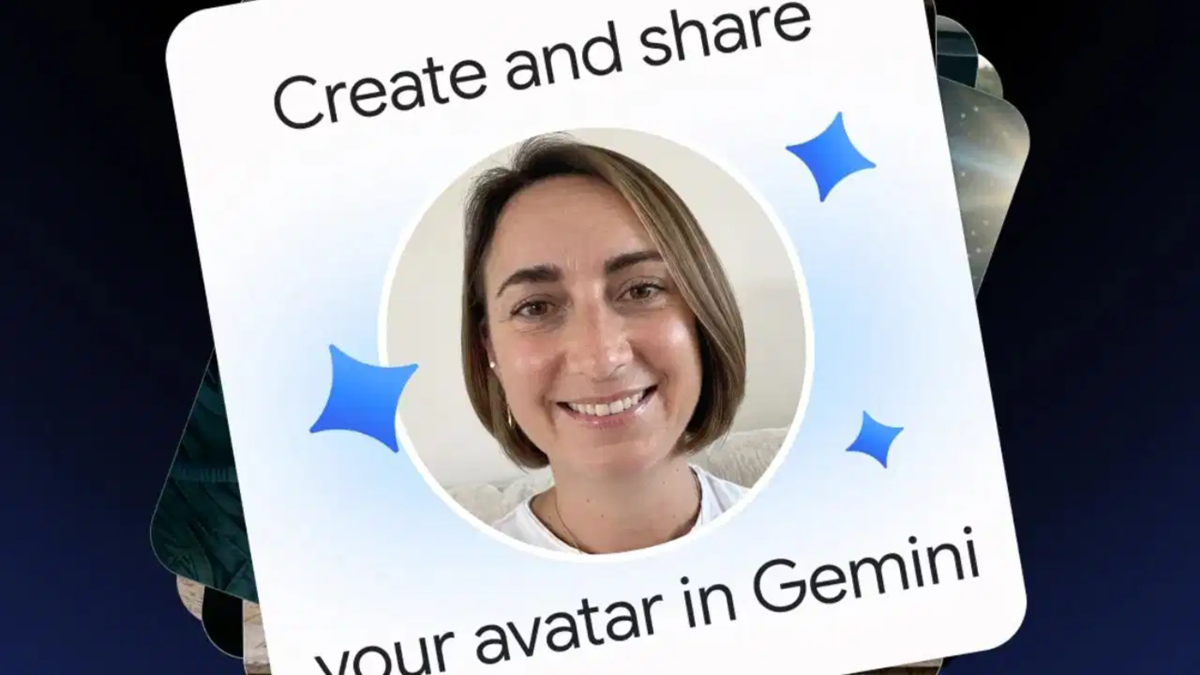
In Google Gemini, you can now create an AI avatar that incorporates both your face and your voice. This allows you to feature yourself in AI-generated images and videos. Furthermore, you can share your avatar with friends, family, and colleagues, enabling them to include your avatar in their own photos and videos.
How the Gemini Personal Avatar feature works
This Google feature utilizes 'Nano Banana' for generating images and 'Gemini Omni' for creating videos. It allows users to include themselves in AI-generated content alongside friends or family members. However, to use another person's face, that individual must first share their avatar with you.
To share an avatar, you must send an invitation to the other person's Gmail address. They will not be able to use your avatar until they accept this invitation. The creator of the avatar can manage access—deciding who can use it and for how long—via the Gemini settings. Permission can be revoked at any time; once revoked, the other person will no longer be able to create new content using that avatar, though any previously generated images or videos will remain unchanged.
Who can use it?
Currently, this feature is available to individuals aged 18 or older who have a personal Google account. It currently supports only the English language. This feature is not available in the UK, the European Economic Area, or Switzerland. Additionally, a 'Google AI' plan is required to create videos using the Personal Avatar feature.
How to create and delete your avatar
To create an avatar, you will need to record your face and voice. You can begin this process using a computer. You can complete the recording by scanning the QR code displayed there using your phone or tablet. Google recommends choosing a quiet, well-lit location for the recording, ensuring your entire face is clearly visible.
If you wish to remove your avatar, you can do so via your Google Account settings. This will also delete the associated selfie and voice recording. To use this feature again, you will need to record a new avatar. Please note that any images or videos created or published before the avatar was deleted will not be removed automatically.
Disclaimer: This content has been sourced and edited from TV9. While we have made modifications for clarity and presentation, the original content belongs to its respective authors and website. We do not claim ownership of the content.
