
Get rid of unknown calls, fake SMS, and WhatsApp spam! Change these 5 settings on your phone immediately.
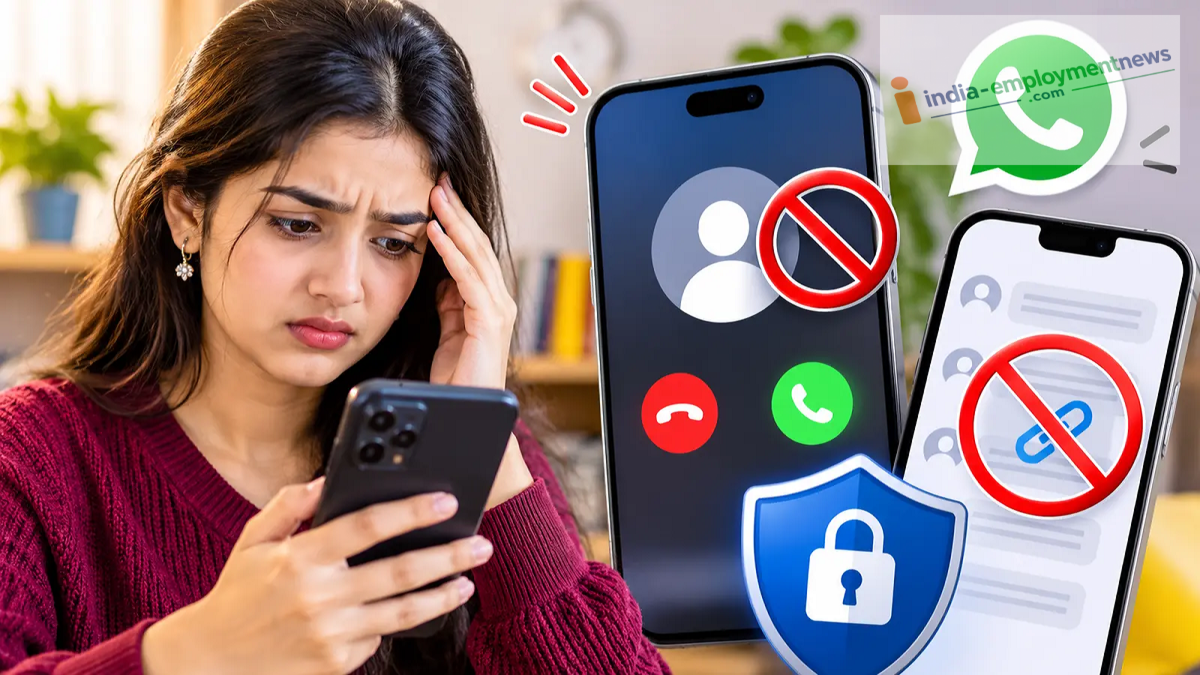
Enable these 5 essential settings on your Android or iPhone right away to protect yourself from unknown calls, spam messages, and WhatsApp scams. Learn how with these simple steps.
Nowadays, smartphones receive more than just calls from friends and family; they are also flooded with spam calls from unknown numbers, fake bank-related messages, malicious links, and various types of scams via WhatsApp. Often, the sheer volume of such calls and messages becomes a major nuisance for users. Fortunately, you can manage and control them to a large extent by adjusting certain settings on your phone. Both Android and iPhone offer features that allow you to silence unknown calls, identify spam, and avoid suspicious messages. Let’s look at 5 essential phone settings for this purpose.
1. Enable Spam Call Filtering on Android
Identify and filter spam calls using the Google Phone app.
Open the Phone (calling) app on your device.
Tap the three dots in the top-right corner and go to 'Settings'.
Look for the 'Caller ID & Spam' or 'Spam and Call Screen' option.
Enable 'Filter spam calls' or 'Spam protection' (whichever is available).
Note: The exact name of the setting may vary depending on your phone model and the version of the Phone app.
2. Silence Unknown Calls on iPhone
Open 'Settings' on your iPhone.
Scroll down and select 'Phone'.
Tap on 'Silence Unknown Callers'.
Select 'Silence' or the available screening option.
This will automatically silence calls from unknown numbers. The specific options may vary depending on your iOS version.
3. Block Unknown Calls on WhatsApp
Open WhatsApp and go to 'Settings'.
Tap on 'Privacy'.
Select the 'Calls' option.
Enable 'Silence Unknown Callers'.
4. How to avoid messages from unknown senders on WhatsApp?
While there is no single, universal option to block messages from all unknown numbers on WhatsApp, users can adjust certain privacy settings to enhance security.
Go to WhatsApp Settings.
Open the Privacy section.
Under 'Groups', select 'My Contacts' or 'My Contacts Except...' to prevent unknown individuals from adding you to groups.
If you receive a suspicious message, block and report the number.
5. Beware of fake links in SMS and report spam
Do not click on links provided in SMS messages from unknown senders without verifying them first.
If you receive a message claiming to be from a bank, or regarding government schemes, rewards, or job offers, verify it by visiting the official website.
Never share your OTP, banking details, or passwords with anyone.
In India, you can use the TRAI DND app to report spam calls and SMS.
The TRAI DND app provides an option to register complaints regarding spam calls and SMS.
