
Gemini AI: Gemini AI becomes the new companion for video editors; these 6 prompts will get the job done..
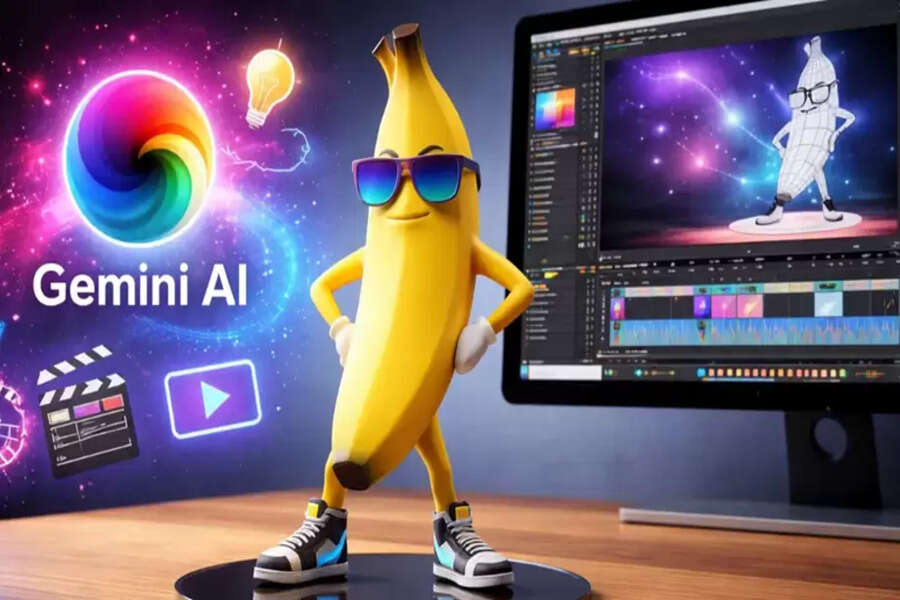
Google Gemini Nano Banana Pro: The time required for video editing is now rapidly decreasing. This is due to the increasing use of AI. AI expert and content creator Ava K. Penn has explained that Google Gemini Nano Banana Pro, with the right prompts, can act like a professional video editing assistant. She claimed that with the help of Gemini, she edited four videos in a single day. This AI tool simplifies planning, storytelling, and technical decisions. Here's all the information you need.
Editing Plan Prompt: A Complete Roadmap Before Editing
This prompt asks Gemini to think like a professional video editor. The AI creates a complete plan for pacing, cut points, B-roll, and transitions based on the raw footage. The goal is to maintain viewer attention without over-editing. This provides a clear strategy even before starting the editing process.
Prompt:
Act as a professional video editor. Review this raw footage description and create a precise editing plan, including pacing, cut points, b-roll placement, and transitions. The goal is to keep the viewer attention high without distracting effects. Here is the footage description: [paste description].
Style Matching Prompt: A Professional Video Look
This prompt asks Gemini to understand the editing style of a reference video. The AI analyzes cuts, timing, color grading, sound design, and text usage. It then explains how to apply that style to your video. This allows creators to achieve professional results without much experimentation.
Prompt:
Analyze the editing style of this reference video and explain how to replicate it step by step. Focus on cuts, timing, color grading, sound design, and text usage. Then show how to apply that style to my video topic: [insert topic or link]. {Upload reference video}
Narrative Improvement Prompt: Making the Story More Impactful
This prompt focuses on the video's story and flow. Gemini reviews the script and suggests which parts to cut, which to move forward or backward, and where to increase emotional emphasis. Getting editing suggestions tailored to the audience makes the video more engaging. Prompt:
Review this video script and suggest edits to improve flow, clarity, and emotional engagement. Identify sections that should be trimmed, reordered, or emphasized during editing. The intended audience is [describe audience]. Script below: [paste script].
Technical Settings Prompt: The Right Platform, the Right Settings
This prompt allows Gemini to suggest the correct technical settings for a video. This includes frame rate, bitrate, codec, and audio settings. The user only needs to specify the platform and video style. This eliminates issues with incorrect exports and quality loss.
Prompt:
Recommend optimal settings for this video based on platform, resolution, and content type. Include frame rate, bitrate range, codec, and audio settings. The platform is [insert platform], and the video style is [insert video style].
Raw Footage Review Prompt: Extracting the Best Moments from Raw Footage
In this prompt, Gemini carefully analyzes the uploaded raw video footage. The AI identifies weak sections, strong scenes, and necessary cuts. It also suggests opportunities to add B-roll, text, and sound. The goal is to create a clean and professional final edit.
Prompt:
Review this uploaded raw video footage and provide detailed editing recommendations. Identify weak sections, strong moments, suggested cuts, pacing improvements, and opportunities for b-roll, text, or sound enhancement. The goal is a clean, professional final edit. {Upload video}
Edited Video Feedback Prompt: Final Touches for a Pro-Level Finish
This prompt is for providing professional feedback on an edited video. Gemini critically examines pacing, visual flow, audio balance, and color consistency. The AI also suggests necessary changes to improve quality and audience retention.
Prompt:
Critically evaluate this edited video and provide professional feedback. Comment on pacing, visual flow, audio balance, color consistency, and overall clarity. Suggest specific revisions that would improve quality, retention, and polish. {Upload edited video}
Disclaimer: This content has been sourced and edited from TV9. While we have made modifications for clarity and presentation, the original content belongs to its respective authors and website. We do not claim ownership of the content.
