
Fraud being committed in the name of banks and government websites; an easy way to distinguish between genuine and fake links..
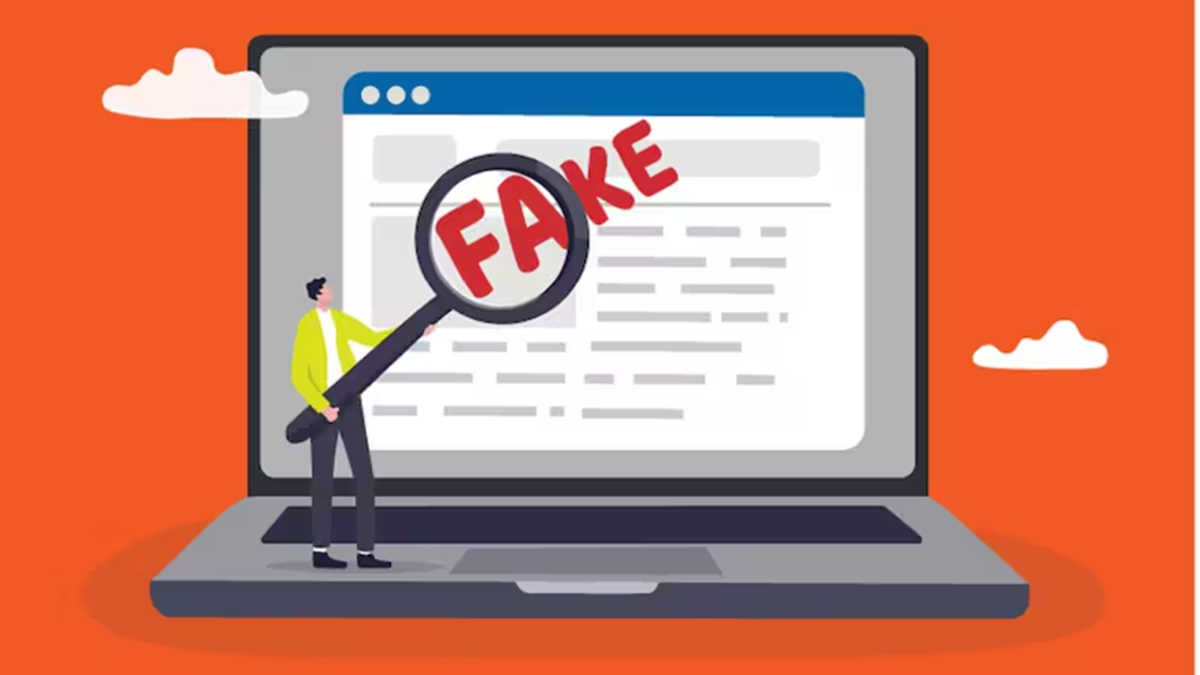
In today's world, cases of online fraud are rising rapidly, with scammers increasingly relying on fake websites. In this digital age, there are websites for everything—from online shopping to banking. While the use of websites has become more convenient, the risk of falling victim to fraud through them has also grown. Cybercriminals now create fraudulent websites that mimic those of well-known companies, banks, and government portals, making it easy to ensnare unsuspecting individuals.
These fake websites often look so authentic that even educated people can be deceived. Entering your password, card number, or OTP on such sites can lead to your bank account being emptied in a matter of minutes. Let’s look at two simple indicators that can help you distinguish between a legitimate website and a fake one.
Check for 'HTTPS' and the lock icon: When you open a website, its link—or URL—appears in the address bar at the top. A primary indicator that a website is secure is the presence of 'HTTPS' at the beginning of its URL, where the 'S' stands for 'secure.' This means that any data transmitted between your device (phone or computer) and the website is encrypted, making it difficult for third parties to intercept or read it. However, the presence of 'HTTPS' alone does not guarantee that a website is legitimate.
If a website's link contains only 'HTTP' (lacking the 'S'), it may be an indication that the site is not secure. Many browsers also display a small lock icon or a settings icon next to the 'HTTPS' prefix; clicking on this allows you to view the website's security certificate. If you see a 'Not Secure' warning or a red alert symbol in the address bar, do not enter any personal information or banking details on that website. Pay attention to the spelling and extension of a domain name: Cybercriminals often exploit people's haste by using a technique called 'typosquatting.' This involves making a minor change to the spelling of a legitimate, well-known website's name—a discrepancy that can be difficult to spot at first glance. For example, instead of the genuine website 'amazon.in,' scammers might create a fake link like 'arnazon.in' or 'amaz0n.in.' In these instances, 'm' might be replaced by 'rn,' or the letter 'o' might be swapped for a zero (0), making the URL appear authentic to an unsuspecting user.
Similarly, it is crucial to examine the final part of a website address—the domain extension. In India, government websites typically end in '.gov.in' or '.nic.in,' while bank websites generally use '.bank.in' or other designated official domains. If a website associated with a government scheme or a bank uses an extension like '.com,' '.xyz,' or '.online,' be cautious—it could very well be a fraudulent site.
Also, keep the following in mind: You may occasionally receive messages via WhatsApp, SMS, or email containing various types of information, offers, or alerts related to your accounts—often including a link. If such a message arrives from an unknown number (rather than an official one) and contains a shortened link, do not click on it under any circumstances. These links can lead you to phishing websites, where your personal information could be stolen.
When accessing banking or government services, type the official web address directly into your browser instead of relying on a Google search. Sometimes, the sponsored advertisements that appear at the top of Google search results can lead to fraudulent websites. Therefore, do not click on any link without careful consideration. By exercising a little caution, you can protect yourself from online fraud.
Disclaimer: This content has been sourced and edited from News18 Hindi. While we have made modifications for clarity and presentation, the original content belongs to its respective authors and website. We do not claim ownership of the content.
