
Forgot your Gmail password? No need to worry—recover your account using a selfie video.
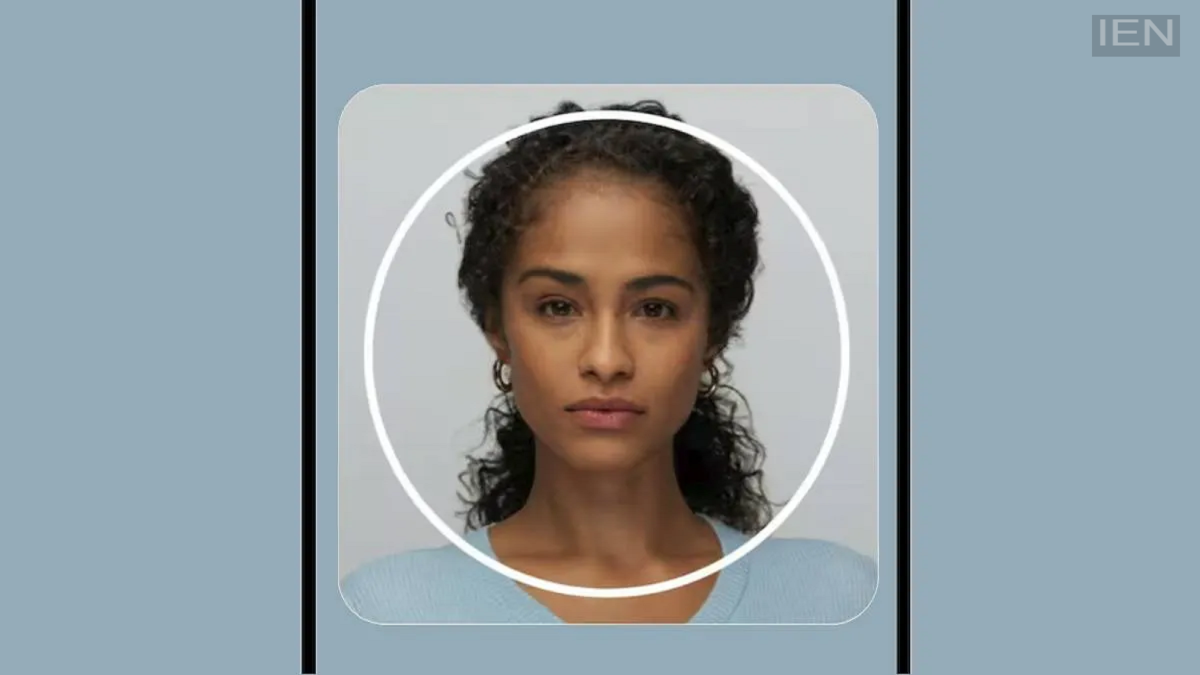
Google has made it easier for users to recover their Gmail passwords. Users can now easily recover their accounts by uploading a selfie video.
Google has alleviated a major concern for millions of Gmail users by rolling out a new selfie video password recovery feature. This feature allows you to easily recover your Gmail password. Google announced this via a blog post. Users often forget their Gmail account passwords and lose access to their recovery accounts, making account recovery difficult.
Account recovery via selfie video
In its blog post, Google explained that this new selfie video feature is designed to help users recover their Google accounts. You can use this feature when you have forgotten your Google account password and have no other way to sign in.
The US tech company has rolled out this feature as an optional recovery tool. Now, if you forget your Google account password or your account gets locked, you can recover your Gmail account by uploading a selfie video. However, to use this, you must first upload a video when setting up your account; this video will serve as the basis for face verification during the recovery process.
How can you use it?
To use this selfie video recovery tool, you first need to go to your Google account settings and upload a short selfie video as an optional recovery method. When no other account recovery options remain, you will need to upload another short selfie video. Google's system will analyze both selfie videos to assist in recovering your account. You can then create a new password and log back into your account. Apart from this, Google has recently added an end-to-end encryption feature to Gmail, similar to WhatsApp.
To be used as a reference video
Google's system will use the selfie video you uploaded during account creation or setup as a reference video. When uploading the selfie video, you will need to move your head to ensure it does not appear as though you have simply recorded a video of a still photo. Furthermore, you cannot upload a pre-recorded video during account recovery; you must use your phone's front camera in real-time for this process.
