
Facing recurring issues with wireless charging? Your phone cover might be the culprit.
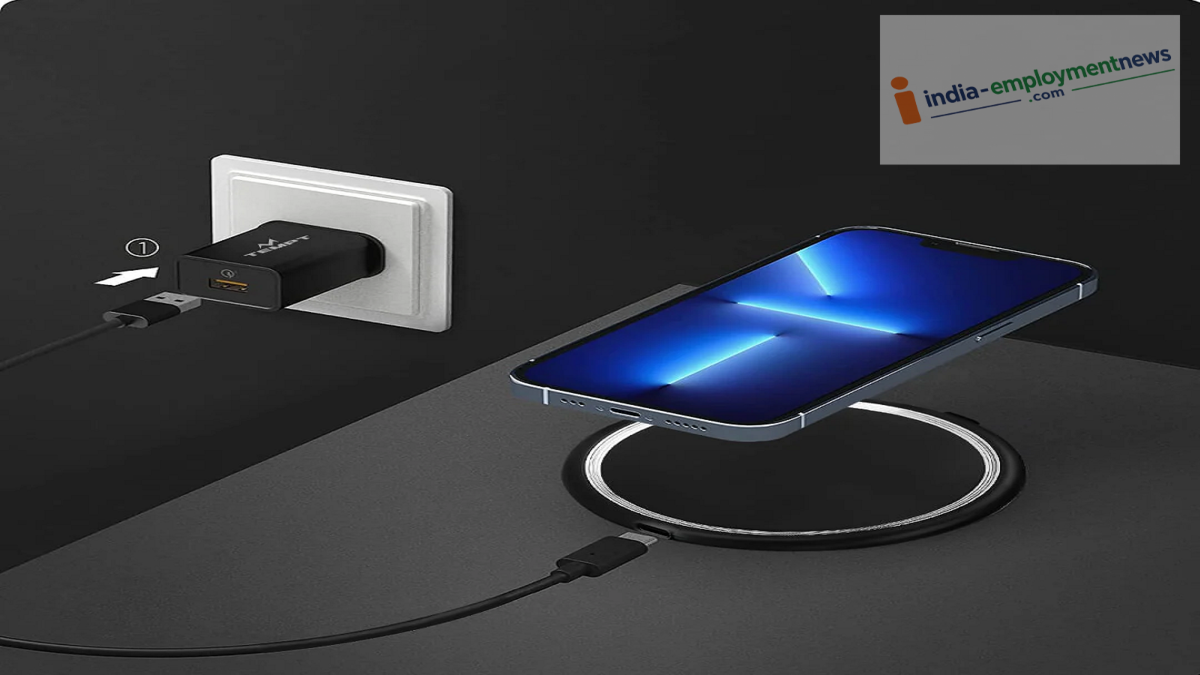
Wireless charging involves the transfer of energy between the phone and the charging pad via a magnetic field.
Tech Tips: The world of technology has introduced numerous advanced gadgets that significantly simplify our tasks. Smartphones, in particular, have made life much easier. Technology has advanced to the point where phones can now be charged without wires. Indeed, most premium smartphones today come with a wireless charging feature, allowing them to charge without a wired charger.
However, users often encounter issues during wireless charging. Frequently, the phone's cover is the reason behind this problem. Let’s understand the full story.
A thick cover can cause problems.
As mentioned, wireless charging relies on energy transfer between the phone and the charging pad via a magnetic field. Consequently, excessive distance between the phone and the charger can impact charging efficiency.
If the phone cover is too thick, the gap between the wireless charger and the phone's charging coil increases. This can slow down charging or, in some cases, prevent charging from starting altogether. This issue is particularly common among users who employ very thick, rugged, or heavy-duty covers.
The cover material matters too.
It is worth noting that not all phone covers are equally suitable for wireless charging. Generally, thin TPU, silicone, or plastic-based covers work well with wireless charging.
Conversely, if the cover features a thick metal plate, a metal ring, or other metallic components, it can interfere with wireless charging. Therefore, avoid purchasing covers that have large metal sections on the back of the phone.
MagSafe or Magnetic Ring Cases
If your phone supports magnetic wireless charging, a MagSafe-compatible case or one with a magnetic ring could be a great choice. The built-in magnets help keep the phone perfectly aligned with the charging pad.
However, not all magnetic cases are created equal. A cheap or low-quality magnetic ring can disrupt the alignment with the charging coil. Therefore, when buying a case, ensure it is compatible with both your phone and the wireless charger you are using.
Check for Wireless Charging Support
When buying a new phone case, don't just look at whether it fits your specific model. If you use wireless charging, look for terms like "Wireless Charging Compatible" or "Qi Compatible" in the product details.
If your phone supports a magnetic charging standard like MagSafe, it is best to choose a case specifically designed for that standard.
What to Do If the Phone Heats Up During Charging
It is worth noting that phones naturally heat up during wireless charging. However, if your phone gets excessively hot or charging stops repeatedly after putting on the case, try a simple test.
Remove the case and place the phone on the charging pad. If it charges properly without the case, the issue lies with the case itself. In this scenario, switching to a thinner, wireless charging-compatible case would be a better option.
Proper Alignment Is Crucial
Users often blame the case for charging issues, but the real culprit could simply be incorrect phone positioning. Proper alignment between the phone's charging coil and the charging pad's coil is essential for wireless charging to work correctly.
If the phone is slightly off-center on the charging pad, charging speeds may drop, or charging might stop altogether. However, this issue is less common with phones that support magnetic charging, as the magnets help ensure the phone is positioned correctly.
Things to Consider Before Buying a Case
Ensure the case isn't too thick.
Check for Wireless Charging or Qi compatibility.
Avoid cases with large metal plates or metallic components. If you use magnetic charging, choose a compatible magnetic case.
Consider the case's thickness alongside camera protection.
Avoid covers with poor-quality magnetic rings.
Remove the cover to check charging performance if necessary.
