
Even after charging all night, the phone's battery didn't reach full capacity—do this before buying a new phone..
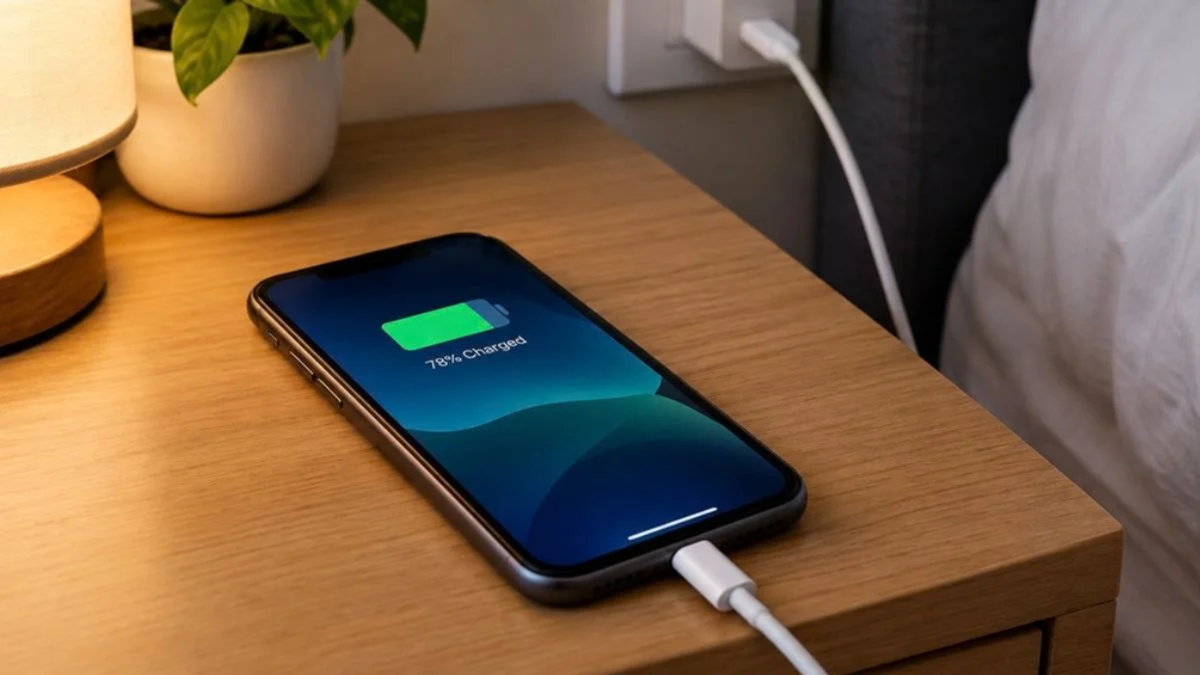
Have you ever plugged your phone in to charge, only to find the battery level unchanged hours later? If this happens to you often, there’s no need to worry. Before you decide to replace your smartphone—fearing it might be broken—consider that the issue could stem from something other than a faulty battery, such as debris in the charging port, a defective cable, or even a software glitch. Let’s look at some simple ways to identify and fix this problem in a matter of minutes.
What could be hindering the charging process?
Could an aging battery be the culprit?
Over time, a phone’s battery gradually loses its capacity. This affects its performance, preventing it from holding as much charge as it once did.
If your phone is plugged in but the battery percentage isn't increasing, be sure to check the battery's health. It’s worth noting that if the battery itself is the problem, simply replacing the charger or cable won't resolve the issue.
Could the charging cable or adapter be faulty?
Sometimes, a phone may show a "charging" icon, yet the battery percentage remains stagnant. This is often due to an old or damaged charging cable, which fails to deliver sufficient power to the phone. A faulty adapter can also cause similar issues.
To investigate, check the cable and adapter you are currently using. If necessary, try charging your phone with a different, compatible, and original cable or charger. If this resolves the issue, it’s likely that your original cable or adapter was the source of the problem.
Is there dust or debris in the charging port?
The charging port is a spot where dust, lint, and fabric fibers can easily accumulate during regular use. Additionally, corrosion (rust) can interfere with the connection. In such a situation, the electrical connection between the charger and the phone may not be established properly, which can cause charging to stop intermittently.
If you notice dirt in the charging port, clean it carefully. You can use a dry, soft brush for this purpose. Avoid inserting sharp objects into the port or doing anything that might damage it. If the port is damaged or the connection remains loose when the charger is plugged in, it is best to seek assistance from a technician.
Software or apps can also affect charging speed.
Charging issues are not always related to hardware. Sometimes, a glitch in the phone's software or an issue following an update can prevent the battery status from being displayed accurately. Furthermore, some apps may run continuously in the background, consuming significant power. This can slow down the phone's charging speed, as the battery continues to drain even while it is being charged.
In such cases, try restarting your phone. Afterward, check for any available system updates in your phone's settings. Also, look at your battery settings to identify which apps are consuming the most power. If an app is using an excessive amount of battery, consider restricting its background activity.
The phone's temperature can also impact charging.
If a phone becomes too hot or too cold, the charging process may slow down or pause temporarily as a protective measure. Instead of attempting to charge the phone immediately, allow it to return to a normal room temperature, then check the charging status again.
Enabling 'Airplane Mode' while charging can also be helpful, as it disables certain wireless functions and reduces battery consumption. However, this does not guarantee a fix for every type of charging issue.
Why is it important to correctly identify the problem? If your battery percentage isn't increasing, it is not necessarily time to buy a new charger or replace your phone. If the issue stems from the cable, adapter, charging port, or software, it can often be resolved by taking the appropriate steps.
On the other hand, if the battery's capacity is degrading or there is a hardware fault in the charging port, a technical inspection may be required. Identifying the problem early can help you avoid unnecessary expenses and ensure your phone is used effectively.
Disclaimer: This content has been sourced and edited from Amar Ujala. While we modified it for clarity and presentation, the original content belongs to its respective authors and website. We do not claim ownership of the content.
