
Even a 3-4 year old laptop will run fast, just install these 4 cheap gadgets, speed and performance will increase at a low cost..
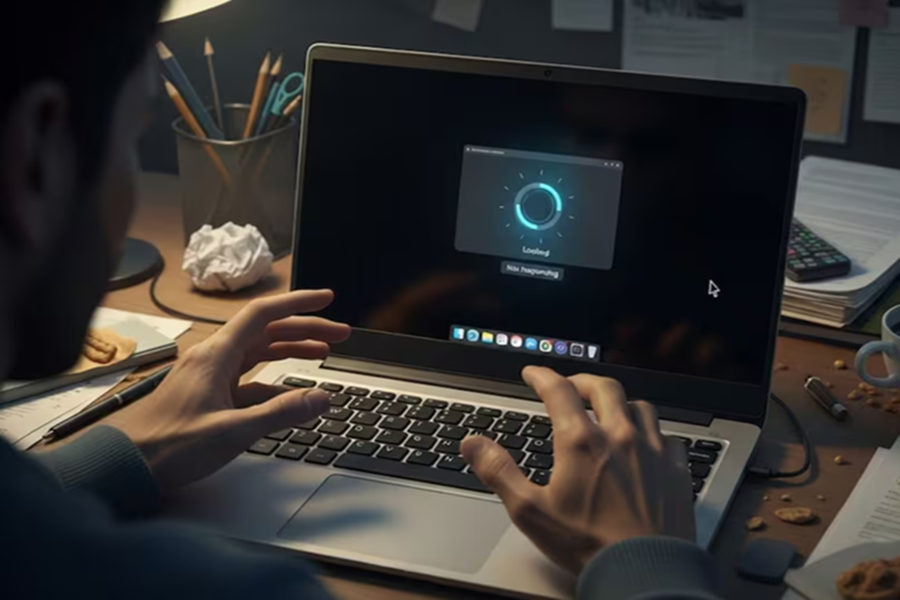
Laptops have become an integral part of our daily lives these days. However, it's often seen that after 3-4 years of use, laptops begin to slow down, and their performance drops significantly after 5-7 years. This prompts many people to consider purchasing a new laptop, but some inexpensive gadgets can make even an old laptop look almost as good as new. These gadgets will not only improve your laptop's speed but also prevent the need to purchase a new one. Let's explore some useful gadgets.
Remove overheating with a cooling pad - Overheating is a common problem in older laptops. Laptops can overheat during heavy tasks, or sometimes even during normal use. This often occurs because dust accumulates in the laptop's airflow vents or the fan isn't working properly.
Overheating also slows down system speed. A cooling pad is an excellent and inexpensive solution to this problem. A cooling pad provides cool air through an additional fan beneath the laptop, keeping the laptop's temperature under control.
Easy work with an external mouse and keyboard - Prolonged laptop use can damage many keyboard buttons and cause the trackpad to malfunction. Replacing the laptop keyboard can be costly. Instead, you can use an external keyboard and mouse.
These are cheaper and more comfortable to use. This option is especially useful if you spend long hours typing or doing office work.
Increase connectivity with a USB hub - Laptops older than 8-10 years often have very few USB ports. Often, there is only one or two, requiring repeated plugging and unplugging of different devices. Furthermore, older ports may not support newer standards.
In this situation, a USB hub is an easy and cost-effective solution. It allows you to connect multiple devices, such as a pen drive, mouse, keyboard, and hard drive, to a single port.
Increase speed with external storage - Older laptops often had limited storage, which quickly led to full storage. When the storage is full, the laptop's speed slows down. To solve this problem, external storage can be used. There are two options available: HDD and SSD.
HDDs are cheaper and can store more data, while SSDs are a bit more expensive but are faster and more reliable. With these small gadgets, you can significantly improve the performance of your old laptop and ensure long-term use.
Disclaimer: This content has been sourced and edited from News18 Hindi. While we have made modifications for clarity and presentation, the original content belongs to its respective authors and website. We do not claim ownership of the content.
