
eSIM Transfer: Need to move your eSIM to another phone? Here’s how to do it
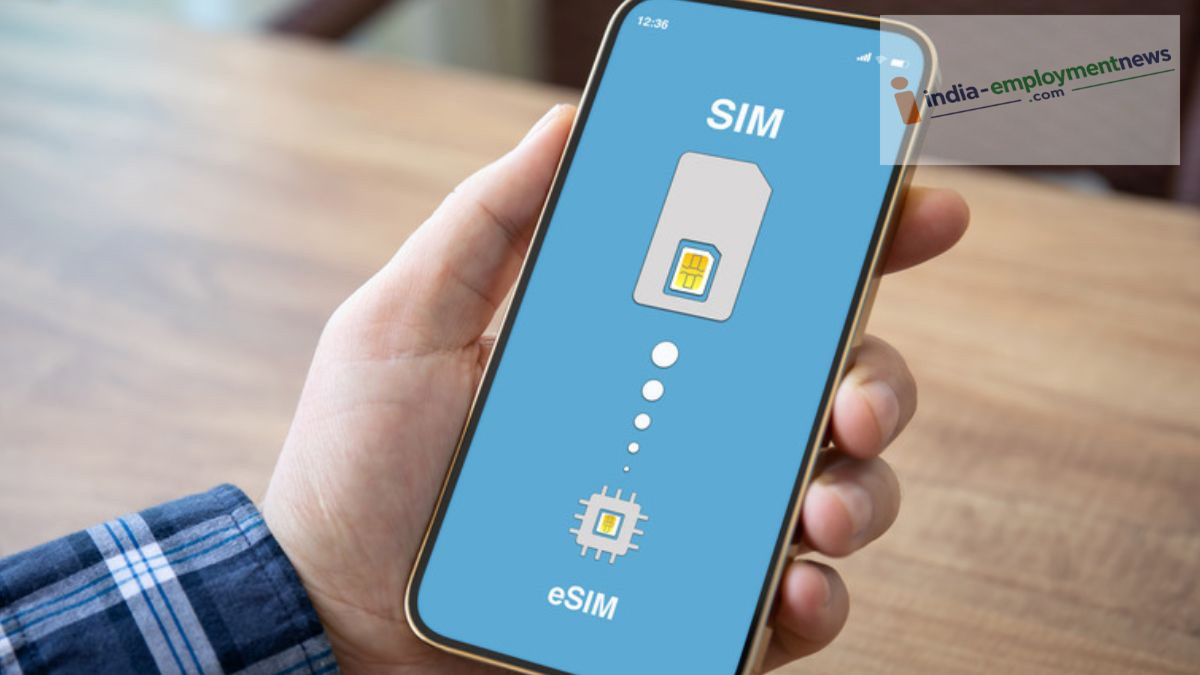
Transferring an eSIM from an old phone to a new one can seem daunting. A single small mistake during the process could lead to your number being deactivated. Learn how to shift your eSIM to a new phone in just minutes—all from the comfort of your home.
When upgrading to a new phone, most people simply take the physical SIM card out of their old device and insert it into the new one—a quick task that takes only a few seconds using a small SIM-eject tool. However, the use of eSIMs has become increasingly common. Today, many premium smartphones—ranging from Apple iPhones to Samsung and Google Pixel devices—offer eSIM functionality, providing both enhanced security and convenience.
A major advantage of an eSIM is that if a phone is stolen, a thief cannot simply remove and discard the SIM card, making it much easier to track the device. That said, when it comes time to switch to a new phone, many people are unsure of the correct procedure for transferring an eSIM. Let’s look at how you can transfer an eSIM from one phone to another without leaving your home.
How Jio and Airtel users can transfer via app or SMS
In India, Reliance Jio and Airtel have millions of subscribers, and both companies have made the eSIM transfer process quite straightforward. If you are an Airtel user, download the 'Airtel Thanks' app on your new phone, log in, and navigate to the "Upgrade to eSIM" option. Once you enter the EID number of your new phone, a QR code will be sent to your registered email address; scanning this code will activate the eSIM on your new device.
For Jio users, the process involves sending an SMS to 199. You need to type "GETESIM" followed by your new phone's 32-digit EID and 15-digit IMEI number, and then send this message to 199. Following this, you will receive a confirmation message and an email containing a QR code or an activation code. Please note that for security reasons, an automated verification call will be triggered; once you provide consent during this call, it may take up to two hours for the network to become active on your new phone.
Transferring from iPhone to iPhone or Android
If you are switching from an old iPhone to a new one, or moving a SIM between two modern Android phones, the process is even simpler. Apple offers an 'eSIM Quick Transfer' feature within iOS, which eliminates the need to send any messages to your telecom provider. Simply keep both iPhones close together, ensure that both Bluetooth and Wi-Fi are enabled, and ensure both devices are logged in with the same Apple ID.
Next, go to the settings on your new iPhone, select 'Mobile Service,' and tap 'Add eSIM.' You will see an option labeled 'Transfer From Nearby iPhone.' Upon selecting this, a pop-up will appear on your old iPhone; once you approve it and enter the verification code, the eSIM will be transferred to your new phone within a few minutes. Similarly, Google has introduced an eSIM transfer tool for Android phones, which allows you to shift an eSIM from one Android device to another by scanning a QR code during the initial setup process.
Common Mistakes to Avoid When Transferring an eSIM
It is crucial to keep a few important points in mind when transferring an eSIM from one phone to another; otherwise, your mobile number could remain inactive for several days. A common mistake people make is deleting the eSIM profile from their old phone—or formatting the old device—before the SIM has been successfully activated on the new one. Keep your old phone powered on and with you until the new phone shows full network signal strength, as the verification OTP and automated calls are sent to your existing (old) number. Additionally, it is essential that your new phone is connected to a stable Wi-Fi network when you scan the QR code. Also, please note that, as a safety measure, SMS services for the number are disabled for 24 hours immediately following an eSIM transfer. Therefore, if you have any urgent tasks related to UPI or banking, ensure you complete them before initiating the SIM transfer.
