
EPFO: Major update from EPFO! Now link your Aadhaar with UAN from the comfort of your home using the UMANG app..
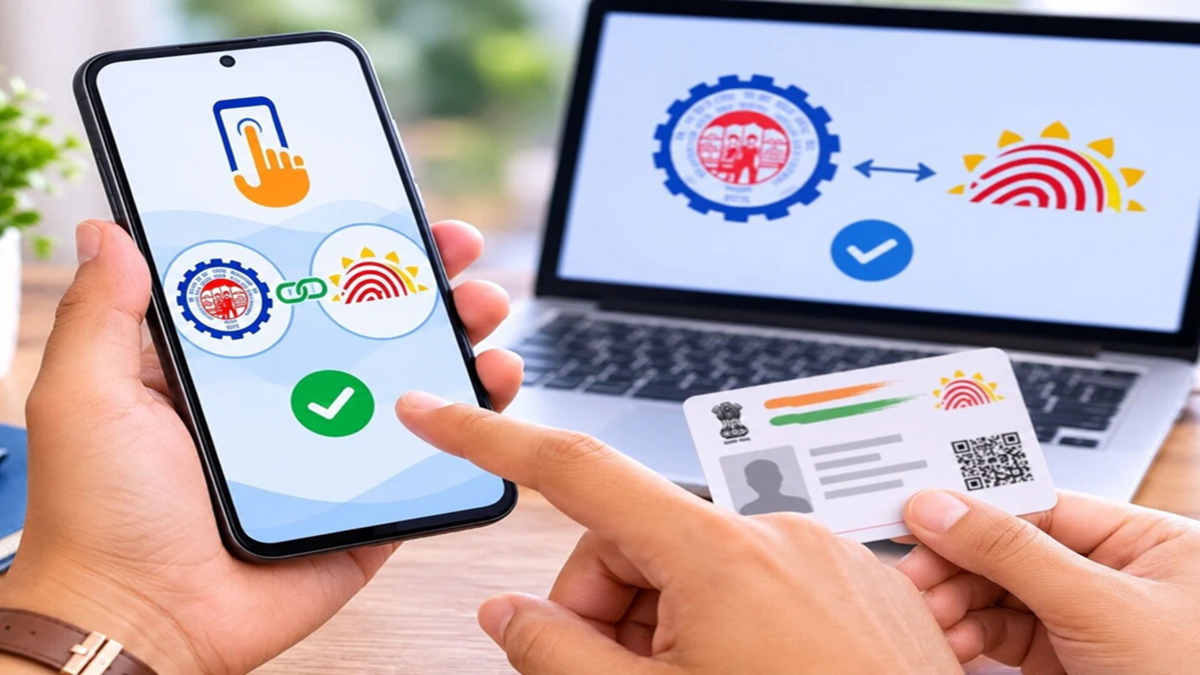
A major convenience has been introduced for the crores of members of the Employees' Provident Fund Organisation (EPFO). If your Aadhaar number is not yet linked to your UAN (Universal Account Number), you can easily do this yourself using the UMANG app. Previously, employees often had to rely on their employers to link their Aadhaar, but now this process can be completed via mobile.
**Aadhaar linking is essential for PF withdrawal and transfer**
Linking Aadhaar with UAN is mandatory to avail of various online services offered by the EPFO. This includes PF claims, PF transfers, and other e-KYC services. Linking Aadhaar simplifies member identity verification and enables faster access to online services.
**How to link Aadhaar with UAN using the UMANG app**
If your Aadhaar is not yet linked to your UAN, you can complete the process by following these steps:
1. **Download the UMANG app**
First, download the UMANG app on your mobile from the Google Play Store or Apple App Store.
2. **Register using your mobile number**
After opening the app, register using the mobile number linked to your Aadhaar and set a 4-digit M-PIN.
3. **Go to the EPFO section **
After logging in, select the EPFO option within the UMANG app. Then, click on 'e-KYC Services'.
4. **Select the 'Aadhaar Seeding' option**
Now, go to the 'Aadhaar Seeding' option and enter your UAN.
5. **Verify using OTP**
An OTP will be sent to the mobile number linked to your UAN. After entering the OTP, provide your Aadhaar details.
6. **Complete the process using Aadhaar OTP**
Next, a second OTP will be sent to the mobile number or email linked to your Aadhaar. Once you enter this, your Aadhaar will be linked to your UAN.
Typically, the information regarding the Aadhaar link is updated in EPFO records within approximately 24 hours.
**How to check if Aadhaar is linked?**
To check the status of the Aadhaar link, visit the EPFO member portal and log in using your UAN and password. Next, go to the 'Profile Information' section. If your Aadhaar is already linked, you will see your masked Aadhaar number and a 'Verified' status indicator there.
**UAN Activation Facility Also Shifted to UMANG App**
To simplify digital services, the EPFO has integrated features like UAN activation and new UAN generation into the UMANG app. Several services can now be accessed using Aadhaar-based Face Authentication (FAT).
**How Do Employees Benefit?**
Linking Aadhaar with UAN offers several benefits to employees:
* The PF claim process becomes easier.
* Online PF transfers become hassle-free.
* KYC updates are processed faster.
* EPFO's digital services can be accessed with ease.
Therefore, all EPFO account holders are advised to link their Aadhaar with their UAN to avoid any delays in future PF-related tasks.
Disclaimer: This content has been sourced and edited from Dainik Jagran. While we have made modifications for clarity and presentation, the original content belongs to its respective authors and website. We do not claim ownership of the content.
