
Emergency Alerts for Mock Drill: Did you not receive the government's emergency alert on your phone? Turn on this setting immediately..
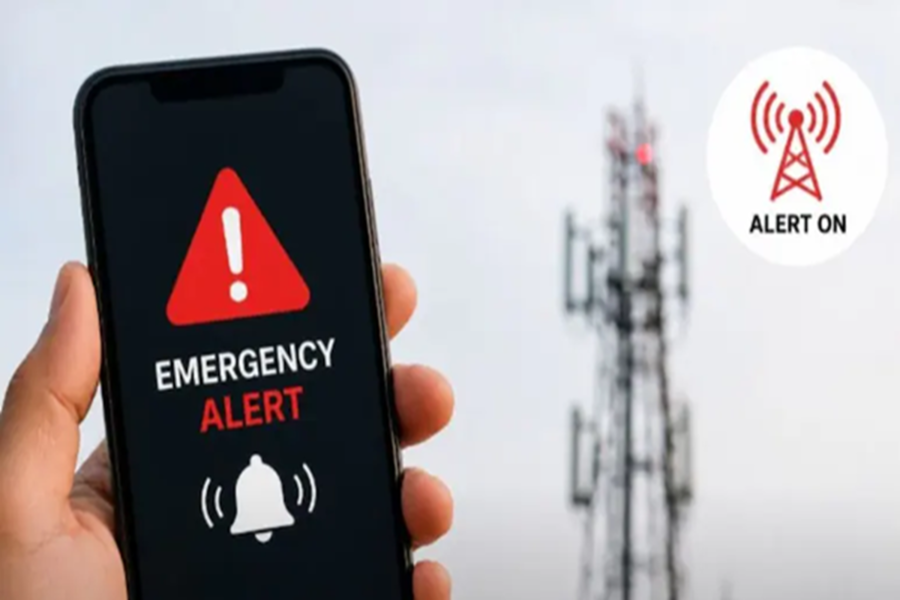
Cell Broadcast Messaging System: On Saturday many people received an emergency alert on their mobile phones, accompanied by a loud, siren-like sound. This alert was part of a new system launched by the government called the 'Cell Broadcast Messaging System.' Its purpose is to instantly convey information regarding any disaster or threat to the public. However, many people did not receive this alert. If you are one of those individuals—meaning if you did not receive this message on your phone—the reason may lie in your phone's settings. Let's find out how you can enable this feature on your phone now, ensuring that you receive timely information in the future and can keep yourself safe in any situation.
What is this new alert system?
The government has launched this system to provide immediate warnings to people during any emergency situation. Unlike standard SMS messages, these alerts are delivered directly to the phone via the network. They feature a loud audio signal that is audible even if the phone is set to silent mode.
Why didn't you receive the alert on your phone?
If you did not receive the alert on your phone, the 'Wireless Emergency Alerts' option may be disabled on your device. When this setting is turned off, you are unable to receive such critical messages.
How to enable this setting on Android phones:
If you use an Android phone, follow these steps:
Step 1: Open your phone's 'Settings'.
Step 2: Search for 'Safety & Emergency' or 'Wireless Emergency Alerts'.
Step 3: Tap on 'Wireless Emergency Alerts'.
Step 4: Here, toggle on 'Extreme threats', 'Severe threats', and 'Public safety alerts'.
Additionally, ensure that 'Allow alerts', 'Alert sound', and 'Override Do Not Disturb' are also enabled.
How to enable this setting on an iPhone:
If you use an iPhone, follow these steps:
Step 1: Go to 'Settings'.
Step 2: Tap on 'Notifications'.
Step 3: Scroll down to find the 'Government Alerts' section.
Step 4: Here, toggle on 'Emergency Alerts' and 'Public Safety Alerts'. Following this, you will continue to receive all essential future alerts.
What is the benefit of this feature?
Enabling this setting allows you to receive government-issued alerts directly on your phone. This system provides timely information regarding natural disasters, adverse weather conditions, or other potential hazards. This enables you to take precautions in advance and ensure your safety.
Disclaimer: This content has been sourced and edited from NDTV India. While we have made modifications for clarity and presentation, the original content belongs to its respective authors and website. We do not claim ownership of the content.
