
e-Aadhaar: What is e-Aadhaar, how to download it, and where can you use it? Learn everything here..
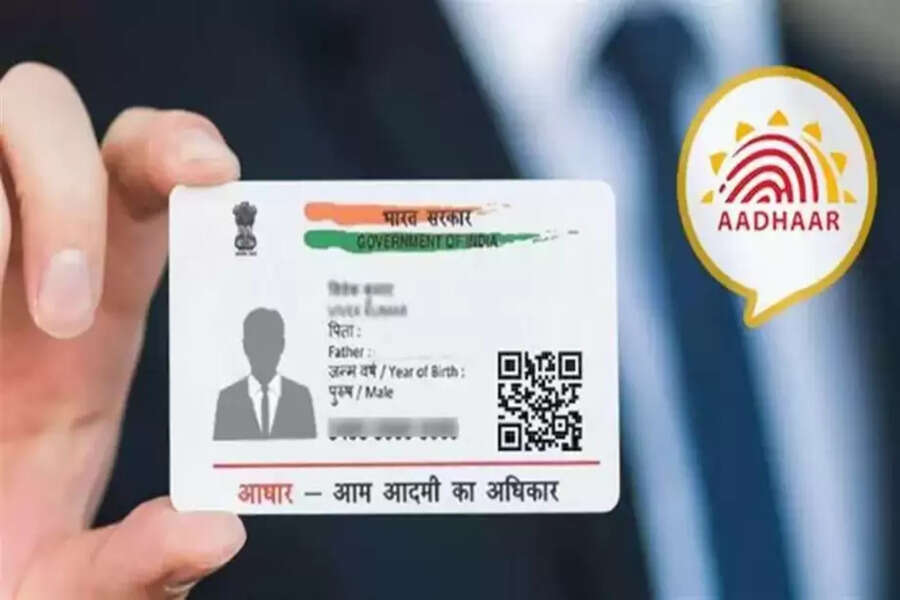
In the age of Digital India, the need to carry physical copies of important documents is gradually decreasing. The Aadhaar card, used as proof of identity and address, is now also available in a completely digital format, known as e-Aadhaar. Issued by the Unique Identification Authority of India (UIDAI), e-Aadhaar is a secure electronic document that you can save on your mobile phone, laptop, or tablet.
e-Aadhaar can not only simplify many of your government-related tasks but can also be accepted as proof of identity for services such as banking, SIM card activation, travel ticket booking, and KYC verification. Let's first understand what e-Aadhaar is and how to download it.
What is e-Aadhaar?
In simple terms, e-Aadhaar is the digital PDF version of your Aadhaar card, issued by the UIDAI. It contains your Aadhaar number, name, date of birth, address, photograph, and a secure QR code. This QR code helps in instant verification, confirming your identity. e-Aadhaar is a completely valid document and is considered equivalent to the physical Aadhaar card.
How to download e-Aadhaar?
To download your e-Aadhaar, first visit the UIDAI website.
From there, click on the 'Download Aadhaar' option.
Then, you need to enter your Aadhaar number, Enrollment ID (EID), or Virtual ID (VID).
After that, enter the captcha code displayed on the screen.
Now, click on the 'Send OTP' option.
An OTP will be sent to your registered mobile number.
Finally, enter the OTP received on your phone.
You can now download your e-Aadhaar PDF.
Where can e-Aadhaar be used?
You can use your e-Aadhaar card in many places. You can use it for opening bank accounts, applying for government schemes, getting a mobile SIM card, booking hotels or flights, or in any KYC process.
Disclaimer: This content has been sourced and edited from Dainik Jagran. While we have made modifications for clarity and presentation, the original content belongs to its respective authors and website. We do not claim ownership of the content.
