
Download Driving Licence Online: 4 Easy Ways to Get Your DL on Your Phone in Minutes
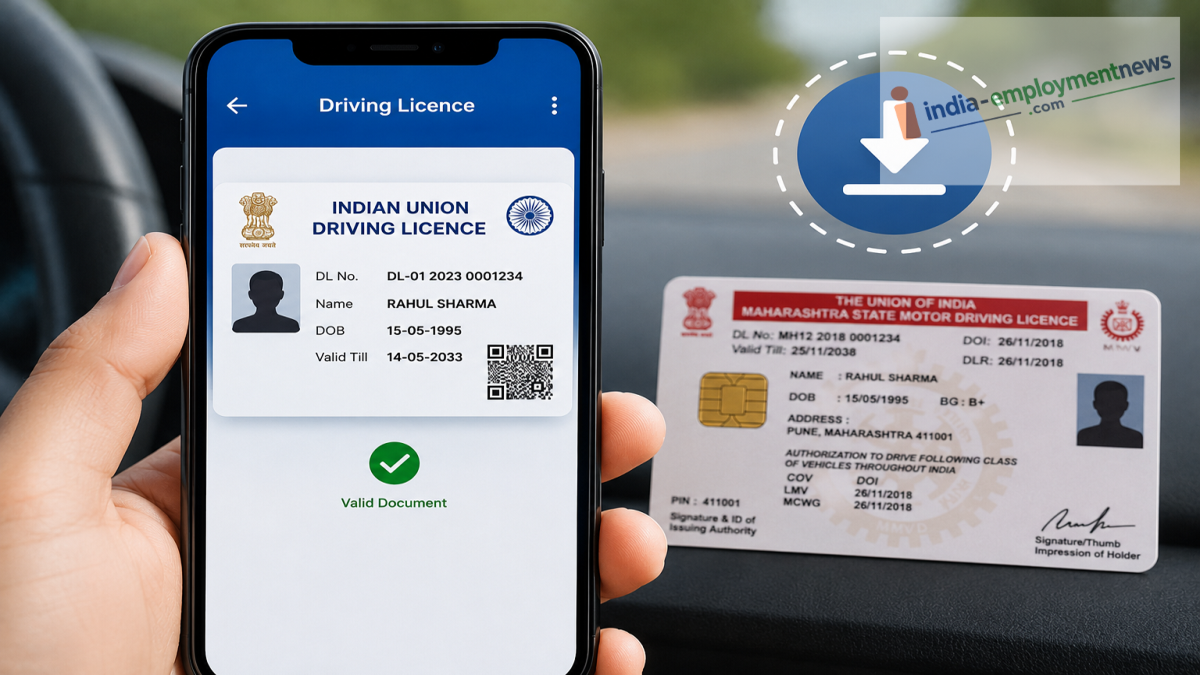
Lost, damaged, or faded driving licence? Here's how you can download a legally valid digital copy using DigiLocker, WhatsApp, mParivahan, or the Parivahan portal.
A damaged or worn-out driving licence can become difficult to use over time. Fortunately, you don't always need to visit a Regional Transport Office (RTO) to get access to your licence. The Government of India offers multiple digital platforms that allow drivers to download a valid electronic version of their Driving Licence (DL) directly to their smartphones.
Whether you have misplaced your physical card or simply want to keep a backup, there are several official methods to access your licence online. Digital licences issued through government platforms are legally valid and can be shown during traffic inspections wherever digital documents are accepted.
Here are four simple ways to download your driving licence.
1. Download Your Driving Licence Using DigiLocker
DigiLocker is one of the easiest ways to store and access government-issued documents.
Follow these steps:
-
Open the DigiLocker app or visit the DigiLocker website.
-
Sign in using your registered mobile number.
-
Search for Driving Licence.
-
Select your State Transport Department.
-
Enter your Driving Licence number.
-
Verify the required details.
-
Your digital Driving Licence will be added to your DigiLocker account.
Although the digital version may look different from the physical card, it is an officially issued electronic document.
2. Get Your DL Through the DigiLocker WhatsApp Chatbot
Users who prefer WhatsApp can also access their digital documents through DigiLocker's chatbot service.
Here's how:
-
Save 9013151515 on your phone.
-
Send Hi or Hello on WhatsApp.
-
Select DigiLocker Services from the available options.
-
Complete OTP verification.
-
Open your list of issued documents.
-
Select Driving Licence.
-
Download the PDF directly from WhatsApp.
This method allows users to retrieve their licence without installing the DigiLocker application.
3. Use the mParivahan App
The Ministry of Road Transport and Highways also provides the mParivahan app for digital vehicle and licence services.
To download your virtual licence:
-
Install the mParivahan app.
-
Sign in to your account.
-
Select Create Virtual DL.
-
Enter your Driving Licence number and Date of Birth.
-
Complete verification.
-
Your virtual Driving Licence with a QR code will appear on the screen.
The licence can be saved on your phone and accessed even when you are offline.
4. Download Your DL from the Parivahan Sewa Portal
If you do not wish to install any mobile application, you can use the official Parivahan Sewa website.
Follow these steps:
-
Visit the Parivahan Sewa portal.
-
Open Online Services.
-
Choose Driving Licence Related Services.
-
Select your state.
-
Navigate to Others.
-
Choose Find DL Application or Print Driving Licence.
-
Enter the required details and verify your identity.
-
Download your Driving Licence.
This option provides direct access through your web browser.
Is a Digital Driving Licence Valid?
Yes. Digital Driving Licences obtained through government-authorized platforms such as DigiLocker and mParivahan are generally recognized as valid electronic documents under applicable Indian digital governance frameworks. They can often be presented during traffic checks where digital documents are accepted.
However, drivers should always ensure the document is retrieved from an official government platform and contains valid details.
Why Keeping a Digital DL Is Useful
A digital Driving Licence offers several benefits:
-
Quick access anytime on your smartphone.
-
Protection against loss or damage of the physical licence.
-
Easy verification using QR codes on supported platforms.
-
No need to carry the physical document in many situations where digital copies are accepted.
-
Secure storage through government-backed services.
Final Thoughts
Downloading a digital Driving Licence is now faster than ever. Whether you choose DigiLocker, WhatsApp, mParivahan, or the Parivahan Sewa portal, the entire process can be completed within a few minutes. Keeping a digital copy on your smartphone ensures that your licence remains accessible whenever you need it, even if the original card is lost or damaged.
