
Download Digital Ration Card: 3 Easy Ways to Get Your Photo Ration Card on Your Phone
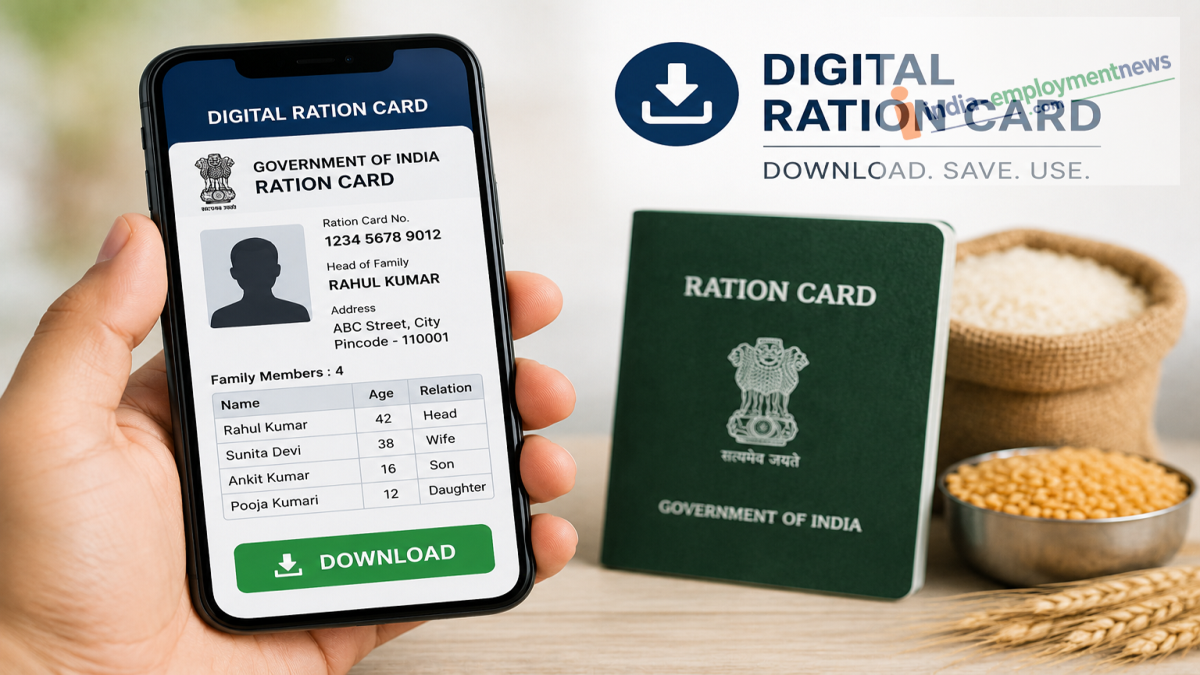
Lost or damaged your ration card? Here's how to download a valid digital copy using DigiLocker, UMANG, or your state's Food Department portal.
A physical ration card can become worn out, damaged, or misplaced over time. Fortunately, eligible beneficiaries can now access a digital ration card with the head of the family's photograph directly from their smartphones using official government platforms.
Instead of visiting government offices, users can download their digital ration card through DigiLocker, the UMANG app, or their State Food and Civil Supplies Department website. The downloaded document can be saved digitally or printed for future use, depending on your state's services.
Here's a step-by-step guide to each method.
Method 1: Download Your Ration Card via DigiLocker
DigiLocker allows users to securely access government-issued digital documents.
Follow these steps:
-
Install the DigiLocker app or visit the DigiLocker website.
-
Sign in using your registered mobile number.
-
Search for Ration Card.
-
Select your State Food Department.
-
Enter your ration card number and choose your district, if required.
-
Click Get Document.
Once verified, your digital ration card will be available in the Issued Documents section, where you can view, download, or share it as a PDF.
Method 2: Use the UMANG App
The UMANG app provides access to multiple government services, including ration card-related facilities offered by participating states.
To download your ration card:
-
Open the UMANG app and log in using your mobile number and MPIN.
-
Search for Ration Card or your state's Food Department.
-
Select the appropriate ration card service.
-
Open View Ration Card Details or the download option.
-
Enter your ration card number and other requested details, such as district or head of family's name.
-
Submit the information.
If available, the digital ration card will appear on your screen, and you can download it directly to your device.
Method 3: Download from Your State Government Portal
Most state governments also provide online access to ration card details through their official Food and Civil Supplies websites.
General steps include:
-
Visit your state's official Food Department portal.
-
Select your district and local administrative area.
-
Choose your Fair Price Shop (ration dealer), if required.
-
Locate your ration card number or the head of family's name.
-
Complete OTP verification if requested.
-
Open your digital ration card.
-
Save or print the document for future use.
The exact process may differ slightly from one state to another.
What Information Will the Digital Ration Card Include?
A digital ration card generally contains:
-
Photograph of the head of the family.
-
Ration card number.
-
Address details.
-
Family members' information.
-
Category of the ration card.
-
Fair Price Shop details.
-
Other beneficiary-related information, depending on the state.
Is the Digital Ration Card Valid?
Digital ration cards issued through official government platforms are generally accepted for eligible public distribution system (PDS) services and other applicable purposes. However, requirements may vary by state, so beneficiaries should use documents obtained only from authorized government portals or apps.
Tips Before Downloading
Before starting the process, make sure you have:
-
Your ration card number.
-
Registered mobile number.
-
District or locality details, if required.
-
Stable internet connection.
-
Access to OTP verification, where applicable.
Final Thoughts
Downloading a digital ration card has become easier with government platforms like DigiLocker, UMANG, and State Food Department portals. Whether your physical card is lost, damaged, or you simply want a digital backup, these official services allow you to access your ration card within minutes from your smartphone without visiting an office.
