
Don’t let your bank account get emptied by Diwali offers! Use these 5 WhatsApp features..
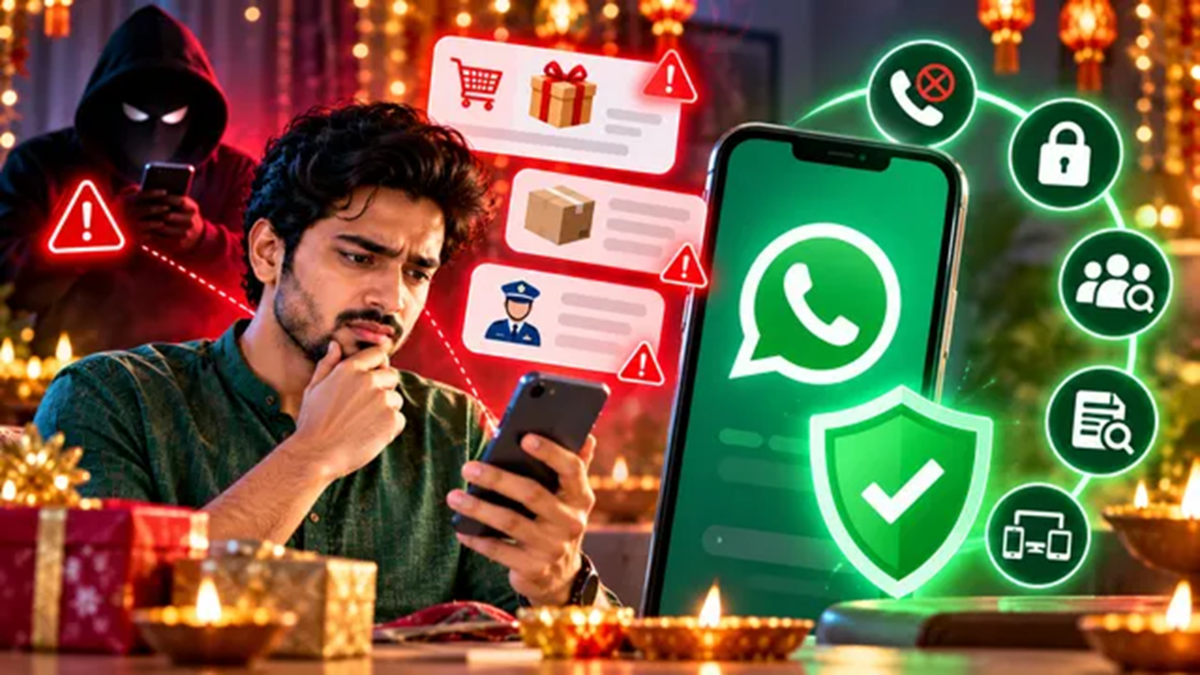
The festive season of Diwali has arrived in India, and online shopping platforms are offering a wide array of attractive deals. However, this period also sees scammers devising new ways to defraud people. They create fake accounts in the names of legitimate companies, send malicious payment links, and use deceptive APK files to hack your phone—all with the intent of stealing your hard-earned money. During this season, WhatsApp has become a primary channel for such scams.
Fraudsters often lure victims with promises of large discounts, gifts, or coupons, trapping them in fake parcel delivery schemes. In other instances, they may pose as government officials, threatening legal action to instill fear and coerce users into making hasty payments. Fortunately, the Meta-owned app includes several useful features to help you stay protected against such fraud. Here are five ways to ensure your safety:
1. Enable the 'Silence Unknown Callers' feature
This WhatsApp feature is highly effective for avoiding calls from unknown numbers. Once enabled, your phone will not ring when a call comes in from an unfamiliar number. These calls will simply appear in your call log, preventing scammers from catching you off guard and manipulating or intimidating you into taking a risky action.
To enable this, go to WhatsApp Settings, open 'Privacy,' and select the 'Calls' option to turn it on.
2. View details before answering unknown calls
WhatsApp states that Android users will now see more information on the call screen for numbers not saved in their phonebook. This includes details such as whether the caller shares a common group with you or if the number originates from outside India. This allows you to gauge whether a call is legitimate or fraudulent before you even answer.
3. Keep 'Two-Step Verification' enabled
This feature provides an extra layer of security, protecting your WhatsApp account from being stolen or hacked. Instead of the old 6-digit PIN, you now have the option to set a strong password, which can include letters and special characters.
4. Identify fake messages using 'Context Cards'
If you receive a suspicious message from an unknown sender promising huge discounts or large profits, you can block and report that number. Be sure not to click on any links provided in the message or download any attachments. Additionally, for such chats, 'Context Cards' can provide useful information—such as whether the account was created recently, if you share any common groups with that unknown number, the country of origin for the SIM card, and more.
5. Keep an eye on 'Linked Devices'
Scammers often try to trick you into linking your WhatsApp account to another device. If an attempt is made to link a suspicious device, WhatsApp will immediately alert you, warning that it could be a scam.
Never share your linking code with anyone, and do not scan any unknown QR codes. Periodically check your 'Linked Devices' in the settings; if you spot any unfamiliar device, log it out immediately.
Always remember that no police force or government investigative agency in India conducts investigations over phone or video calls. Do not trust such calls under any circumstances. If you fall victim to a fraud, file a complaint immediately via the official cybercrime portal.
