
Don't underestimate the Power Button anymore! Knowing these features will change the way you use your phone.
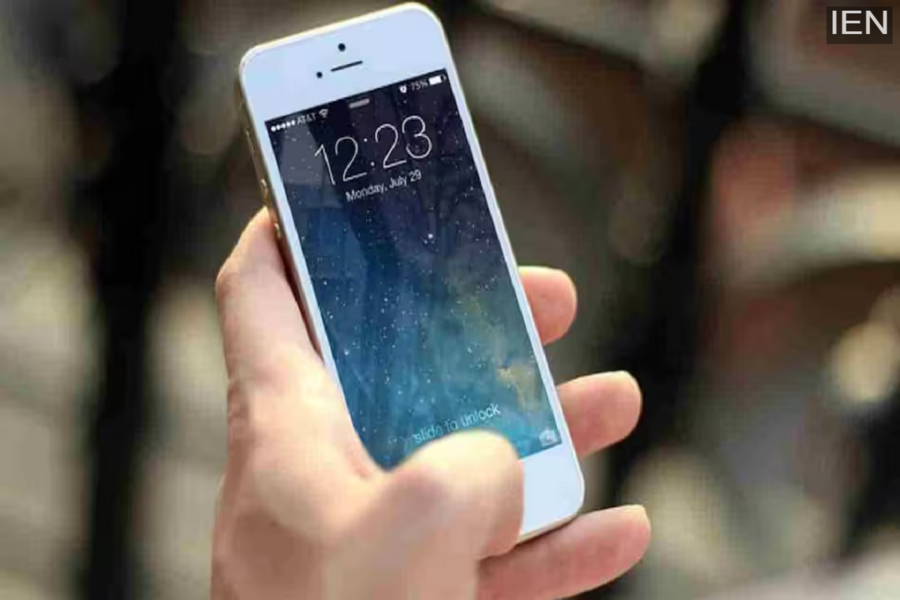
Power Button: Most people think of the smartphone's Power Button as only for turning the phone on or off.
Power Button: Most people think of the smartphone's Power Button as only for turning the phone on or off. But the truth is, this small button controls many smart and useful features of your phone. If you learn about these hidden functions, using your phone can become much easier and faster.
It becomes your biggest help in an emergency
Almost all modern smartphones have an emergency feature linked to the Power Button. When you press the Power Button a few times consecutively, the phone can automatically send an emergency call or SOS message. This feature is especially helpful for women, the elderly, and those traveling alone.
The fastest shortcut to open the camera
Did you know that on many smartphones, pressing the Power Button twice quickly opens the camera instantly? When a special moment suddenly arises, and there's no time to unlock the screen, this feature is a lifesaver. You won't miss a single important photo.
Smarter than just screen lock
The Power Button isn't just limited to locking the screen. On many phones, you can activate the digital assistant using this button. By changing some settings, you can use the Power Button in such a way that a long press activates Google Assistant or another AI feature.
Restart and performance have a direct connection
If your phone is slowing down or freezing, a proper restart using the Power Button can improve its performance. Many people don't restart their phones for long periods, while this simple step helps maintain the phone's speed and stability.
The real secrets are hidden in the settings
If you haven't yet explored the settings related to the Power Button, be sure to check your phone's settings. Here you will find many features related to shortcuts, emergency options, and customization that most users are unaware of.
