
Don’t Download Apps Blindly: Check These Safety Steps Before Installing from Google Play Store
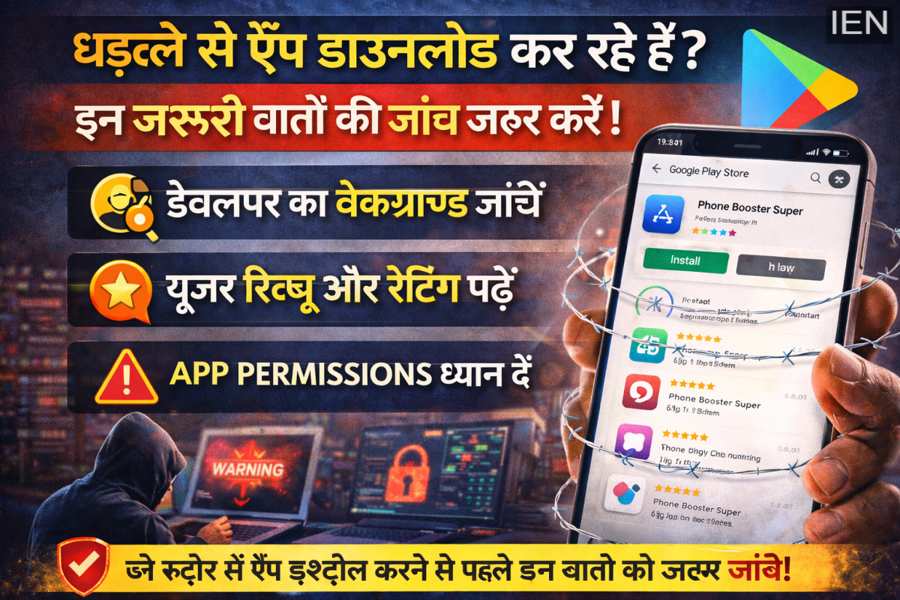
Smartphone users often download apps instantly whenever they need a new feature or service. Whether it’s a game, calling app, utility tool, or productivity software, people usually install applications within seconds without giving much thought to security.
However, cybersecurity experts warn that downloading apps without proper checks can expose users to serious risks such as data theft, intrusive advertisements, malware, or cyber fraud. Even though Google Play Store follows security guidelines, some suspicious or malicious apps still manage to appear on the platform from time to time.
Because of this, users are strongly advised to verify certain key details before installing any app. Taking just a few minutes to check these factors can help protect your smartphone and personal data from potential threats.
Not Every App on Play Store Is Completely Safe
Many users assume that every application available on the Play Store is automatically safe to download. While the platform does use security systems to detect harmful apps, cybercriminals constantly try to bypass these checks.
Some fraudulent apps may appear legitimate but can:
-
Show excessive or intrusive advertisements
-
Collect personal data without permission
-
Install hidden malware on your device
-
Redirect users to suspicious websites
Cybersecurity agencies have recently flagged several apps that claimed to offer free calling services, gaming features, or utility tools but were actually designed to track user data or display aggressive ads.
This is why experts recommend carefully reviewing apps before installing them.
Always Check the App Developer
Before downloading any application, users should verify the developer’s name and background.
Trusted apps are usually developed by well-known companies or developers with an established track record. On the other hand, suspicious apps often come from unknown developers with little information available online.
If the developer profile:
-
Has no history of other apps
-
Shows inconsistent details
-
Appears newly created
then users should be cautious and avoid installing the app unless they are confident about its authenticity.
Cybersecurity specialists say that apps from recognized developers or companies are generally more reliable and undergo better quality control.
Read Reviews and Ratings Carefully
Many users rely only on the star rating displayed on the Play Store page. However, ratings alone do not always tell the full story.
Some apps may have high ratings due to fake or paid reviews. Therefore, it is important to read actual user feedback in the review section.
Look for common complaints such as:
-
Too many ads appearing after installation
-
App features not working properly
-
Frequent pop-ups or suspicious notifications
-
Requests for unusual permissions
If multiple users report similar problems, it could be a warning sign that the app is unreliable or unsafe.
Pay Attention to App Permissions
One of the most important steps before installing an app is reviewing the permissions it requests.
Permissions determine what data and features the app can access on your smartphone. For example, some apps may request access to:
-
Contacts
-
Microphone
-
Location
-
Camera
-
Files and storage
If a simple gaming or calling app asks for access to data that is unrelated to its function, it may indicate suspicious activity.
Experts recommend granting only the permissions that are necessary for the app to function properly.
Simple Precautions Can Protect Your Data
Downloading apps is easy, but protecting your personal data requires awareness and caution.
By checking a few details before installation—such as developer information, user reviews, ratings, and permissions—smartphone users can significantly reduce the risk of malware or data theft.
Cybersecurity experts emphasize that a few seconds of verification can prevent serious security issues later.
The Bottom Line
With millions of apps available on the Google Play Store, it is important for users to stay vigilant. Not every app that appears in search results is necessarily safe.
Before installing any new app, make sure to verify its developer, read user reviews carefully, and check the permissions it requests. Taking these small precautions can help keep your smartphone secure and your personal information protected from cyber threats.
