
Does your phone also run out of charge quickly? Adjust these settings on your mobile to make the battery last longer..
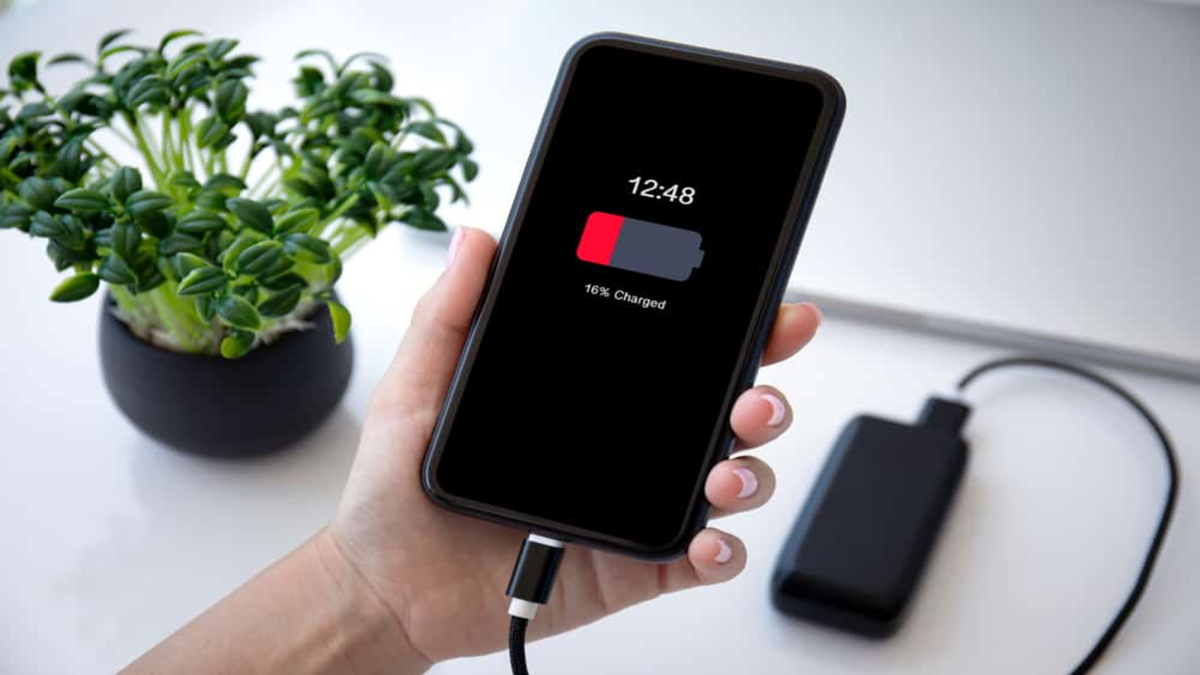
Having to charge their phone multiple times a day has become a common frustration for almost every smartphone user. The good news is that you can extend your battery life by adjusting a few settings. While the specific names and locations of these settings may vary depending on the phone model and manufacturer, most of these tips apply to both Android and iPhone devices.
Pay attention to the screen
The screen is the primary cause of battery drain. Therefore, start by adjusting your screen-related settings.
Brightness: Keep it set to 'Auto' or adjust it to the minimum level necessary.
Screen Timeout: Set this between 15 and 30 seconds so that the phone locks quickly when not in use.
Refresh Rate: If your phone offers a 90Hz or 120Hz option, lowering it for everyday tasks can help save battery.
Dark Mode: On phones with OLED or AMOLED screens, using Dark Mode can help conserve battery.
Always-On Display: Turn this off if you don’t need it.
Battery Saver and Low Power Mode
Enabling 'Battery Saver' on Android or 'Low Power Mode' on iPhone reduces background processes. These modes are particularly useful when your battery level is low. You can also turn them on proactively, though doing so might slightly slow down your phone's performance.
Disable background apps
Many apps continue to run even when you aren't using them. Go into your settings and restrict background access for apps that you don't need to use constantly. On an iPhone, this can be managed under 'Background App Refresh.' It is also a good idea to uninstall apps that you never use.
Manage location and connectivity
Location:
Grant location access to most apps only while you are actively using them.
Bluetooth and Wi-Fi:
Keep these turned off when not in use.
Network:
In areas with a weak signal, your phone consumes more battery as it works harder to search for a network connection. In such places, choosing 4G instead of 5G can help save battery life.
Reducing notifications also saves battery.
Every notification triggers the screen to turn on. Disable notifications for apps whose alerts are not essential; this also helps minimize distractions.
Keep your software updated and improve your charging habits.
Software updates often include improvements related to battery life and performance, so keep your phone updated. Certain charging habits can also be beneficial:
Avoid letting your phone’s battery drop to 0% repeatedly.
If possible, avoid keeping it charged at 100% all the time.
Use the charger provided by the manufacturer or a reliable, trusted alternative.
Ensure your phone does not overheat while charging.
Many phones offer features like "optimized charging" (useful for overnight charging), which helps maintain battery health.
Check your battery health.
If your battery still drains quickly despite these measures, it may simply be aging. On an iPhone, you can check this under "Battery Health," while many Android phones provide this information in the "Device Care" or "Battery" section. If the battery has significantly degraded, it is best to have it replaced at an authorized service center. Ultimately, do not expect a "miracle" from changing just one setting; focusing on your screen usage, background apps, and connectivity settings will generally yield the most noticeable improvements.
Disclaimer: This content has been sourced and edited from Amar Ujala. While we modified it for clarity and presentation, the original content belongs to its respective authors and website. We do not claim ownership of the content.
