
Does restarting your phone really make the smartphone faster? Find out the reason behind it..
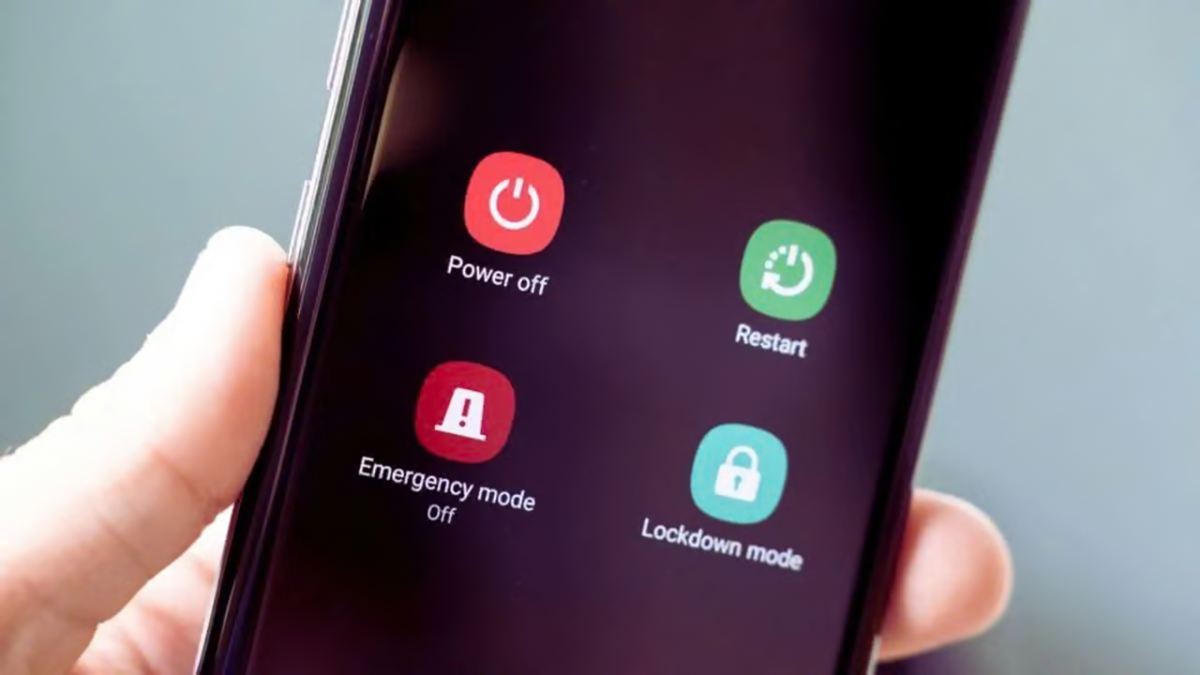
Smartphones have become an integral part of our daily lives. We rely on them for everything—from making calls and making online payments to using social media. However, phone speeds sometimes drop suddenly; apps take longer to open, the touchscreen malfunctions, or the device frequently lags. In such situations, the first piece of advice is usually to restart the phone. But does doing this repeatedly actually make the smartphone faster?
The answer is that while restarting might resolve issues temporarily, doing it constantly does not permanently boost the phone's speed. In fact, turning the phone off and on again consumes a small amount of battery power each time.
What happens inside the phone when you restart it?
When you restart an Android phone or an iPhone, the operating system shuts down and reboots. During this process, running apps are closed, and essential system processes restart.
Restarting can resolve issues if an app keeps crashing or the touchscreen isn't working correctly. It helps fix minor technical glitches and allows stalled apps to function properly again.
However, the effectiveness of a restart depends on the root cause of the problem. If the issue stems from a specific app, restarting can be helpful. But if the battery is failing or the hardware is aging, simply restarting won't solve the problem.
Should you restart your phone every day?
It is not necessary to restart your smartphone daily. Modern Android phones and iPhones are capable of managing background apps, memory, and system resources on their own. Therefore, unlike a computer, there is no need to turn your phone off and on every morning.
Frequent restarting neither frees up storage space nor increases the processor's performance capacity. If your phone is consistently running slowly, the cause could be low storage, a resource-heavy app, outdated software, or a weak battery.
When is restarting beneficial?
Restarting your phone can be the right move in certain situations:
Apps keep crashing or fail to open.
The touchscreen stops responding, or the phone freezes.
The phone's speed drops significantly and suddenly.
You face trouble connecting to Wi-Fi or Bluetooth.
The phone malfunctions after a software update.
If you haven't restarted your phone in weeks and it suddenly starts acting up, try restarting it.
How can you boost your phone's speed?
If the phone remains slow even after a restart, check the storage and delete unnecessary files. Install any available software updates. Update apps that are causing issues, or uninstall them if necessary.
Additionally, avoid apps that claim to boost speed or clear RAM. Often, these apps run in the background and consume the phone's resources.
Disclaimer: This content has been sourced and edited from Money Control. While we have made modifications for clarity and presentation, the original content belongs to its respective authors and website. We do not claim ownership of the content.
