
Do your photos get blurry when sent on WhatsApp? Here’s an easy trick to send them in original quality.
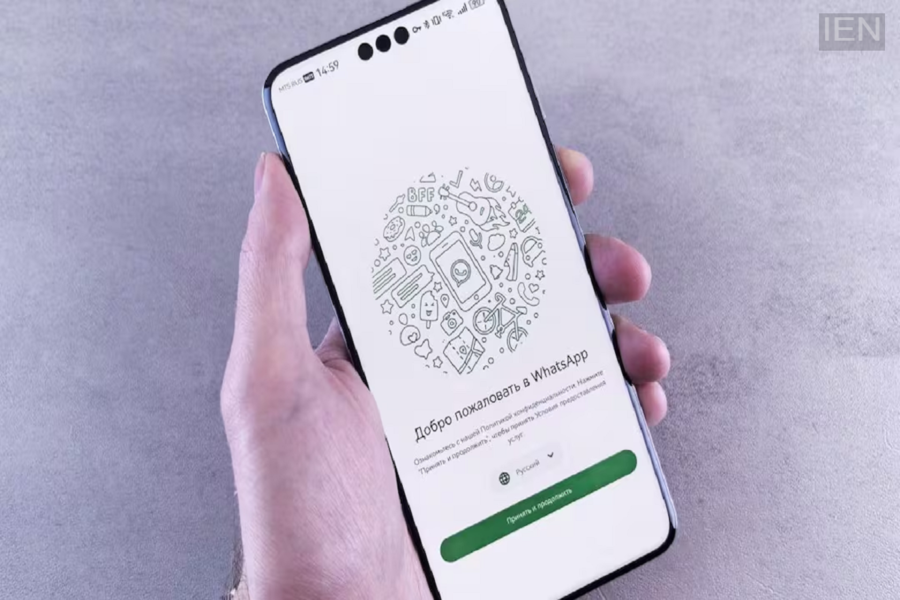
WhatsApp Hacks: Whenever a photo is sent on WhatsApp, the app compresses it.
WhatsApp Hacks: The messaging platform WhatsApp has become a necessity for people today. People use it for everything from office group chats to communicating with friends. Moreover, it is frequently used to share documents, photos, and videos. However, it is often observed that sending a photo via WhatsApp results in a loss of original quality. That is why, today, we are sharing a trick that allows you to send photos to others without compromising their original quality.
How to send photos in original quality
If you want to send photos in their original quality, you can follow these simple steps:
First, open WhatsApp and go to the chat of the person you want to send the photo to.
Next, tap on the 'Attach' or '+' icon.
Select the 'Document' option.
Then, choose 'Choose from Gallery' or 'Browse'.
Select the photo you wish to send and hit 'Send'.
Photos sent this way are not compressed, and their quality remains largely intact.
Why does photo quality drop?
As per standard behavior, whenever a photo is sent on WhatsApp, the app compresses it. This is a default setting within the app. This is done to ensure faster uploading and downloading of photos and to save the user's internet data.
You can also choose HD quality.
That’s not all; you can also send photos in HD quality. WhatsApp has introduced a feature for sending HD photos. If you are sending a photo from your gallery in the usual way, simply tap the 'HD' icon that appears at the top after selecting the photo, choose 'HD Quality', and then send it. Keep an eye on storage as well.
It is worth noting that photos sent in 'Original' or 'HD' quality have a larger file size compared to standard photos; therefore, ensure you have sufficient storage space on your mobile. If you have a limited data plan, it is better to download such files over Wi-Fi. Additionally, you can adjust WhatsApp's 'Auto-download' settings if necessary.
