
DL Update: Need to add a new address to your driving license? Here’s how to update it online from the comfort of your home..
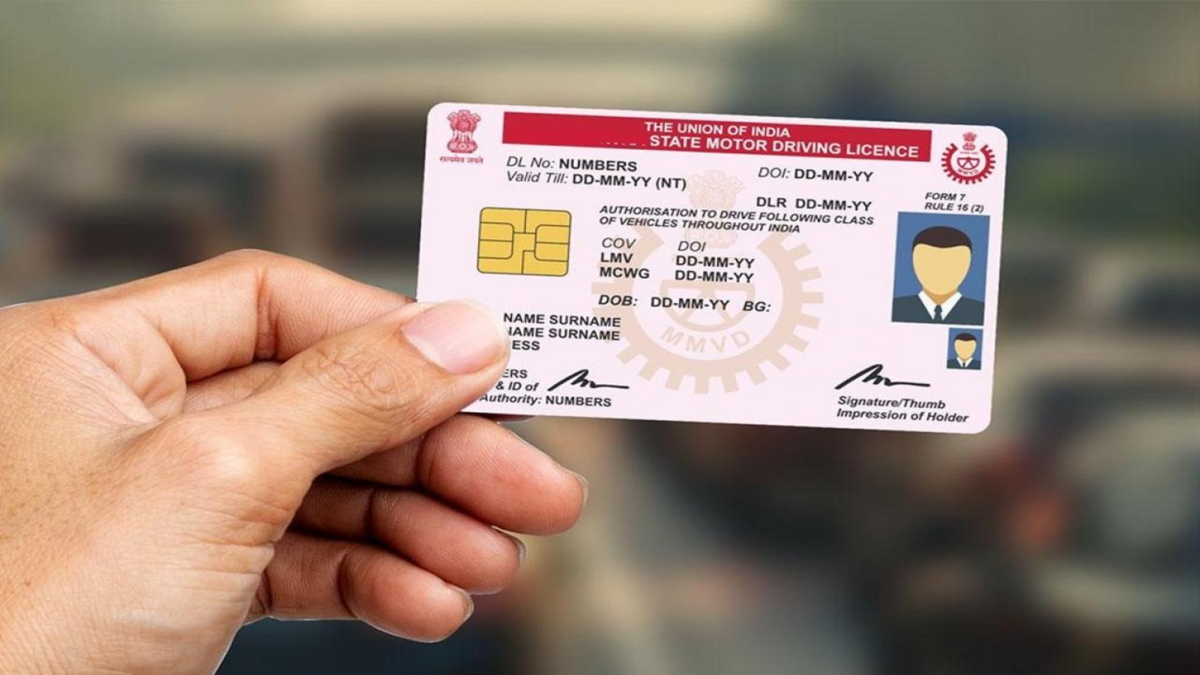
If you have recently moved house, it is essential to update your new address on your driving license. Previously, this required multiple visits to the RTO, but now the task can often be completed online using a mobile phone or laptop. However, the process may differ slightly if you are moving to a different state; in such cases, a No Objection Certificate (NOC) from your previous RTO might be required. Here is an easy way to update your driving license address from the comfort of your home.
**Keep these documents ready first**
It is best to have the necessary documents handy before starting the online application. These include:
A scanned copy of your current driving license.
Proof of the new address, such as an Aadhaar card, passport, voter ID, ration card, or a valid utility bill.
Proof of identity, such as a PAN card, passport, or voter ID.
A recent, clear photograph.
A digital copy of your signature (signed on a white sheet of paper).
Having these documents ready in advance will make filling out the online form much easier.
**How to update your driving license address from home?**
You can use the 'Parivahan Sarathi' portal for this purpose. The application process is as follows:
Open the Parivahan Sarathi portal on your phone or laptop.
Enter your driving license number and date of birth.
Verify the driving license details displayed on the screen.
Select the appropriate RTO based on your location.
If the facility is available for your case, choose the Aadhaar-based e-KYC option.
From the list of services, select the option for 'Change of Address in Driving License'.
Carefully enter your new address in the form.
Upload the proof of the new address and other required documents.
Upload your photograph and signature.
Pay the fee online.
Save the receipt or acknowledgment generated after completing the application.
You can use this acknowledgment to check the status of your application.
**What should those moving to a different state do?**
If you are moving to another state, the process for changing the address on your driving license may differ slightly. In such a case, an NOC (No Objection Certificate) from the previous RTO may be required.
You can apply for an NOC on the 'Parivahan Sarathi' portal by providing details about the previous state and RTO. After entering your driving license number and date of birth, you must select the 'Issue of NOC' option.
Next, you will need to submit the requested information and necessary documents. Once the fee is paid and the verification by the previous RTO is complete, the NOC can be issued. It is important to keep the NOC copy and receipt safe after receiving them.
How can the driving license address be updated in the new state?
If you have obtained the NOC, visit the 'Parivahan Sarathi' portal of the new state and select the service related to driving licenses. Here, after entering your DL number and date of birth, you must provide the NOC number and date issued by the previous RTO.
Following this, upload the new address and proof of address. You will also need to submit the NOC obtained from the previous RTO and pay the required fee. After the application is verified and approved, the new driving license can be sent to the new address.
Make sure to keep the application receipt safe.
It is advisable to save the acknowledgment or receipt received after completing the online process. This can help in tracking the application status and serve as a record related to the application should the need arise in the future.
Please note that the documents and procedures for changing the address on a driving license may vary depending on your specific case and the RTO. An NOC is particularly likely to be required when shifting to another state. Therefore, be sure to check the options available on the portal and the documents requested when applying.
Disclaimer: This content has been sourced and edited from NDTV India. While we have made modifications for clarity and presentation, the original content belongs to its respective authors and website. We do not claim ownership of the content.
