
Did your phone get wet in the rain? Don't plug in the charger immediately—it could cause serious damage.
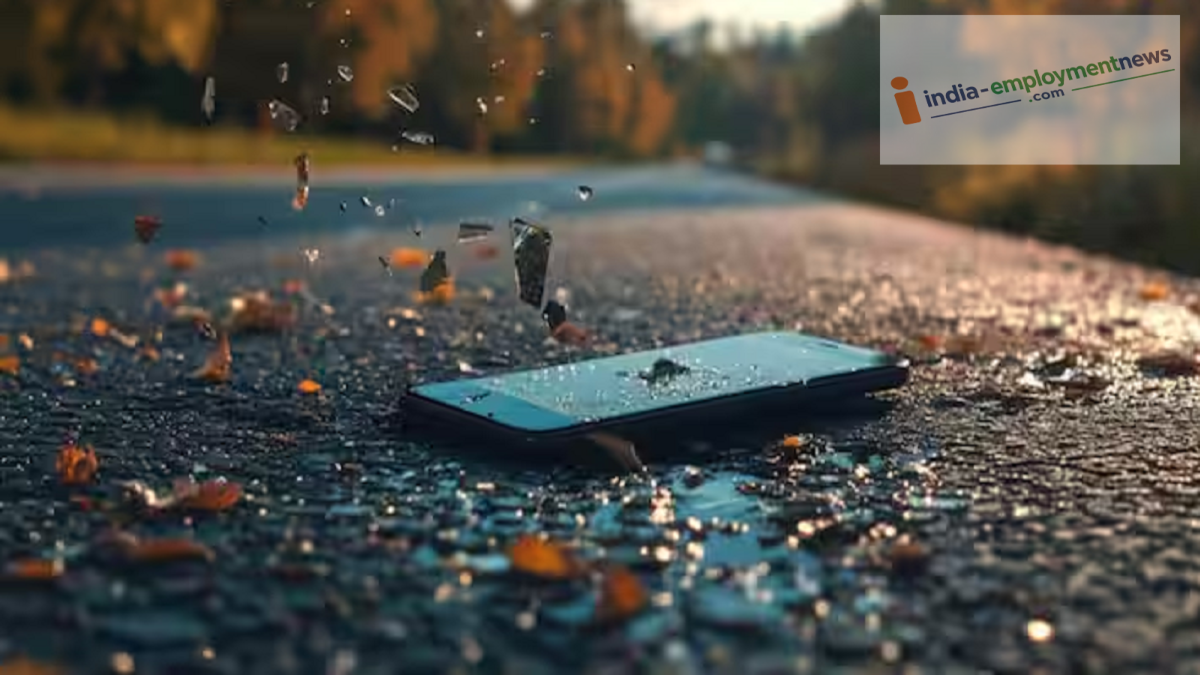
Plugging in a charger immediately after your phone gets wet in the rain can prove costly. Let’s look at the potential damage caused by charging a wet phone and the precautions you should take in such a situation.
It is common for smartphones to get wet during the rainy season. Often, a phone continues to function even after getting slightly wet, leading people to plug it in for charging right away. However, this mistake can be disastrous for the phone. Moisture in the charging port can react with the electricity, causing short circuits, corrosion, or other hardware damage.
If your phone gets wet in the rain, the first step is to keep it away from the charger. If the phone is on and the screen is working, it is best to switch it off. Next, gently wipe the exterior of the phone with a soft, dry cloth. Avoid shaking or vigorously jerking the phone, as this could cause water to seep into internal components. Similarly, do not use a hair dryer or any device that blows hot air; excessive heat can damage the display, battery, or other internal parts.
If there is even a trace of moisture in the USB-C or other charging port and you plug in the charger, the electric current can increase the risk of a short circuit. This can damage not only the charging port but also the internal circuitry of the phone.
Some advanced smartphones automatically stop charging when moisture is detected and display a warning about liquid or moisture on the screen. In such cases, you should not ignore the warning and repeatedly attempt to plug in the charger.
Place the phone in a dry, well-ventilated area and allow it to air-dry naturally. Leaving the phone for a while with the charging port facing downwards can be helpful. If the phone is heavily soaked, do not rush to use or charge it again. Placing the phone in a container of rice is a popular method, but it is not considered a reliable solution. Small grains of rice can get stuck inside the port and aggravate the problem. Do not charge the phone immediately just because it looks dry on the outside; allow it ample time to dry, especially if it has been exposed to rain for a prolonged period or if moisture is visible in the charging port. If the moisture warning persists or the phone is not functioning normally, it is best to seek assistance from a service center.
Even if the phone supports wireless charging, you should not rush to charge a wet phone. Wireless charging can also cause damage if water has penetrated the device's interior. Therefore, allowing the phone to dry completely is the safest approach.
