
Did you accidentally buy a fake iPhone? Here’s how to check in 5 minutes—essential details are hidden in the phone's settings.
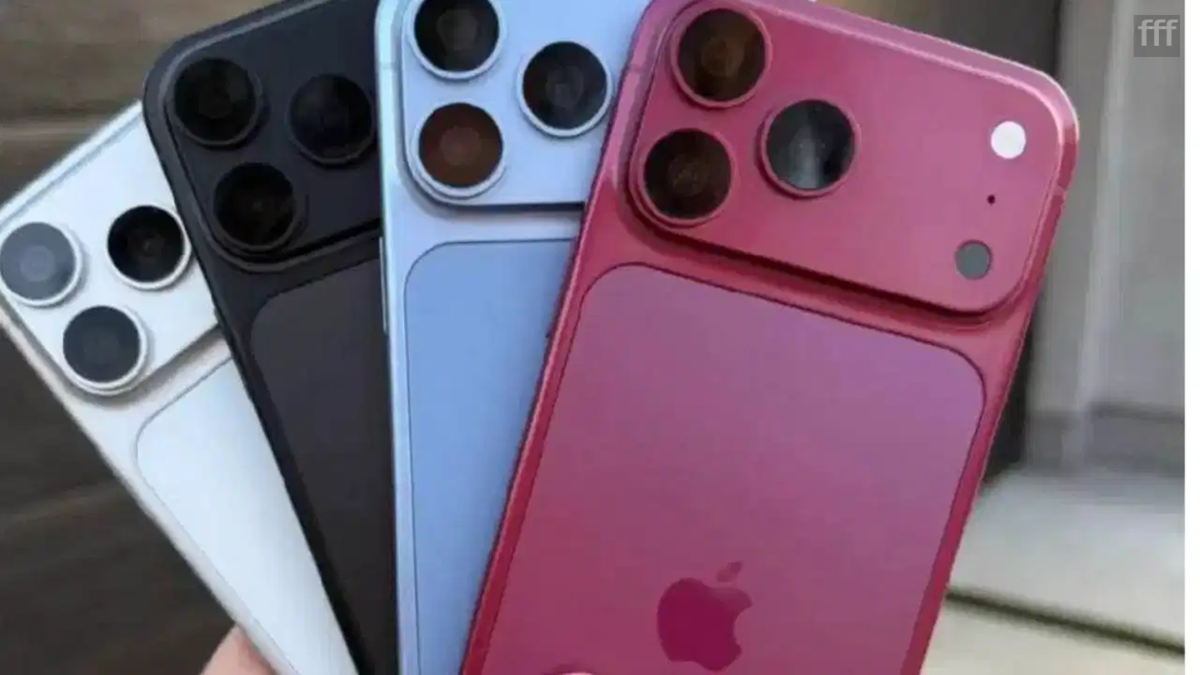
If you are planning to buy a new iPhone, there is an important step to take after purchasing it: verify whether the device in your hand is genuine or a counterfeit.
iPhones come with a high price tag. Consequently, accidentally purchasing a fake phone or the wrong model could result in a significant financial loss. Counterfeit iPhones often look so similar to the real thing that it is difficult to spot the difference at first glance. Do not rely solely on the Apple logo, the box, or the design. Instead, verify the phone's authenticity by checking its settings, software, camera, Siri, serial number, and IMEI. Additionally, if you are buying a second-hand iPhone, be sure to check its parts and service history.
**First, check the phone's information in Settings**
After turning on the phone, go to **Settings**. Then, tap on **General** followed by **About**. Here, you will find details such as the model name, model number, serial number, IMEI, iOS version, and storage capacity.
If the phone displays a different operating system or an unusual interface instead of the standard iOS experience, exercise caution; this could indicate that the phone is a counterfeit.
**Examine the box and packaging carefully**
When buying a new iPhone, pay close attention to the box's printing, Apple branding, and packaging quality. Be wary if the print is blurry, there are spelling errors, or the box's finish appears poor. Cross-reference the information on the box with the details found within the phone itself. However, do not assume the phone is genuine based solely on high-quality packaging; perform the actual verification only after turning on the device.
**Check if the phone runs on iOS**
A genuine iPhone runs on Apple's iOS operating system. Open apps like Settings, App Store, Safari, FaceTime, and other Apple applications to ensure they are functioning correctly. Some counterfeit phones look like iPhones on the outside but run on Android internally. If you spot the Google Play Store or features associated with Android, it is a major red flag.
**Test Siri as well**
Siri is Apple's voice assistant. Activate it, ask a simple question, and check if it functions correctly. If a different assistant opens instead of Siri, or if the feature does not work as expected, be wary of the phone.
**Verify the serial number and IMEI**
Go to **Settings** > **General** > **About** to find the phone's serial number and IMEI. If the original box is available, compare the numbers on it with the phone's details. If the numbers on the box and the phone do not match, ask the seller for an explanation before proceeding with the purchase. Checking these numbers helps verify the phone's identity.
**Don't just open the camera—use it**
Simply launching the camera app does not prove the phone is genuine. Take photos, record videos, and try out different camera modes. Pay attention to the focus, image quality, and video recording performance. If the phone has multiple cameras, test each one individually. On some counterfeit or refurbished phones, the camera setup may look authentic from the outside, but not all cameras function correctly.
**Be cautious when buying a second-hand iPhone**
If you are purchasing a used iPhone, check its parts and service history. This provides information about any replaced components. Ultimately, do not rely solely on the iPhone's appearance or its box. Make your purchase decision only after thoroughly checking the phone's settings, software, and essential details.
Disclaimer: This content has been sourced and edited from TV9. While we have made modifications for clarity and presentation, the original content belongs to its respective authors and website. We do not claim ownership of the content.
