
Did moisture get inside your phone's camera during the rain? Fix it with these simple methods..
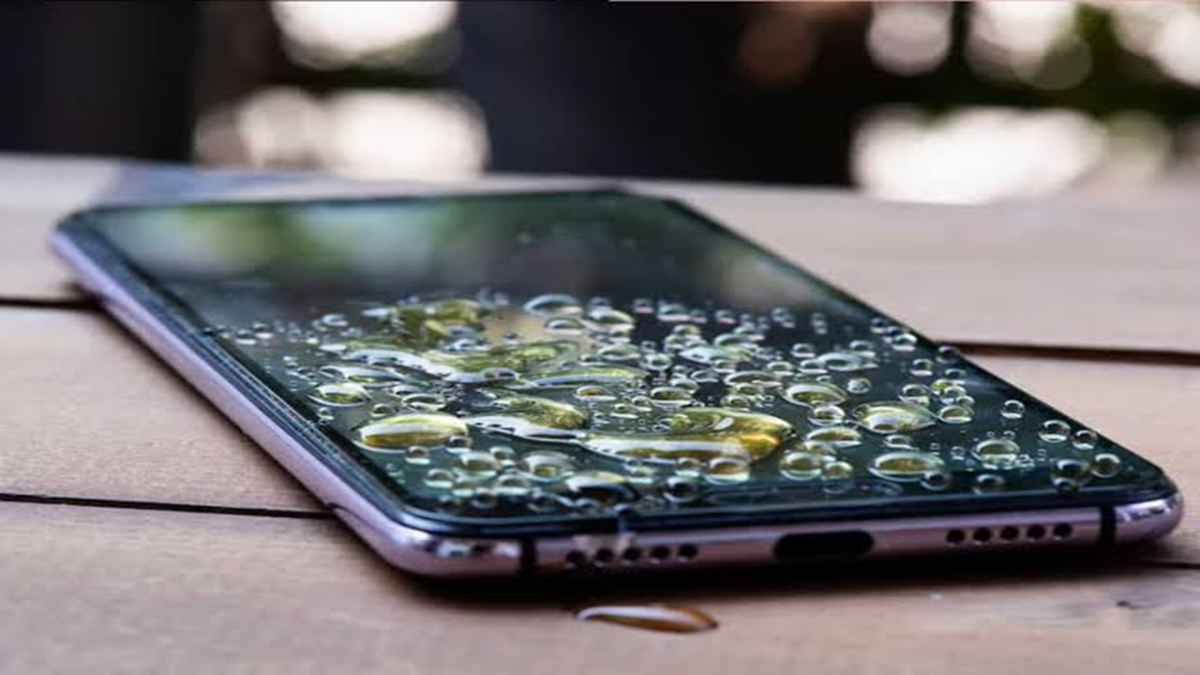
Many parts of the country have been experiencing rainfall over the past few days. Using a smartphone during this weather can lead to various issues, one of which is moisture getting inside the camera lens. Exposure to rain or high-humidity environments can sometimes cause a fog or haze to appear on the camera lens.
This results in blurry photos and can degrade the camera's image quality. If your device's camera has been affected by moisture, here is what you should do first...
What to do if there is moisture in the camera?
If you notice fog on your phone's camera, the first step is to keep the device away from rain and water. If the device is wet, switch it off immediately and do not—under any circumstances—plug it in to charge. Dry the exterior of the device and then wipe it thoroughly with a soft cloth. Finally, leave the phone in a dry, well-ventilated area for a while to allow the moisture to escape gradually.
However, if the moisture has penetrated deep inside the camera, simply cleaning the outer lens will not solve the problem. In such cases, give the phone time to dry out. While it is often suggested to place a water-damaged phone in a container of rice, this method is unreliable because small rice particles and dust can get stuck in the phone's ports. Using silica gel packets instead can yield better results.
Mistakes to avoid
Never attempt to dry a phone with moisture in the camera using a hair dryer, heater, or by exposing it to harsh, direct sunlight. Excessive heat can damage the device's display, battery, and other internal components. Do not shake the phone vigorously, and do not try to open the lens to clean it yourself.
Disclaimer: This content has been sourced and edited from Dainik Jagran. While we have made modifications for clarity and presentation, the original content belongs to its respective authors and website. We do not claim ownership of the content.
