
Delete These Apps From Your Smartphone Right Now to Protect Your Personal Data and Private Videos
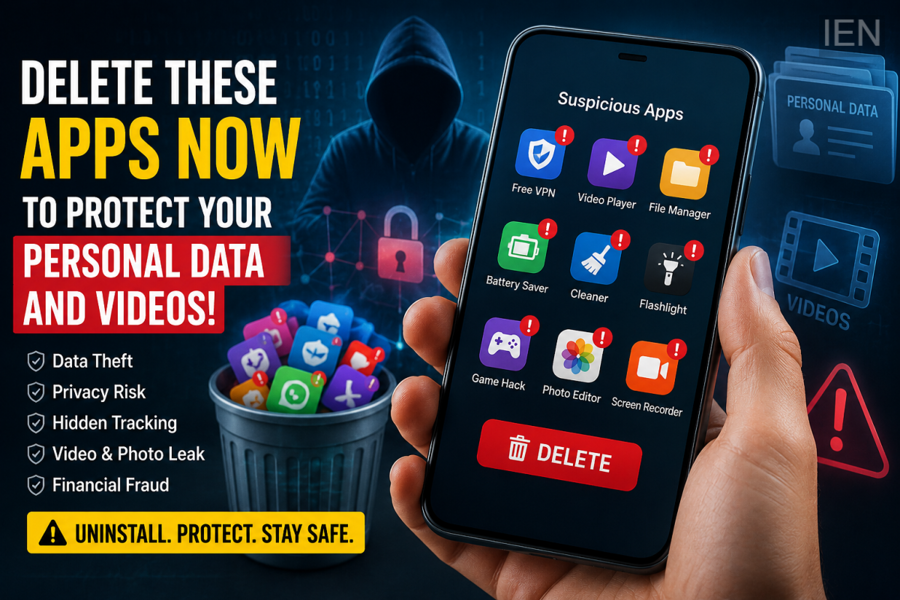
Smartphones often contain dozens of apps that users install for temporary use and then forget about. While these unused applications may seem harmless, cybersecurity experts warn that some of them can continue accessing sensitive information in the background, putting your personal data, photos, videos, and even financial details at risk.
Unused or suspicious apps may request permissions for your camera, microphone, contacts, storage, and location. If these permissions remain active, the apps can continue collecting data even when you are no longer using them. This is why security professionals recommend regularly reviewing installed apps and removing those that are no longer needed.
Why Unused Apps Can Be Dangerous
Many apps continue running background processes after installation. Some collect user information for advertising purposes, while malicious or fake apps may misuse permissions to access personal files or monitor device activity.
If an app has permission to access your storage, it could potentially view photos, videos, and documents saved on your device. Apps with microphone or camera permissions may also raise privacy concerns if downloaded from untrusted sources.
Apps You Should Consider Removing
Not every unused app is harmful, but you should immediately uninstall apps that fall into these categories:
-
Apps downloaded from unofficial websites or third-party app stores.
-
Applications you installed only once and never used again.
-
Unknown file-sharing or video-downloading apps requesting excessive permissions.
-
Fake utility apps such as flashlight, cleaner, battery booster, or antivirus apps from unknown developers.
-
Apps that are no longer supported or haven't received security updates for a long time.
Check App Permissions Regularly
Go to your phone's Settings > Privacy > Permission Manager (or the equivalent menu on your device) and review which apps have access to:
-
Camera
-
Microphone
-
Photos and videos
-
Storage
-
Contacts
-
Location
-
SMS
If an app has permissions that are not necessary for its functionality, revoke those permissions immediately or uninstall the app.
Download Apps Only From Trusted Sources
To reduce security risks, install applications only from official app stores such as Google Play Store or Apple's App Store. Before downloading any app, check the developer's name, ratings, reviews, number of downloads, and the permissions it requests.
Keeping your smartphone's operating system and installed apps updated is also essential, as updates often include important security patches.
How to Keep Your Smartphone Safe
Follow these simple practices to improve your device's security:
-
Delete apps you no longer use.
-
Avoid installing APK files from unknown websites.
-
Review app permissions every few weeks.
-
Keep your phone updated with the latest software.
-
Enable built-in security features such as Google Play Protect or similar protection tools.
-
Use strong screen locks and two-factor authentication wherever available.
Final Thoughts
A cluttered smartphone is not just a storage issue—it can also become a security risk. Regularly removing unused or suspicious applications and carefully managing app permissions can significantly reduce the chances of personal data, photos, videos, and sensitive information being exposed. Taking a few minutes to audit your installed apps can go a long way toward protecting your digital privacy.
