
Data Transfer: Switching from iPhone to Android has become incredibly easy; now, the entire data transfer can be completed in minutes..
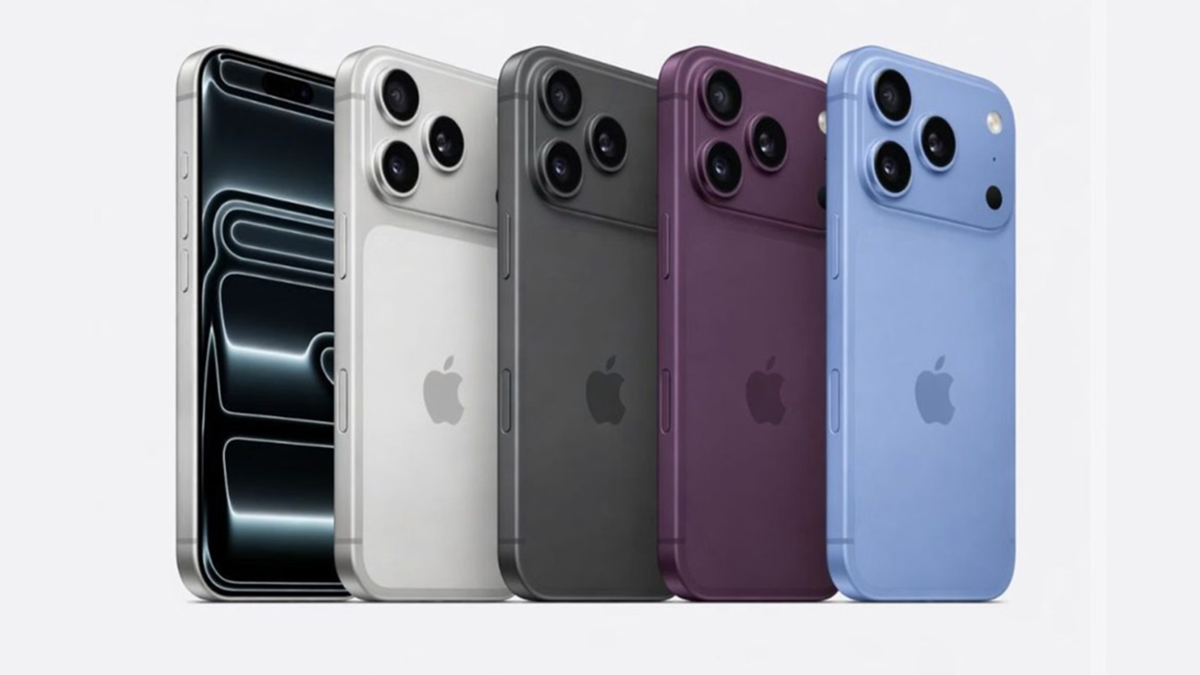
If you are considering switching from an iPhone to an Android smartphone, Google has made the process easier than ever. With Android 17, the company has introduced a new migration system that simplifies transferring data from an iPhone to a new Android phone. Notably, this process does not require any third-party apps.
According to Google, the new data transfer feature in Android 17 operates during the initial setup process. This means users can wirelessly copy essential data directly from their iPhone while setting up their new Android phone.
What data can be transferred?
While earlier transfers were limited to items like photos, contacts, and messages, the capability has now been significantly expanded. Android 17 allows for the transfer of various important details linked to the Google account to the new phone.
This includes Google account details, saved passwords, Wi-Fi network passwords, and eSIM information. This will save considerable time and effort when setting up a new phone.
Feature currently available on select devices
Google has stated that this new migration system is initially rolling out to a limited number of devices. However, as it is part of Android 17, it will be made available on other supported smartphones in the future. This will enable users to easily transfer their old iPhone's settings and essential data to their new Android phone.
How the new migration system works
When setting up a new Android 17 device, you will see an option to copy data from an iPhone or iPad. Upon selecting this option, the Android phone will generate a QR code. Scanning this QR code with the iPhone establishes a wireless connection between the two devices.
Users can then choose exactly which data to transfer to the new phone. Google recommends ensuring that both devices are fully charged and connected to the same Wi-Fi network, and that the new Android phone has sufficient storage space before starting the transfer. If storage is insufficient, the data transfer process cannot be completed.
Disclaimer: This content has been sourced and edited from Amar Ujala. While we have made modifications for clarity and presentation, the original content belongs to its respective authors and website. We do not claim ownership of the content.
